Introduction
We are going to teach you how to remove the buttons of your Digital2 Platinum Pad 9. This is a very simple guide and easy to follow and complete. But you will need to be able to identify components, you can learn how to do that by following this guide Recognizing & Disconnecting Cable Connectors.
What you need
-
-
-
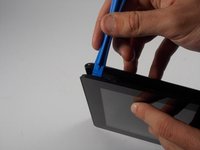
Take the plastic opening tool and insert it into the crease between the screen and the plastic casing and press down.
 Ask FixBot
-
-
-
After inserting the plastic opening tool, run it around the device a few times to loosen the external cover.
-
-
-
Once you've gone around a few times a corner will pop up, insert the opening tool there and repeat step 2 with slightly more pressure. Do this until every section of the backing has popped up.
-
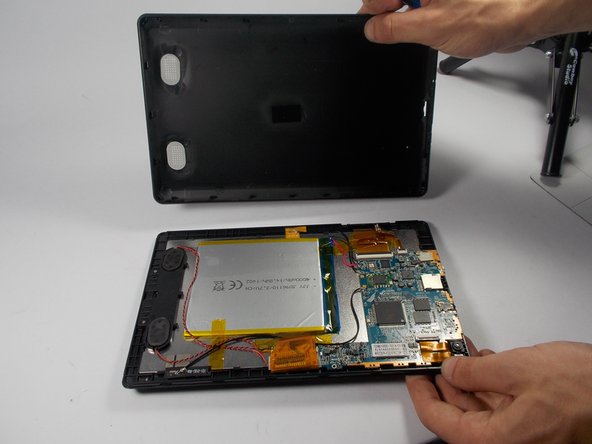
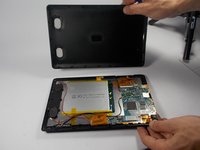
Then just remove the backing.
-
-
-
-
-
-
You can locate the volume buttons on one of the longer sides of the tablet.
-
-
-
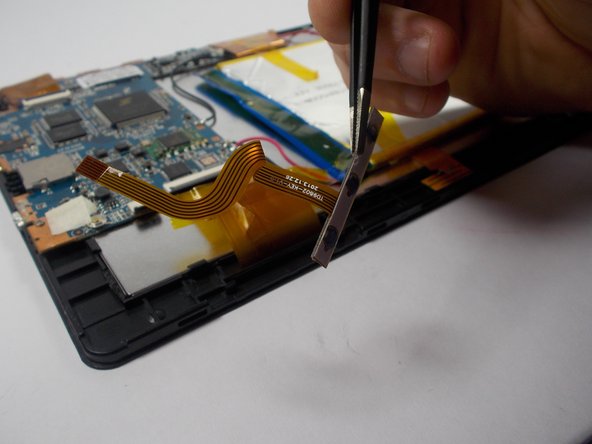
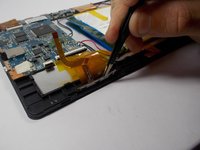
Lift up the ZIF connector that is attached to the volume buttons ribbon cable.
-
-
Tool used on this step:Tweezers$4.99
-
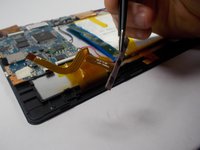
Then use the precision tweezers to grab the volume buttons.
-
Pull until the buttons come out.
-
-





To reassemble your device, follow these instructions in reverse order.

Team

UMass Dartmouth, Team 5-6, Landers Spring 2016 Member of UMass Dartmouth, Team 5-6, Landers Spring 2016
UMASSD-LANDERS-S16S5G6
3 Members
72 Guides authored
