Introduction
This guide will teach you how to remove your front/rear facing camera so that you can replace them. This is for if your cameras are not functioning properly or not working at all. You should feel comfortable taking apart your device and using a plastic opening tool to do so. You will also need to be able to identify components of your device and you can learn to do that by following this guide here Recognizing & Disconnecting Cable Connectors.
What you need
-
-
-
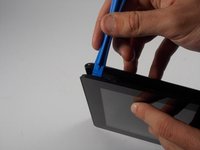
Take the plastic opening tool and insert it into the crease between the screen and the plastic casing and press down.
 Ask FixBot
-
-
-
After inserting the plastic opening tool, run it around the device a few times to loosen the external cover.
-
-
-
Once you've gone around a few times a corner will pop up, insert the opening tool there and repeat step 2 with slightly more pressure. Do this until every section of the backing has popped up.
-
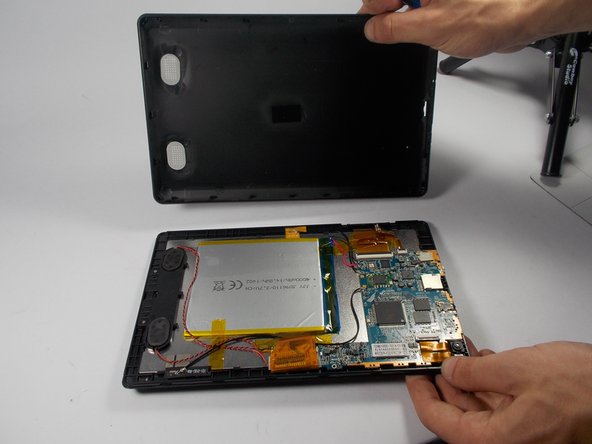
Then just remove the backing.
-
-
-
-
-
-
The front/rear facing cameras are located in the corner of the device one is facing toward you and is black. The other is facing away so you will see the white backing.
-
-
-
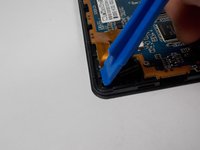
Use the plastic opening tool to pop up the cameras from their slot in the Tablet.
-
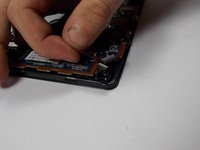
Then use your hand to lift up the cameras.
-
-
-
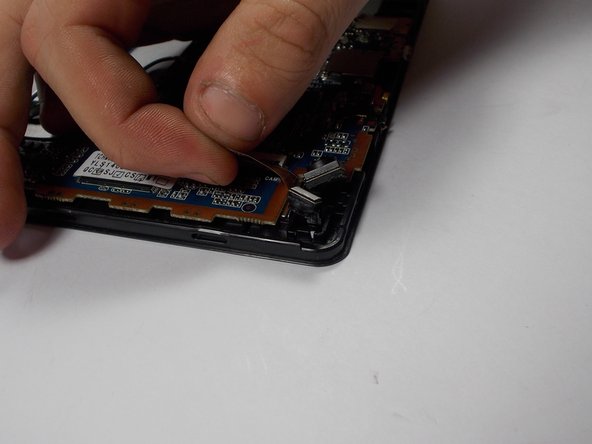
Use a smaller plastic opening tool to lift up the ZIF connector in which the cameras are plugged into.
-
-






To reassemble your device, follow these instructions in reverse order.

Team

UMass Dartmouth, Team 5-6, Landers Spring 2016 Member of UMass Dartmouth, Team 5-6, Landers Spring 2016
UMASSD-LANDERS-S16S5G6
3 Members
72 Guides authored
