
Digital2 D2-861G LCD Screen Replacement

Eduardo Duran and 2 other contributors
Last updated on Dec 22, 2016
Views: 982
View statistics:
- Past 24 Hours:
- 2
- Past 7 Days:
- 12
- Past 30 Days:
- 88
- All Time:
- 982
Comments: 0
No one has left comments on this guide. Will you be first?
Go to guide commentsCompleted: 0 1
No one has marked this guide "completed." Will you be the first?
1 person has marked this guide "completed." It's you — great job!
Favorites: 0 1
No one has favorited (and subscribed to) this guide. Will you be the first?
1 person has favorited (and subscribed to) this guide — and that's you!
Step Trimmer
This guide has unnecessary steps. Trim them to be more concise!
Introduction
Go to step 1 ↓This guide will be showing you how to replace the LCD screen. Be sure to carefully remove components to avoid damaging the device.
What you need
Tools
-
Spudger4.9


-
-
-
Insert spudger in the slot below the micro SD card
-
With the spudger tool, run along the edges of the backing undoing 20 plastic clips.
-
-
-
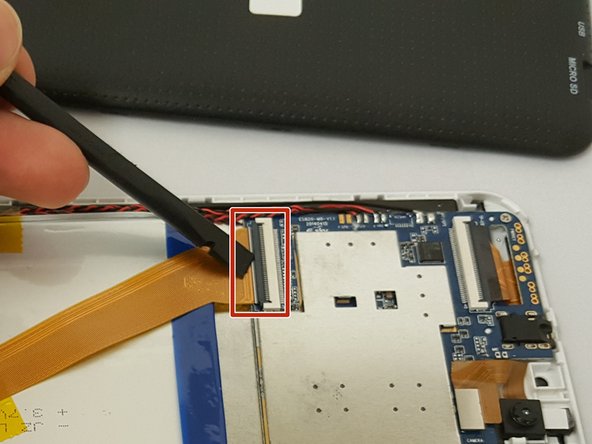
Remove ALL the yellow tape securing the gold colored ZIF (Zero insertion force) connector and the battery. Discard or save the tape if you would like.
-
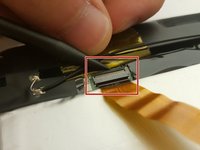
To unclip the connector. Go under the black tab with a spudger or finger nail and simply lift up.
-
-
-
Locate the bundled cable connector and disconnect it by simply pulling it gently with your hands or using a spudger.
-
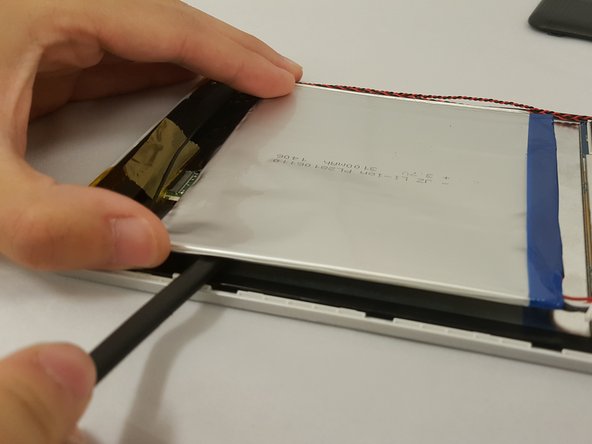
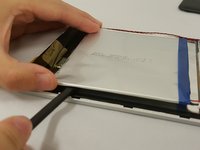
Use prying tools to carefully break the adhesive under the battery
-
-
-
-
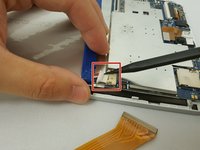
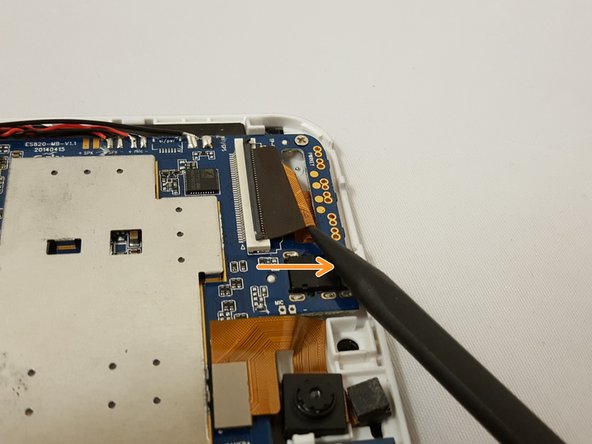
Locate the flat-top connector. Go under it with the spudger and simply lift up.
-
-
-
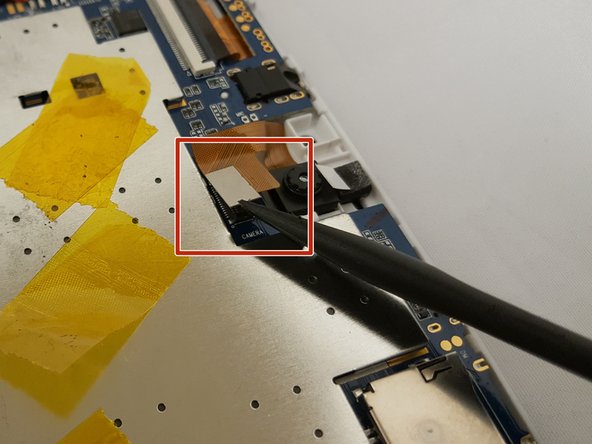
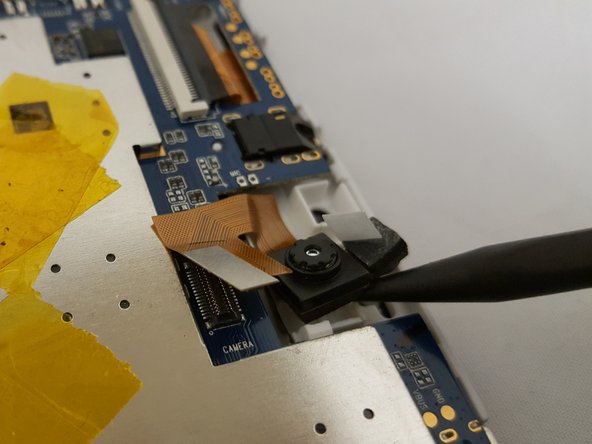
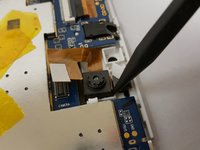
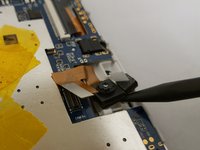
To remove the camera, simply use the pointed end of the spudger and insert it in the corner and gently lift.
-
-
-
Remove two 3.51mm screws located on the bottom corners of the device with your Phillips #00 Screwdriver.
-
Carefully lift the casing and pull back the tape along with the soldered wire.
-
-
-
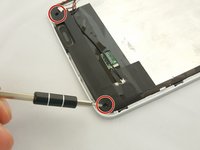
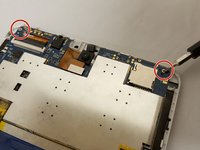
Remove the two 3.51mm screws that are located on the top corners of the device with the same phillips screwdriver..
-
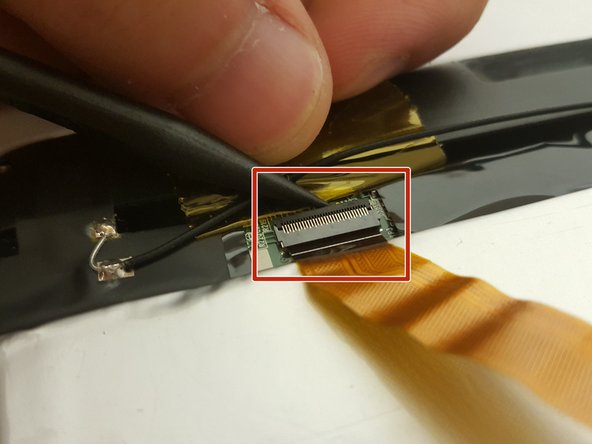
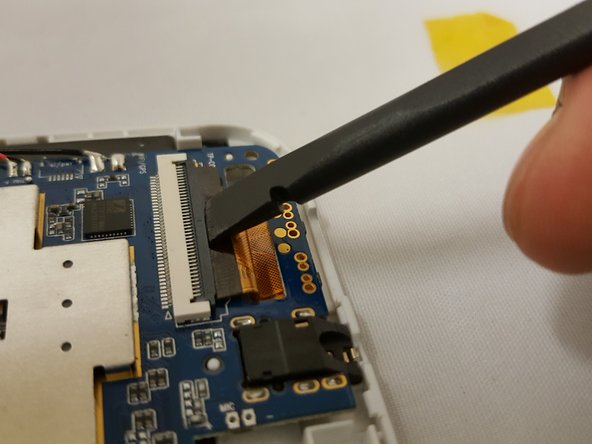
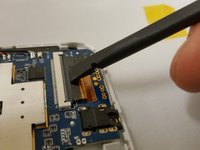
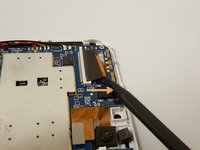
Next, unplug the ZIF connector and slide it out with the pointed side of the spudger.
-
To unclip the connector, go under the black tap and simply lift with your finger nail or spudger.
-
-
-
-
Watch out for the ZIF connector!
-
To remove the motherboard, grab the component on the top left and gently lift. Be careful with the clip holding the motherboard.
-
-
-
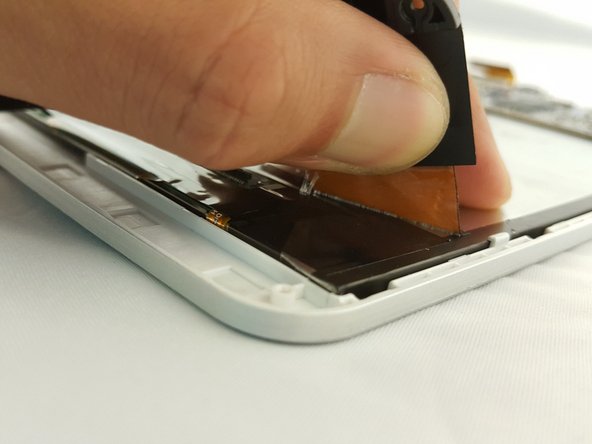
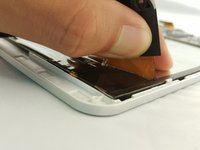
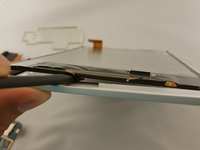
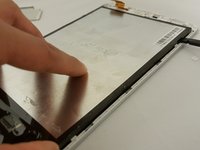
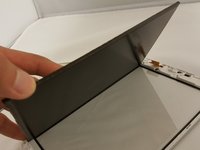
Now that every component is removed, use the flat side of the spudger and insert it on the bottom of the screen.
-
Gently move along the edges to lift the screen.
-
-

 Ask FixBot










To reassemble your device, follow these instructions in reverse order.

Team

Eastern Washington University, Team 1-3, Crane Fall 2016 Member of Eastern Washington University, Team 1-3, Crane Fall 2016
EWU-CRANE-F16S1G3
3 Members
72 Guides authored
