Introduction
If your DigiLand DL1016 tablet is experiencing issues such as poor battery performance, overheating, or inaccurate battery percentage readings, it may be time to replace the battery. This guide will walk you through the steps to safely replace the battery and restore your tablet’s performance.
What You Should Know:
The tablet’s battery is a rechargeable lithium-ion power source that makes your device portable and convenient to use. When the battery becomes faulty or stops holding a charge, replacing it can give your tablet a new lease on life.
Before You Begin:
- Confirm that the battery is dead or faulty by checking for symptoms such as:
- Failure to hold a charge.
- Short battery life.
- Overheating during use or charging.
- Inaccurate battery percentage readings.
- For detailed inspection steps, refer to the DigiLand 10.1'' DL1016 troubleshooting page.
Important Safety Notes:
- In step 4, you will be asked to remove the battery from the tablet. This step requires you to use an ESD-safe pry tool to lift the battery up in order to prevent electrostatic discharge from damaging sensitive electronic components.
Most importantly, proceed with caution and take appropriate measures if the battery you are trying to replace is swollen or punctured.
What you need
-
-
-
Use an opening pick and an opening tool to pry the backing off the back of the tablet.
 Ask FixBot
-
-
-
-
-
-
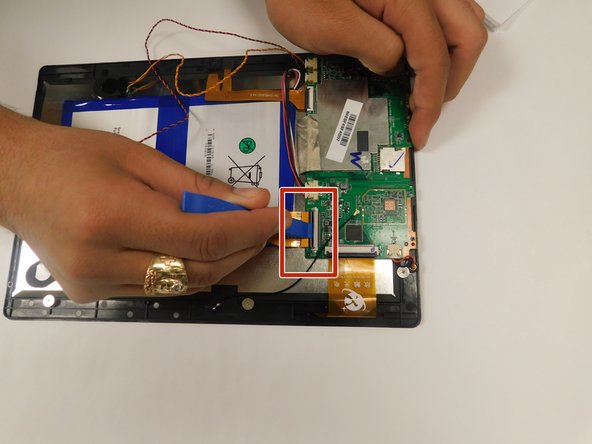
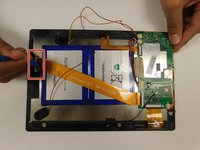
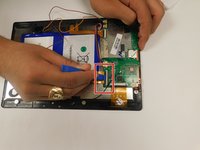
Pull back the black flaps on the ZIF cable connectors.
-
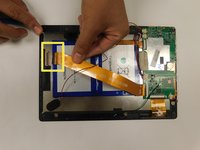
Pull the ribbon cables out of the connectors.
-
-
-
-
-
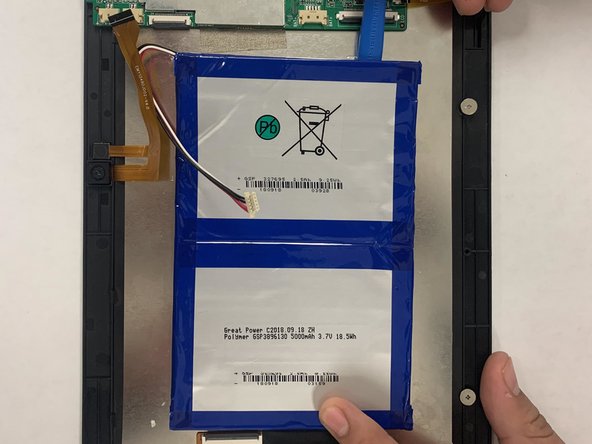
There is glue that holds the battery down, so carefully pry it open. You may need to use some force.
-
-
-
-
-
Once you remove the battery, simply replace the battery with a new one.
-
-




To reassemble your device, follow these instructions in reverse order.

Team

Gateway, Team S1-G2, Saknee Fall 2019 Member of Gateway, Team S1-G2, Saknee Fall 2019
GCC-SAKNEE-F19S1G2
4 Members
5 Guides authored
1 Guide Comment
Where I can buy this battery ? From the screenshot it looks to be a fit for a Tanoshi 2 in 1 computer
