
DigiLand DL8006 Motherboard Replacement

Alec Trela and 7 other contributors
Last updated on May 7, 2024
Views: 570
View statistics:
- Past 24 Hours:
- 1
- Past 7 Days:
- 10
- Past 30 Days:
- 52
- All Time:
- 570
Comments: 0
No one has left comments on this guide. Will you be first?
Go to guide commentsCompleted: 1 2
1 person has marked this guide "completed." Will you be next?
2 people have marked this guide "completed." Including you — great job!
Favorites: 0 1
No one has favorited (and subscribed to) this guide. Will you be the first?
1 person has favorited (and subscribed to) this guide — and that's you!
Needs Better Images
Better photos will improve this guide. Help out by taking, editing, or uploading new ones!
Slice and Dice
The steps in this guide should be split up and made into a series of prerequisite guides.
Introduction
Go to step 1 ↓This guide will demonstrate how to replace to the DigiLand DL8006's motherboard. If your device is is experiencing frequent freezes and system lockups, and you have determined that it is not the fault of the RAM, power supply, or CPU, you may need to replace your motherboard. Make sure that you save your data on a separate device, as all the locally stored date will be removed when your motherboard is replaced.
What you need
Parts
Tools


-
-
-
Remove the backing of the tablet to reveal the internal components using a plastic opening tool.
 Ask FixBot
-
-
-
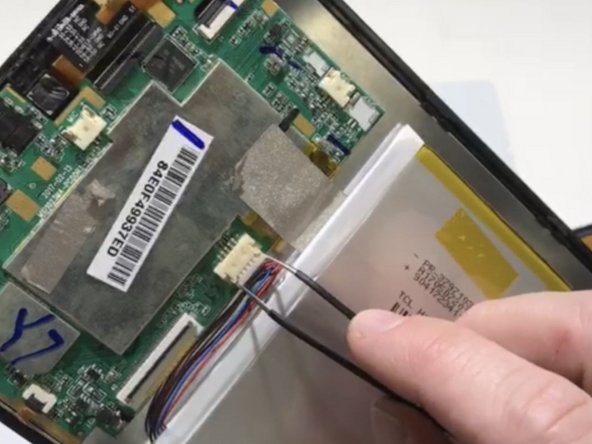
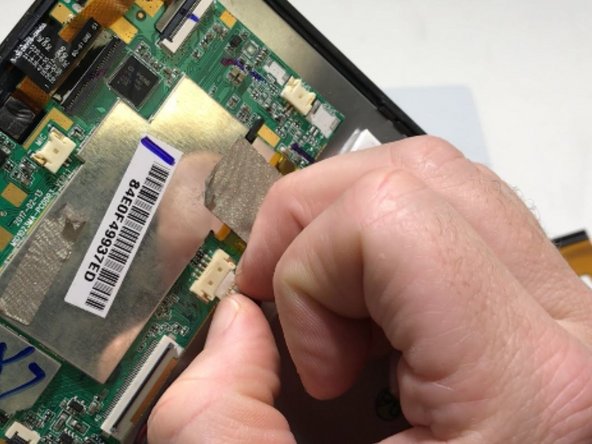
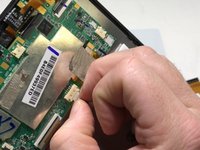
Peel back the metallic tape connecting the motherboard to the tablet body with your fingers.
-
-
Tool used on this step:Tweezers$4.99
-
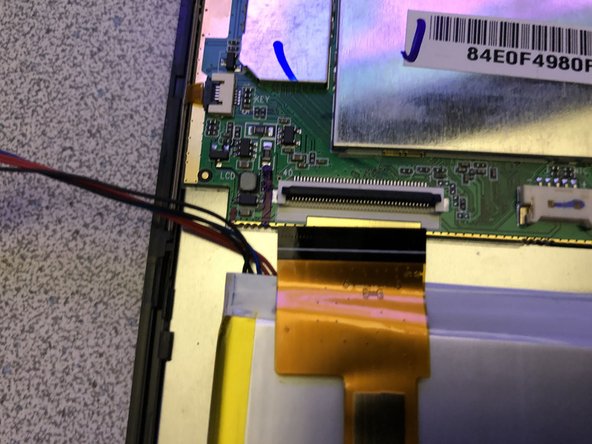
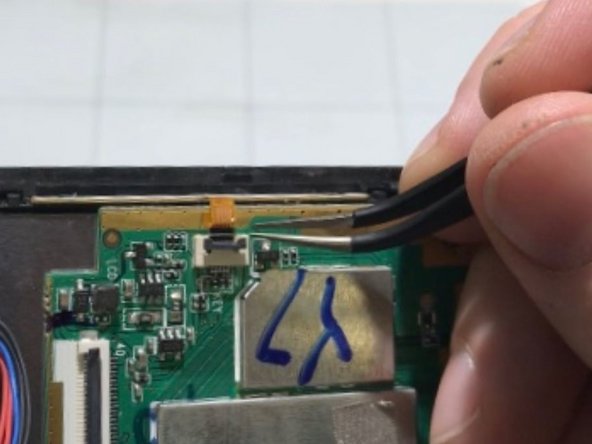
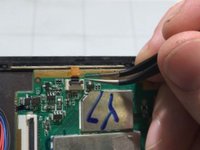
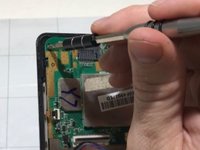
Opening the locking tab of the ZIF connector and carefully remove the upper section of the ribbon cable from the motherboard using tweezers.
-
-
-
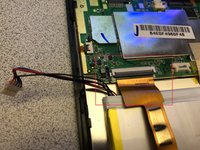
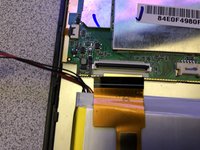
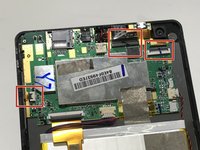
Disconnect the three remaining ribbons by opening the locking tabs of the ZIF connectors and gently pulling the cables out.
-
-
-
-
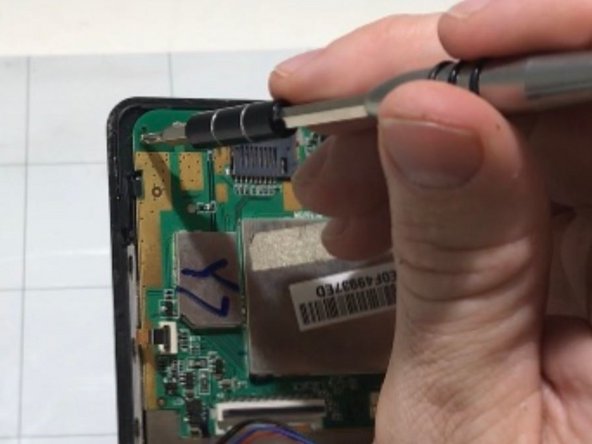
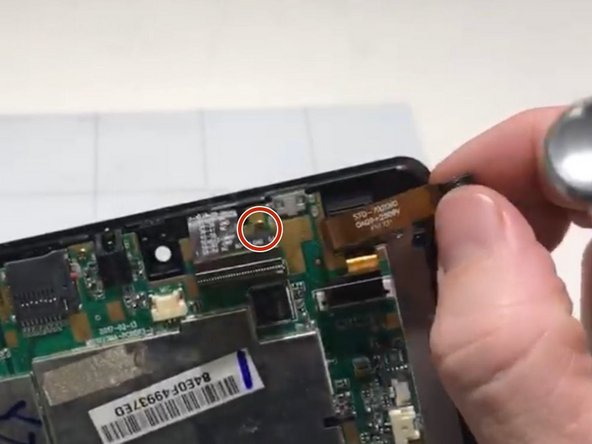
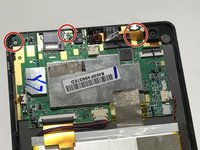
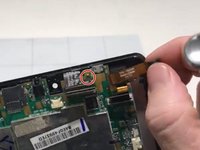
Remove the 3 mounting screws from the motherboard with a Phillips #0 screwdriver.
-
-






To reassemble your device, follow these instructions in reverse order.
Cancel: I did not complete this guide.
One other person completed this guide.

Team

University of Memphis, Team S2-G5, Kim Fall 2019 Member of University of Memphis, Team S2-G5, Kim Fall 2019
UM-KIM-F19S2G5
3 Members
60 Guides authored
