Free Shipping on Domestic Orders $75+

Delphi MyFi XM2GO Motherboard Replacement

What you need

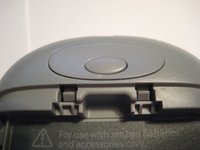
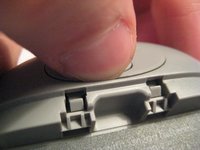
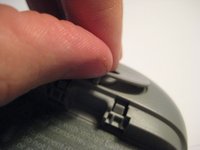
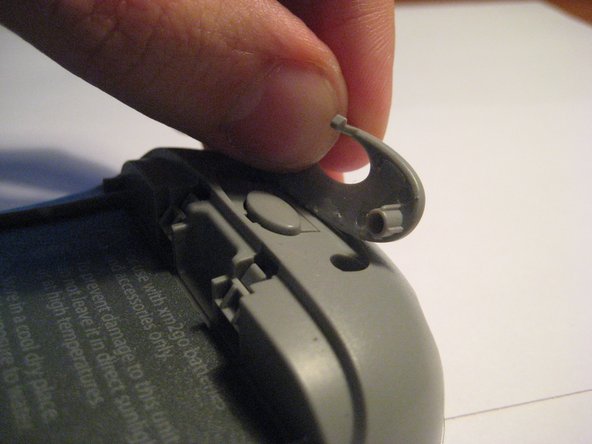
  1. Delphi MyFi XM2GO Motherboard Replacement, Battery Cover: step 1, image 1 of 3 Delphi MyFi XM2GO Motherboard Replacement, Battery Cover: step 1, image 2 of 3 Delphi MyFi XM2GO Motherboard Replacement, Battery Cover: step 1, image 3 of 3
    • Locate the large button on the top of the device.

    • Push down on the button and slide the cover away from the button.

    • The battery removal tab may pop up.

    Ask FixBot

    Add Comment

  2. Delphi MyFi XM2GO Motherboard Replacement, Battery: step 2, image 1 of 3 Delphi MyFi XM2GO Motherboard Replacement, Battery: step 2, image 2 of 3 Delphi MyFi XM2GO Motherboard Replacement, Battery: step 2, image 3 of 3
    • Grab the red pull tab and pull down to unlock the latch.

    • Pull the battery out.

    Ask FixBot

    Add Comment

  3. Delphi MyFi XM2GO Motherboard Replacement, Motherboard: step 3, image 1 of 2 Delphi MyFi XM2GO Motherboard Replacement, Motherboard: step 3, image 2 of 2
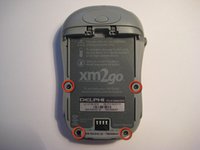
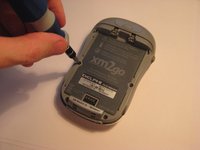
    • Remove the four screws from the bottom of the device using a T6 Torx screwdriver.

    Ask FixBot

    Add Comment

  4. Delphi MyFi XM2GO Motherboard Replacement: step 4, image 1 of 3 Delphi MyFi XM2GO Motherboard Replacement: step 4, image 2 of 3 Delphi MyFi XM2GO Motherboard Replacement: step 4, image 3 of 3
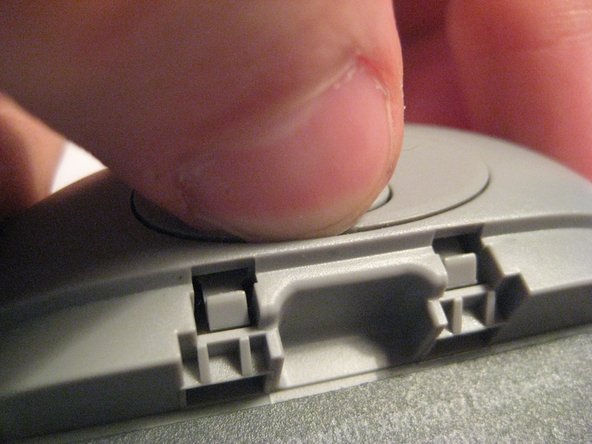
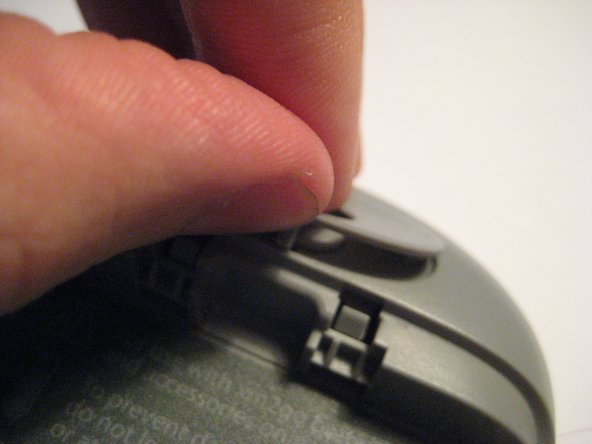
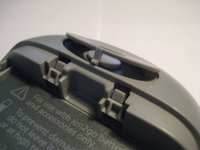
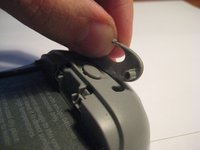
    • Remove the button cover on the back of the device by prying it up with a spudger or your thumb nail.

    Ask FixBot

    Add Comment

  5. Delphi MyFi XM2GO Motherboard Replacement: step 5, image 1 of 3 Delphi MyFi XM2GO Motherboard Replacement: step 5, image 2 of 3 Delphi MyFi XM2GO Motherboard Replacement: step 5, image 3 of 3
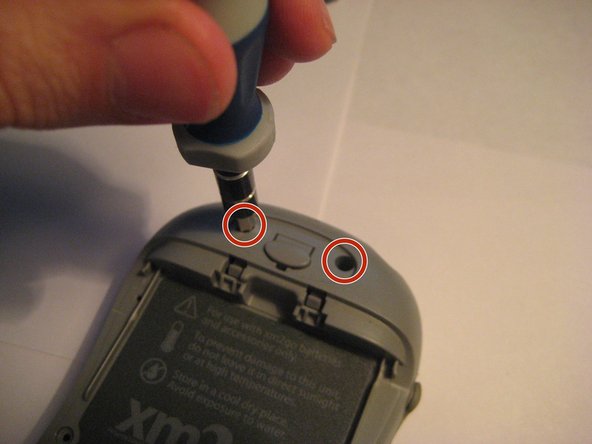
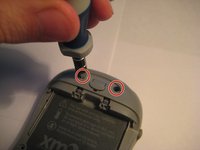
    • Remove the two screws under the button using the T6 Torx screwdriver.

    Ask FixBot

    Add Comment

  6. Delphi MyFi XM2GO Motherboard Replacement: step 6, image 1 of 2 Delphi MyFi XM2GO Motherboard Replacement: step 6, image 2 of 2
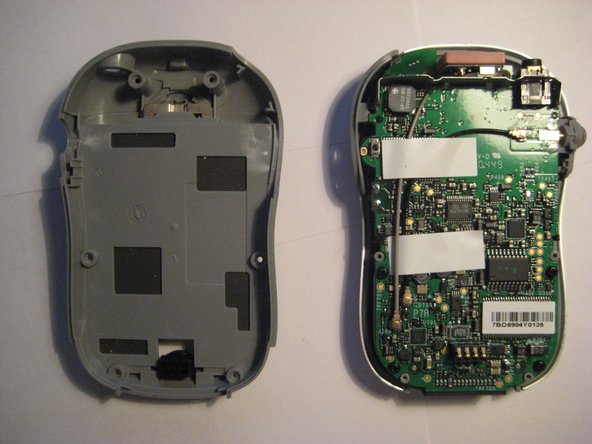
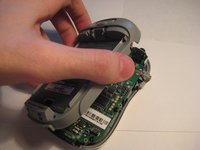
    • Remove the back cover.

    Ask FixBot

    Add Comment

  7. Delphi MyFi XM2GO Motherboard Replacement: step 7, image 1 of 2 Delphi MyFi XM2GO Motherboard Replacement: step 7, image 2 of 2
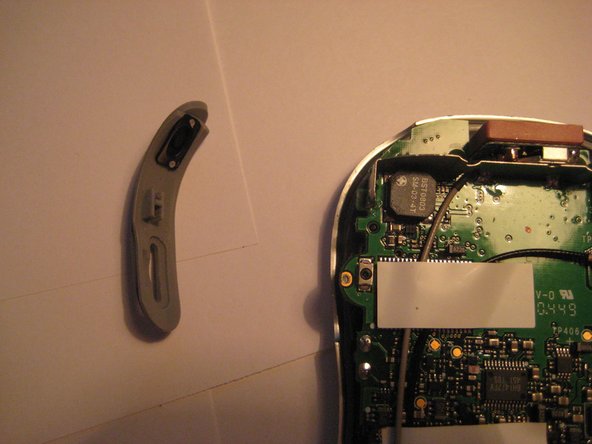
    • Remove the power button by pulling it to the left.

    Ask FixBot

    Add Comment

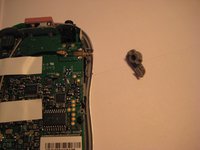
  8. Delphi MyFi XM2GO Motherboard Replacement: step 8, image 1 of 2 Delphi MyFi XM2GO Motherboard Replacement: step 8, image 2 of 2
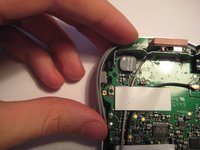
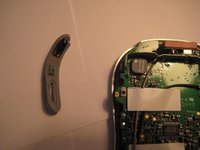
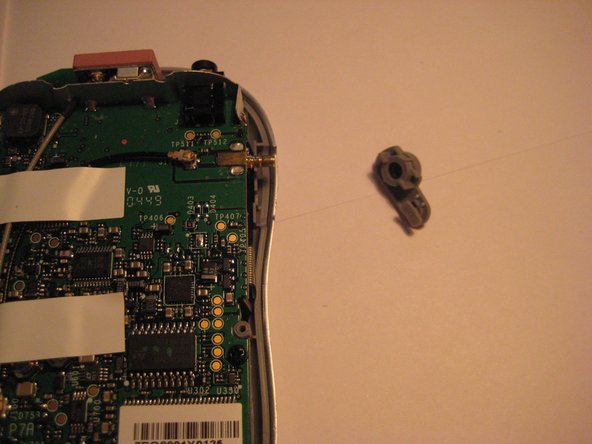
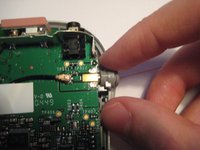
    • Remove the plastic antenna extension connector on the right side of the device.

    Ask FixBot

    Add Comment

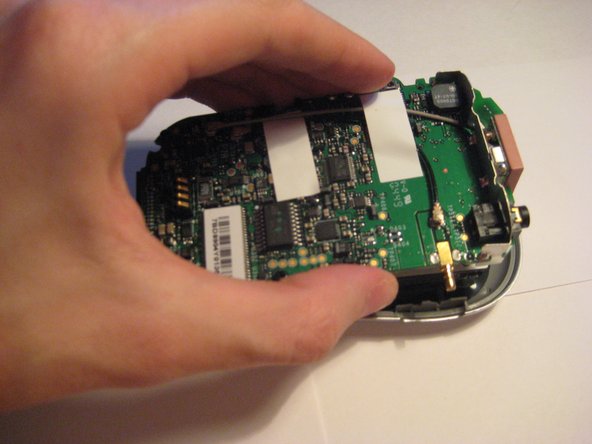
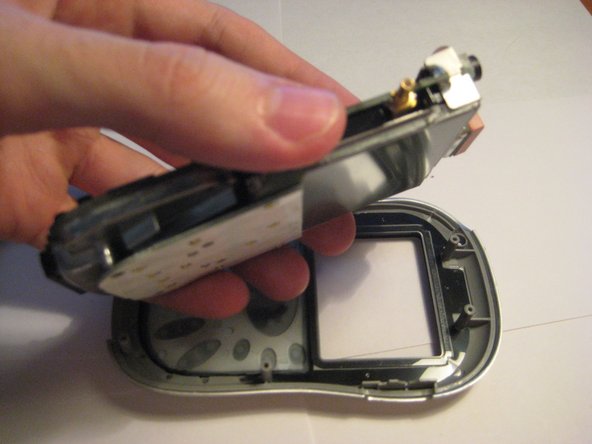
  9. Delphi MyFi XM2GO Motherboard Replacement: step 9, image 1 of 3 Delphi MyFi XM2GO Motherboard Replacement: step 9, image 2 of 3 Delphi MyFi XM2GO Motherboard Replacement: step 9, image 3 of 3
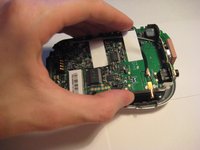
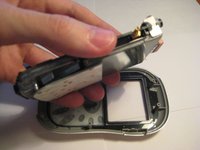
    • Pull up on the motherboard to remove it from the device.

    • The LCD screen and keypad are only connected to the motherboard with ribbon cables. They will hang down as the motherboard is removed.

    Ask FixBot

    Add Comment

Conclusion

To reassemble your device, follow these instructions in reverse order.

Cancel: I did not complete this guide.

One other person completed this guide.

Scott Byer

Member since: 03/09/12

88 Reputation

5 Guides authored

Team

Clemson, Team 1-2, Benson Spring 2012 Member of Clemson, Team 1-2, Benson Spring 2012

CLEM-BENSON-S12S1G2

3 Members

9 Guides authored

0 Guide Comments

Add Comment

View Statistics:

Past 24 Hours: 1

Past 7 Days: 7

Past 30 Days: 29

All Time: 2,883