Free Shipping on Domestic Orders $75+

Dell Vostro 5510 Motherboard Replacement

What you need

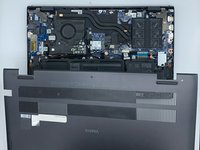
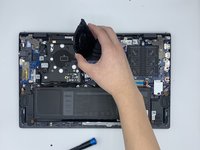
    1. Dell Vostro 5510 Motherboard Replacement, Back Cover: step 1, image 1 of 1
      • Power off your laptop before beginning disassembly.

      • Place the laptop so the bottom cover is facing upwards.

      Ask FixBot
      Add Comment

    2. Dell Vostro 5510 Motherboard Replacement: step 2, image 1 of 1
      • Remove the remaining (M2x4mm) screws with the screwdriver.

      • Loosen the two captive (M2x7.5mm) corner screws with the screwdriver.

      Ask FixBot

      Add Comment

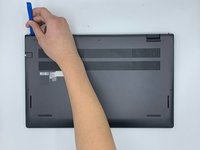
    3. Dell Vostro 5510 Motherboard Replacement: step 3, image 1 of 3 Dell Vostro 5510 Motherboard Replacement: step 3, image 2 of 3 Dell Vostro 5510 Motherboard Replacement: step 3, image 3 of 3
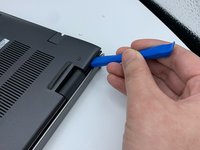
      • Pry open the top left corner of the cover with the opening tool.

      • Pry open the top right corner of the cover with the opening tool.

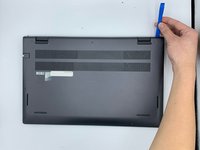
      • Pry the rest of the cover with the opening tool, working in a clockwise motion until it is completely loosened.

      Ask FixBot

      Add Comment

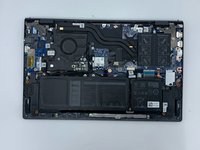
    4. Dell Vostro 5510 Motherboard Replacement: step 4, image 1 of 3 Dell Vostro 5510 Motherboard Replacement: step 4, image 2 of 3 Dell Vostro 5510 Motherboard Replacement: step 4, image 3 of 3
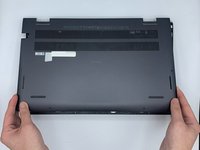
      • Lift the cover to remove it from the rest of the laptop.

      Ask FixBot

      Add Comment

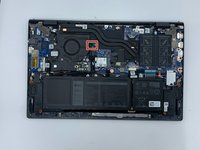
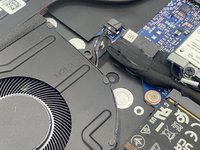
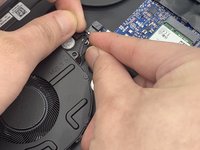
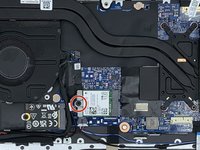
    1. Dell Vostro 5510 Motherboard Replacement, Fan: step 5, image 1 of 3 Dell Vostro 5510 Motherboard Replacement, Fan: step 5, image 2 of 3 Dell Vostro 5510 Motherboard Replacement, Fan: step 5, image 3 of 3
      • Disconnect the fan cable from the system board.

      Ask FixBot
      Add Comment

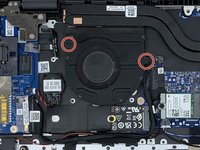
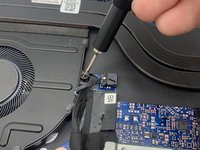
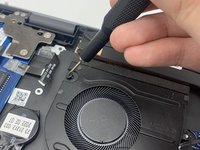
    2. Dell Vostro 5510 Motherboard Replacement: step 6, image 1 of 3 Dell Vostro 5510 Motherboard Replacement: step 6, image 2 of 3 Dell Vostro 5510 Motherboard Replacement: step 6, image 3 of 3
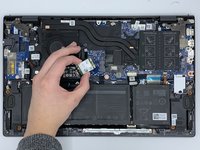
      • Remove the two (M2x3mm) screws from the fan using the screwdriver.

      Ask FixBot
      Add Comment

    3. Dell Vostro 5510 Motherboard Replacement: step 7, image 1 of 2 Dell Vostro 5510 Motherboard Replacement: step 7, image 2 of 2
      • Lift the fan to remove it.

      Ask FixBot

      Add Comment

    1. Dell Vostro 5510 Motherboard Replacement, Wireless Card: step 8, image 1 of 1
      • Locate the wireless card.

      Ask FixBot

      Add Comment

    2. Dell Vostro 5510 Motherboard Replacement: step 9, image 1 of 2 Dell Vostro 5510 Motherboard Replacement: step 9, image 2 of 2
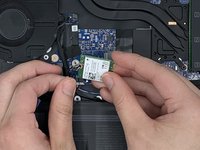
      • Remove the screw (M2x3mm) from the wireless card with the screwdriver.

      • Lift the card without removing it completely.

      Ask FixBot
      Add Comment

    3. Dell Vostro 5510 Motherboard Replacement: step 10, image 1 of 2 Dell Vostro 5510 Motherboard Replacement: step 10, image 2 of 2
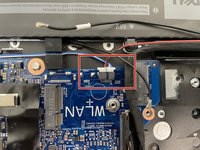
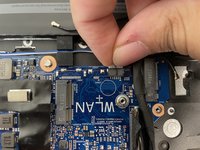
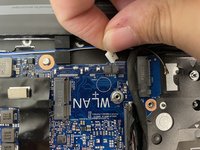
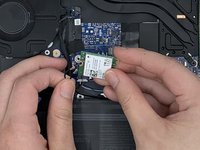
      • Disconnect the antenna cables from the wireless card.

      Ask FixBot
      Add Comment

    1. Dell Vostro 5510 Motherboard Replacement, SSD Card: step 11, image 1 of 1
      • Locate the SSD card.

      Ask FixBot

      Add Comment

    2. Dell Vostro 5510 Motherboard Replacement: step 12, image 1 of 1
      • Remove the screw (M2x3mm) with the screwdriver.

      Ask FixBot

      Add Comment

    3. Dell Vostro 5510 Motherboard Replacement: step 13, image 1 of 1
      • Grab the elevated side of the card.

      • Remove the card from the card slot.

      Ask FixBot

      Add Comment

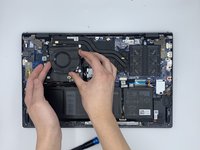
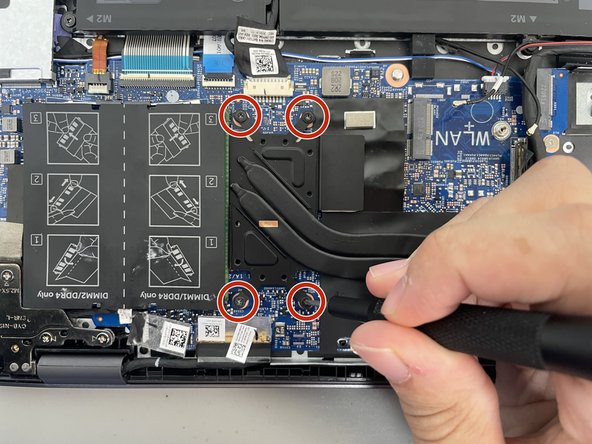
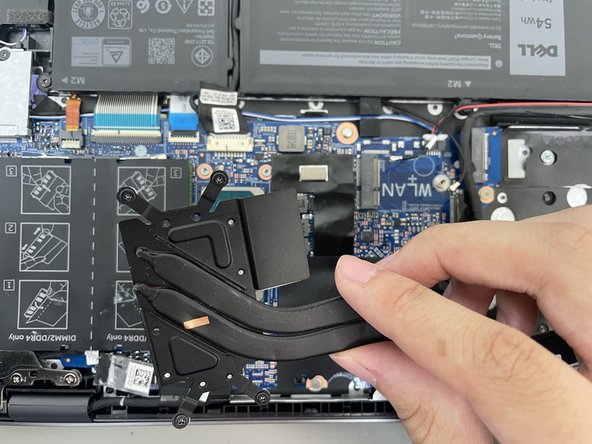
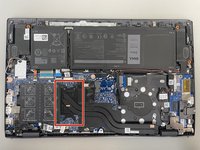
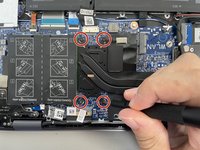
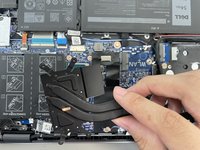
    1. Dell Vostro 5510 Motherboard Replacement, Motherboard: step 14, image 1 of 3 Dell Vostro 5510 Motherboard Replacement, Motherboard: step 14, image 2 of 3 Dell Vostro 5510 Motherboard Replacement, Motherboard: step 14, image 3 of 3
      • Loosen the four 2.9 mm screws from the heat pipe with the Phillips #0 screwdriver.

      • Remove the heat pipe with your fingers.

      Ask FixBot

      Add Comment

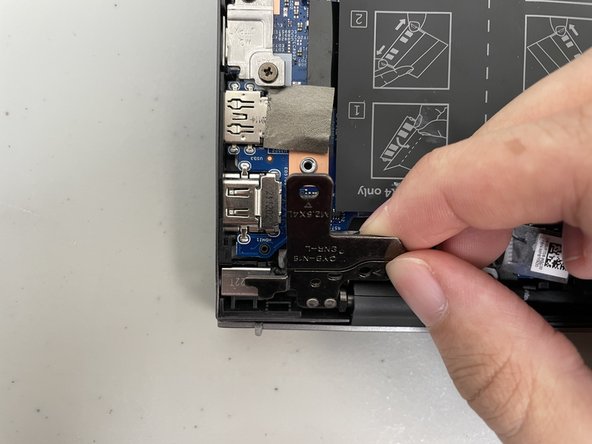
    2. Dell Vostro 5510 Motherboard Replacement: step 15, image 1 of 2 Dell Vostro 5510 Motherboard Replacement: step 15, image 2 of 2
      • Remove the three 4.9 mm screws from the hinge on the left with the Phillips #0 screwdriver.

      • Lift the hinge up from the motherboard.

      Ask FixBot

      Add Comment

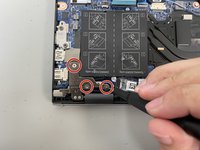
    3. Dell Vostro 5510 Motherboard Replacement: step 16, image 1 of 2 Dell Vostro 5510 Motherboard Replacement: step 16, image 2 of 2
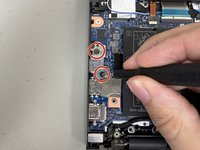
      • Remove the two 4.7 mm screws from the metal plate on the left of the motherboard with the Phillips #0 screwdriver.

      • Remove the metal plate with your fingers.

      Ask FixBot

      Add Comment

    4. Dell Vostro 5510 Motherboard Replacement: step 17, image 1 of 2 Dell Vostro 5510 Motherboard Replacement: step 17, image 2 of 2
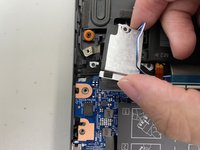
      • Remove the 3.7 mm screw from the flat plate at the top of the motherboard with the Phillips #0 screwdriver.

      • Remove the flat plate with your fingers.

      Ask FixBot

      Add Comment

    5. Dell Vostro 5510 Motherboard Replacement: step 18, image 1 of 1
      • Remove the three 2.2 mm screws from the motherboard with a Phillips #0 screwdriver.

      Ask FixBot

      Add Comment

    6. Dell Vostro 5510 Motherboard Replacement: step 19, image 1 of 3 Dell Vostro 5510 Motherboard Replacement: step 19, image 2 of 3 Dell Vostro 5510 Motherboard Replacement: step 19, image 3 of 3
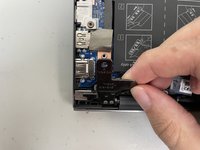
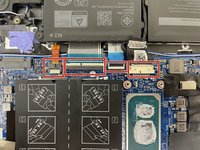
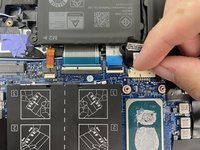
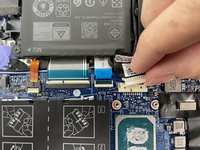
      • Detach the four connectors at the top of the motherboard with your fingers.

      Ask FixBot

      Add Comment

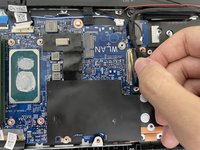
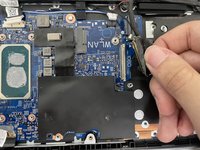
    7. Dell Vostro 5510 Motherboard Replacement: step 20, image 1 of 3 Dell Vostro 5510 Motherboard Replacement: step 20, image 2 of 3 Dell Vostro 5510 Motherboard Replacement: step 20, image 3 of 3
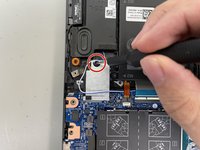
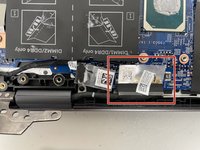
      • Disconnect the white plug from the top of the motherboard with your fingers.

      Ask FixBot

      Add Comment

    8. Dell Vostro 5510 Motherboard Replacement: step 21, image 1 of 2 Dell Vostro 5510 Motherboard Replacement: step 21, image 2 of 2
      • Disconnect the thick cord from the bottom of the motherboard.

      Ask FixBot

      Add Comment

    9. Dell Vostro 5510 Motherboard Replacement: step 22, image 1 of 2 Dell Vostro 5510 Motherboard Replacement: step 22, image 2 of 2
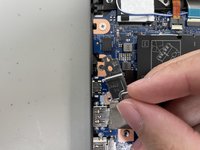
      • Disconnect the white plug from the bottom of the motherboard.

      • Remove the entire part the plug is attached to with your fingers.

      Ask FixBot

      Add Comment

    10. Dell Vostro 5510 Motherboard Replacement: step 23, image 1 of 2 Dell Vostro 5510 Motherboard Replacement: step 23, image 2 of 2
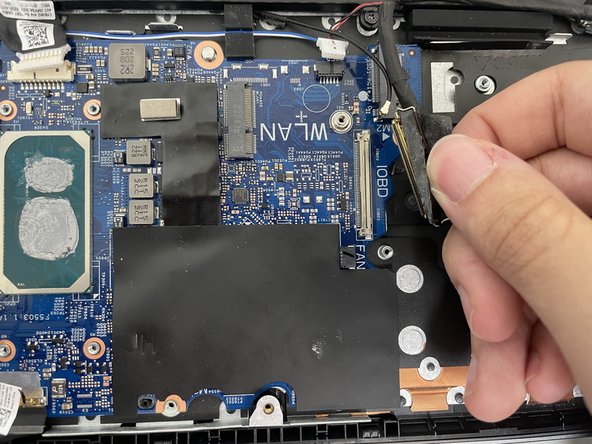
      • Disconnect the thick cord from the right of the motherboard with your fingers.

      Ask FixBot

      Add Comment

    11. Dell Vostro 5510 Motherboard Replacement: step 24, image 1 of 1
      • Lift the motherboard gently using your hands.

      Ask FixBot

      Add Comment

Conclusion

To reassemble your device, follow these instructions in reverse order.

Cancel: I did not complete this guide.

One other person completed this guide.

0 Guide Comments

Add Comment

View Statistics:

Past 24 Hours: 1

Past 7 Days: 19

Past 30 Days: 51

All Time: 611