Introduction
This guide will walk through how to replace the display assembly of the Dell Vostro 5510 laptop. The purpose/function of a display is to be able to view information given on a laptop. Symptoms of a display not working is if it displays No Signal or if it doesn't display anything other than a black screen. If the laptop is powered on but the screen displays No Signal, see this link for troubleshooting the problem/issue: Monitor No Signal. Furthermore, if the laptop doesn't display anything other than a black screen even after powering it on, restarting the video drivers, and resetting the RAM, the parts/components of the laptop screen must be broken down and replaced by following the steps below.
What you need
-
-
-
Remove the remaining (M2x4mm) screws with the screwdriver.
-
Loosen the two captive (M2x7.5mm) corner screws with the screwdriver.
-
-
-
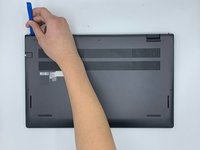
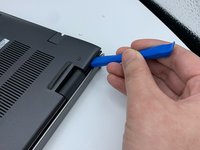
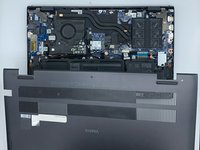
Pry open the top left corner of the cover with the opening tool.
-
Pry open the top right corner of the cover with the opening tool.
-
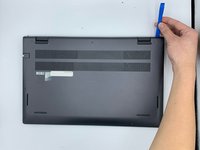
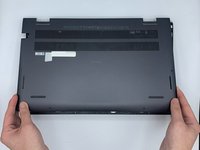
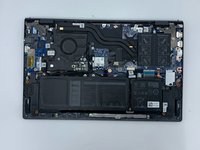
Pry the rest of the cover with the opening tool, working in a clockwise motion until it is completely loosened.
-
-
-
-
-
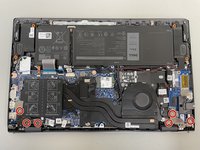
Remove the six 4 mm hinge screws using the Phillips #0 screwdriver.
-
-
-
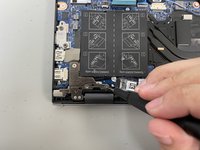
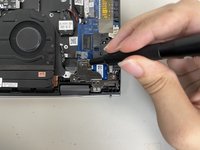
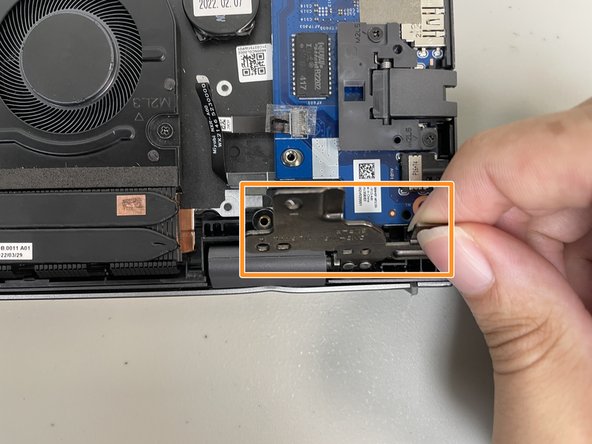
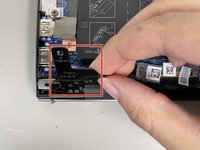
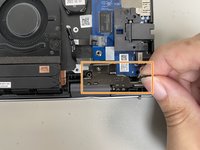
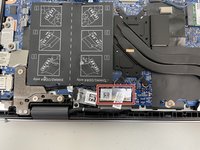
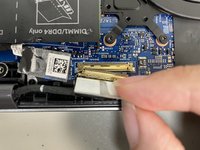
Flip up the hinge panel for the left side of the laptop.
-
Flip up the hinge panel for the right side of the laptop.
-
-

 Ask FixBot










To reassemble your device, follow these instructions in reverse order.
Cancel: I did not complete this guide.
2 other people completed this guide.

Team

University of North Texas, Team 5-6, Coppersmith Spring 2024 Member of University of North Texas, Team 5-6, Coppersmith Spring 2024
UNT-COPPERSMITH-S24S5G6
4 Members
48 Guides authored
