-
-
-
Use a #1 Phillips screwdriver to remove the ten screws securing the cover.
-
Release the clips along the edges with an opening pick.
-
Remove the cover.
-
-
-
Gently wiggle the battery connector
-
To disconnect the battery connector, either:
-
Use the point of a spudger to push on alternating sides of the connector to "walk" it out of its socket.
-
Use your fingers to wiggle the connector out of its slot.
-
-
-
-
Here you can find your disk bay. Typically, this laptop comes without a disk installed, however I installed one earlier.
-
-
-
Here you can find your Sodimm ddr4 RAM. To remove, follow the video.
-
-
-
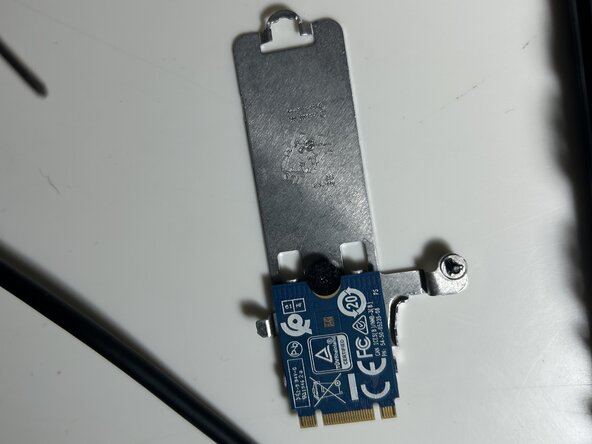
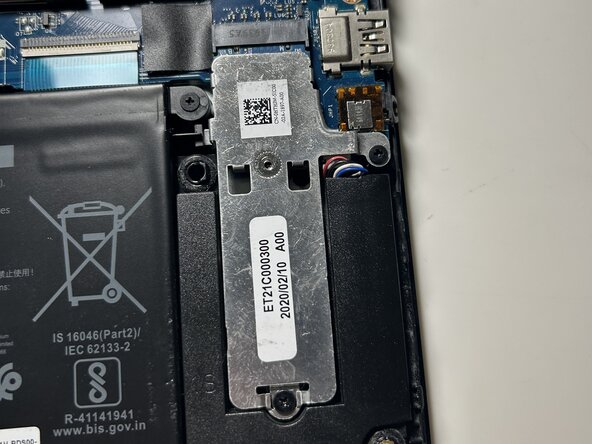
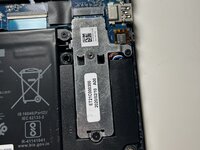
Here you can find your primary storage. You can upgrade or remove this by unscrewing the two front screws, then removing it. To remove the plate, remove the tiny screw using a PH 000 screwdriver.
-
-
-
If you are upgrading your storage, you can follow this guide to clone all of your files to the new SSD. Good luck!! https://youtu.be/3RgI2kGCvjM?si=UW4ISwxo...
-

 Ask FixBot


To reassemble your device, follow these instructions in reverse order.

