Free Shipping on Domestic Orders $75+

Dell Vostro 3550 RAM Replacement

What you need

  1. Dell Vostro 3550 RAM Replacement, Unlocking the Battery: step 1, image 1 of 1
    • Slide the release latches to unlock the battery.

    Ask FixBot

    Add Comment

  2. Dell Vostro 3550 RAM Replacement, Sliding the Battery: step 2, image 1 of 1
    • Slide the battery and remove it from the computer.

    Ask FixBot

    Add Comment

  3. Dell Vostro 3550 RAM Replacement, Remove the Screws: step 3, image 1 of 1
    • Remove the three 7mm Phillips #0 screws that secure the access panel to the base of the computer.

    Ask FixBot

    Add Comment

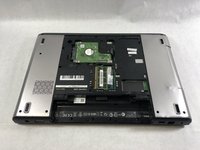
  4. Dell Vostro 3550 RAM Replacement, Lifting the Access Panel: step 4, image 1 of 1
    • Lift the access panel up at an angle and remove it from the computer.

    Ask FixBot

    Add Comment

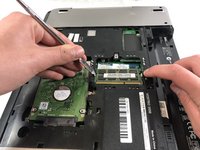
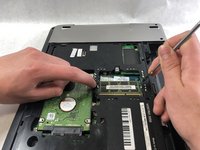
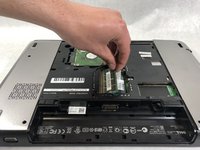
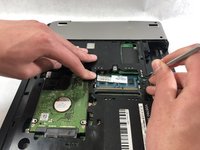
  5. Dell Vostro 3550 RAM Replacement, RAM: step 5, image 1 of 3 Dell Vostro 3550 RAM Replacement, RAM: step 5, image 2 of 3 Dell Vostro 3550 RAM Replacement, RAM: step 5, image 3 of 3
    • Push outward on the two release tabs securing either side of the top RAM module.

    Ask FixBot

    Add Comment

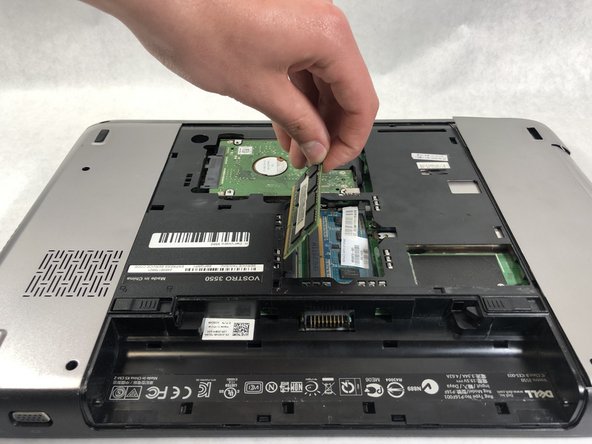
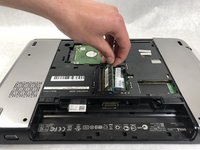
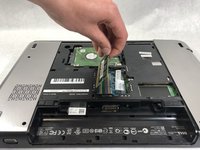
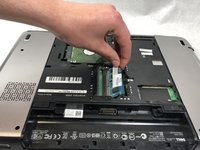
  6. Dell Vostro 3550 RAM Replacement: step 6, image 1 of 3 Dell Vostro 3550 RAM Replacement: step 6, image 2 of 3 Dell Vostro 3550 RAM Replacement: step 6, image 3 of 3
    • Lift the top stick of RAM upward away from the motherboard.

    Ask FixBot

    Add Comment

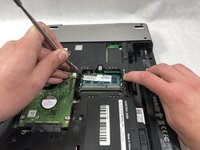
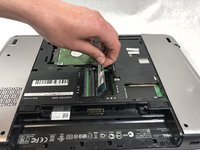
  7. Dell Vostro 3550 RAM Replacement: step 7, image 1 of 2 Dell Vostro 3550 RAM Replacement: step 7, image 2 of 2
    • Push outward on the two release tabs securing either side of the second RAM module.

    Ask FixBot

    Add Comment

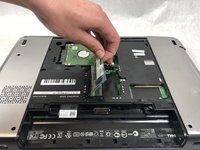
  8. Dell Vostro 3550 RAM Replacement: step 8, image 1 of 3 Dell Vostro 3550 RAM Replacement: step 8, image 2 of 3 Dell Vostro 3550 RAM Replacement: step 8, image 3 of 3
    • Lift the stick of RAM upward away from the motherboard.

    Ask FixBot

    Add Comment

Conclusion

To reassemble your device, follow these instructions in reverse order.

Cancel: I did not complete this guide.

One other person completed this guide.

Nickolas LaForce

Member since: 03/22/19

178 Reputation

1 Guide authored

Team

1 Guide Comment

Hi

Thanks for the tutorial.

High standard.

Keep it up

Regards

Lourens

Lourens - Reply Share

Add Comment

View Statistics:

Past 24 Hours: 0

Past 7 Days: 9

Past 30 Days: 33

All Time: 899