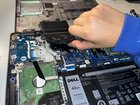
Dell Vostro 3400 Fan Replacement

Yahaira Nava Gonzalez and 3 other contributors
Last updated on Jan 10, 2025
Views: 629
View statistics:
- Past 24 Hours:
- 1
- Past 7 Days:
- 23
- Past 30 Days:
- 71
- All Time:
- 629
Comments: 1
1 comment on steps.
Completed: 0 1
No one has marked this guide "completed." Will you be the first?
1 person has marked this guide "completed." It's you — great job!
Favorites: 0 1
No one has favorited (and subscribed to) this guide. Will you be the first?
1 person has favorited (and subscribed to) this guide — and that's you!
Introduction
Go to step 1 ↓This guide provides instructions to replace the fan of the Dell Vostro 3400 laptop.
The fan is an essential part of the laptop, keeping it cool. Changing your laptop fan is necessary if your laptop overheats, as the fan is what regulates the laptop's temperature. This guide will help you get to the laptop's fan in just a few steps.
As you follow along, be gentle when applying pressure to pieces in the motherboard. Applying too much pressure might break an essential component of the laptop.
What you need
Tools
-
-
Spudger4.9


-
-
-
Remove the nine screws that keep the back panel in place using the Phillips #00 screwdriver.
 Ask FixBot
-
-
-
-
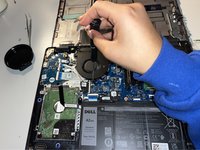
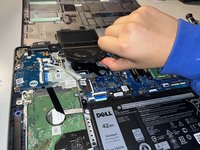
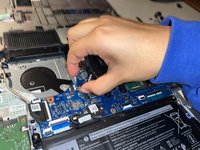
Remove the two screws that hold the fan in place using the Phillips #00 screwdriver.
-
-
Tool used on this step:Tweezers$4.99
-
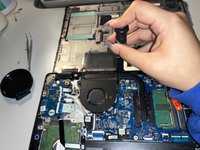
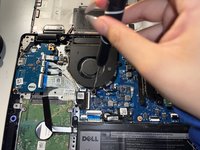
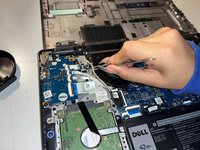
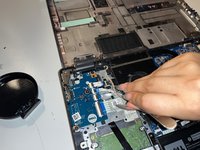
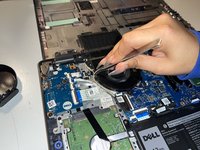
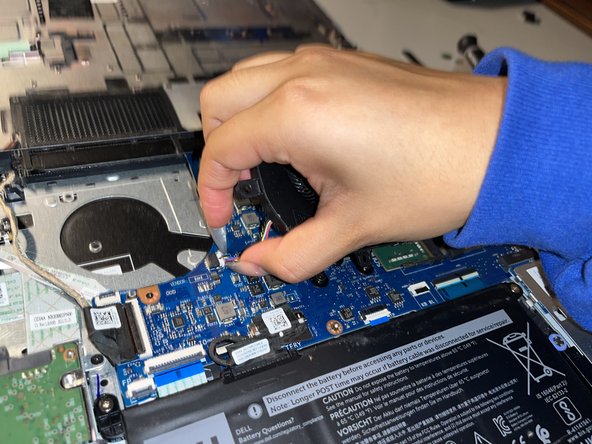
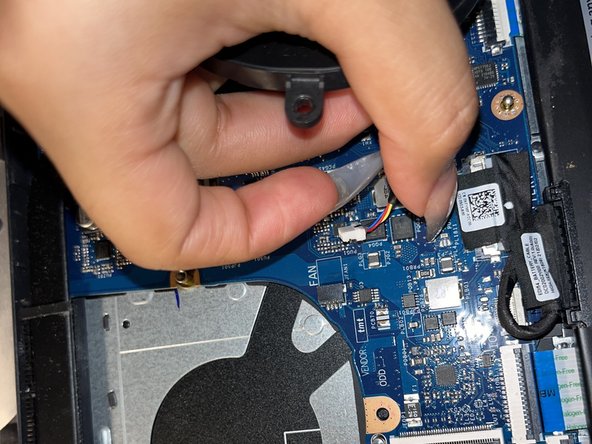
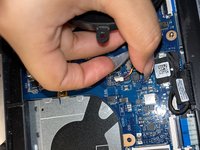
Detach the brown wire coiled around the fan using a pair of tweezers.
-
-






To reassemble your device, follow these instructions in reverse order.
Team

CSU Los Angeles, Team 2-31, Briggs Fall 2022 Member of CSU Los Angeles, Team 2-31, Briggs Fall 2022
CSULA-BRIGGS-F22S2G31
1 Member
12 Guides authored
