Free Shipping on Domestic Orders $75+

Dell Vostro 1700 RAM Replacement

What you need

    1. Dell Vostro 1700 RAM Replacement, Keyboard: step 1, image 1 of 3 Dell Vostro 1700 RAM Replacement, Keyboard: step 1, image 2 of 3 Dell Vostro 1700 RAM Replacement, Keyboard: step 1, image 3 of 3
      • Use the Plastic Opening Tools to pry off the tab located on the right side of the top face plate.

      Ask FixBot

      Add Comment

    2. Dell Vostro 1700 RAM Replacement: step 2, image 1 of 1
      • Lift the plate off the laptop from right to left.

      • Pull the plate out and remove it.

      Ask FixBot

      Add Comment

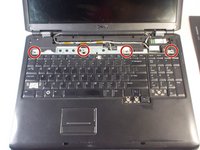
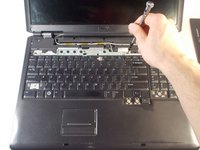
    3. Dell Vostro 1700 RAM Replacement: step 3, image 1 of 2 Dell Vostro 1700 RAM Replacement: step 3, image 2 of 2
      • Remove the four 3mm Phillips #0 screws.

      Ask FixBot

      Add Comment

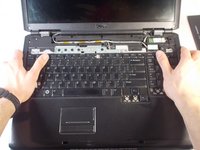
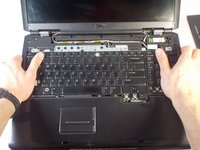
    4. Dell Vostro 1700 RAM Replacement: step 4, image 1 of 2 Dell Vostro 1700 RAM Replacement: step 4, image 2 of 2
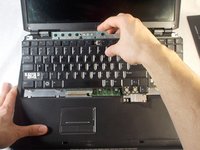
      • Grasp the laptop with both hands as shown.

      • Push the keyboard upwards with your thumbs to disconnect it.

      Ask FixBot

      Add Comment

    5. Dell Vostro 1700 RAM Replacement: step 5, image 1 of 2 Dell Vostro 1700 RAM Replacement: step 5, image 2 of 2
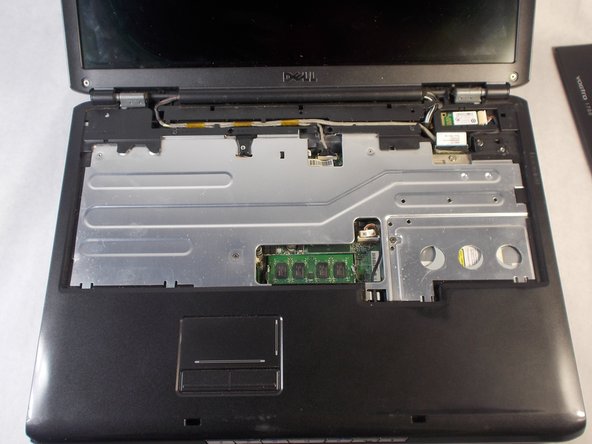
      • Lift the keyboard from the laptop and remove it.

      • Ensure the connector is fully disconnected before lifting the keyboard out.

      Ask FixBot

      Add Comment

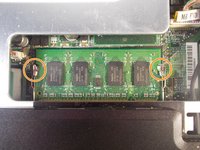
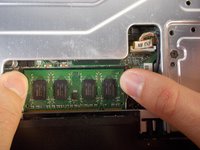
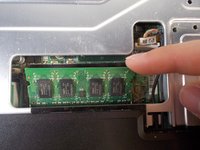
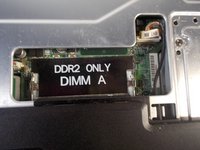
    1. Dell Vostro 1700 RAM Replacement, RAM: step 6, image 1 of 3 Dell Vostro 1700 RAM Replacement, RAM: step 6, image 2 of 3 Dell Vostro 1700 RAM Replacement, RAM: step 6, image 3 of 3
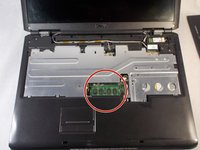
      • Dislodge the RAM from its slot.

      • Push the retaining clips outward with your fingers.

      Ask FixBot

      Add Comment

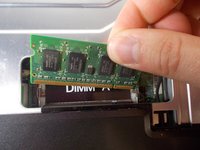
    2. Dell Vostro 1700 RAM Replacement: step 7, image 1 of 3 Dell Vostro 1700 RAM Replacement: step 7, image 2 of 3 Dell Vostro 1700 RAM Replacement: step 7, image 3 of 3
      • Pull the RAM chip up and out.

      Ask FixBot

      Add Comment

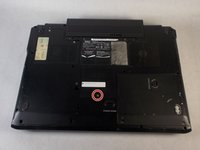
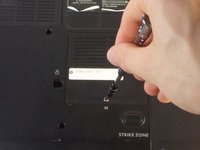
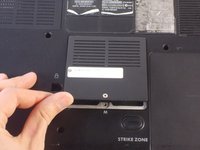
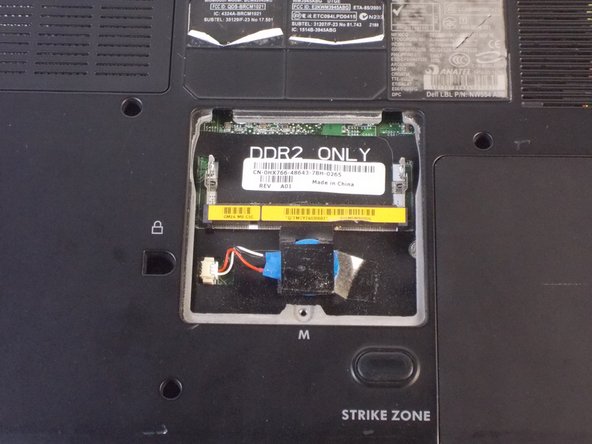
    3. Dell Vostro 1700 RAM Replacement: step 8, image 1 of 3 Dell Vostro 1700 RAM Replacement: step 8, image 2 of 3 Dell Vostro 1700 RAM Replacement: step 8, image 3 of 3
      • Flip the laptop so under side is facing upwards.

      • Remove the 4.5mm Phillips #1 screw from the RAM cover.

      • Lift off the cover.

      Ask FixBot

      Add Comment

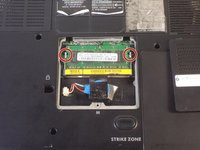
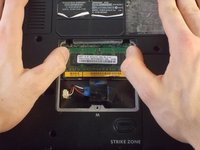
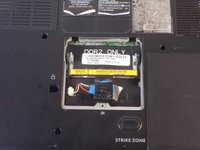
    4. Dell Vostro 1700 RAM Replacement: step 9, image 1 of 2 Dell Vostro 1700 RAM Replacement: step 9, image 2 of 2
      • Dislodge the RAM from its slot by pushing outwards on the retaining clips.

      Ask FixBot

      Add Comment

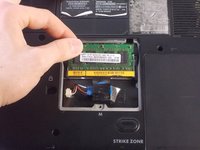
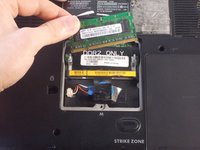
    5. Dell Vostro 1700 RAM Replacement: step 10, image 1 of 3 Dell Vostro 1700 RAM Replacement: step 10, image 2 of 3 Dell Vostro 1700 RAM Replacement: step 10, image 3 of 3
      • Lift the RAM chip up and out of the slot.

      Ask FixBot

      Add Comment

Conclusion

To reassemble your device, follow these instructions in reverse order.

Cancel: I did not complete this guide.

2 other people completed this guide.

Nathan Valm

Member since: 03/20/18

735 Reputation

5 Guides authored

Team

0 Guide Comments

Add Comment

View Statistics:

Past 24 Hours: 1

Past 7 Days: 6

Past 30 Days: 46

All Time: 1,426