Free Shipping on Domestic Orders $75+

Dell Vostro 1320 USB Port Replacement

Views: 1.1K

View statistics:

Past 24 Hours:
2
Past 7 Days:
25
Past 30 Days:
101
All Time:
1,099
Comments: 0

No one has left comments on this guide. Will you be first?

Go to guide comments
Completed: 0

No one has marked this guide "completed." Will you be the first?

Favorites: 0

No one has favorited (and subscribed to) this guide. Will you be the first?

Time Required: No estimate
Difficulty: Moderate
Incorrect Tools

Help make this guide better by using the correct tools in images and/or text.

Markup Mishap

This guide needs better markups. Help out by correcting or making some markup annotations.

Slice and Dice

The steps in this guide should be split up and made into a series of prerequisite guides.

Better Introduction

Improve this guide by completing or revising its introduction.

Dell Vostro 1320 USB Port Replacement

What you need

Tools

  • 64 Bit Driver Kit
    $39.95
    4.9
  • Spudger
    4.9
    1. Dell Vostro 1320 USB Port Replacement, USB Port: step 1, image 1 of 1
      • Remove the battery from the computer.

      Ask FixBot
      Add Comment

    2. Dell Vostro 1320 USB Port Replacement: step 2, image 1 of 1
      • Remove all visible screws from the bottom of the computer.

      Ask FixBot
      Add Comment

    3. Dell Vostro 1320 USB Port Replacement: step 3, image 1 of 3 Dell Vostro 1320 USB Port Replacement: step 3, image 2 of 3 Dell Vostro 1320 USB Port Replacement: step 3, image 3 of 3
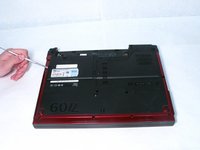
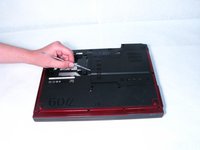
      • Use a metal spudger to remover the covers of each section that you removed screws from.

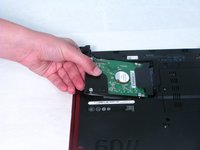
      • Once the cover is removed from the hard drive remove the hard drive by gently tugging it out.

      Ask FixBot

      Add Comment

    4. Dell Vostro 1320 USB Port Replacement: step 4, image 1 of 1
      Ask FixBot

      Add Comment

    5. Dell Vostro 1320 USB Port Replacement: step 5, image 1 of 3 Dell Vostro 1320 USB Port Replacement: step 5, image 2 of 3 Dell Vostro 1320 USB Port Replacement: step 5, image 3 of 3
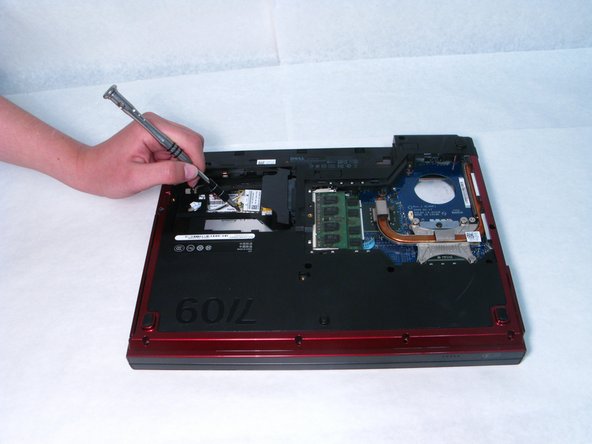
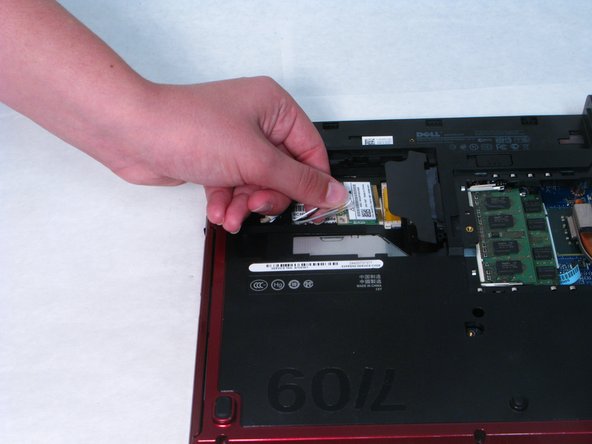
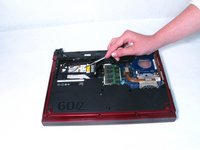
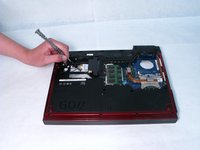
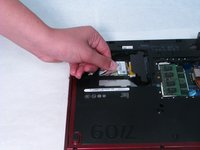
      • You must first unscrew the screws holding the wire in place.

      • Unhook the wire that the metal spudger is pointing at.

      Ask FixBot

      Add Comment

    6. Dell Vostro 1320 USB Port Replacement: step 6, image 1 of 1
      Ask FixBot

      Add Comment

    7. Dell Vostro 1320 USB Port Replacement: step 7, image 1 of 2 Dell Vostro 1320 USB Port Replacement: step 7, image 2 of 2
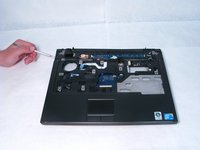
      • Undo the screws holding the screen to the computer base.

      Ask FixBot
      Add Comment

    8. Dell Vostro 1320 USB Port Replacement: step 8, image 1 of 1
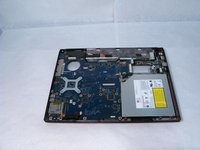
      • Unplug the wires connecting the screen to the base.

      • The screen should come free and is able to be removed completely.

      Ask FixBot
      Add Comment

    9. Dell Vostro 1320 USB Port Replacement: step 9, image 1 of 2 Dell Vostro 1320 USB Port Replacement: step 9, image 2 of 2
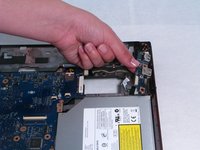
      • Unplug the two blue labeled wires.

      Ask FixBot

      Add Comment

    10. Dell Vostro 1320 USB Port Replacement: step 10, image 1 of 3 Dell Vostro 1320 USB Port Replacement: step 10, image 2 of 3 Dell Vostro 1320 USB Port Replacement: step 10, image 3 of 3
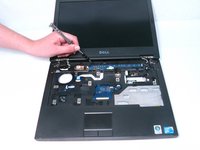
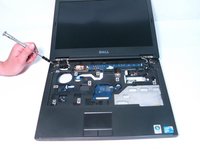
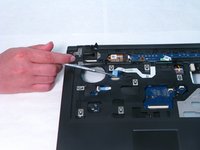
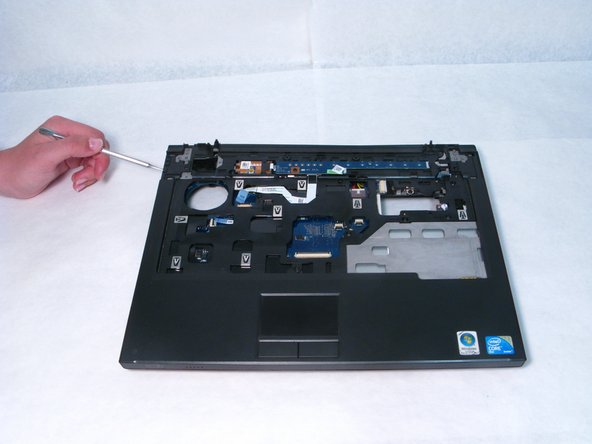
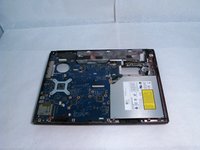
      • Detach the black plastic cover by loosening it with a metal spudger.

      Ask FixBot

      Add Comment

    11. Dell Vostro 1320 USB Port Replacement: step 11, image 1 of 1
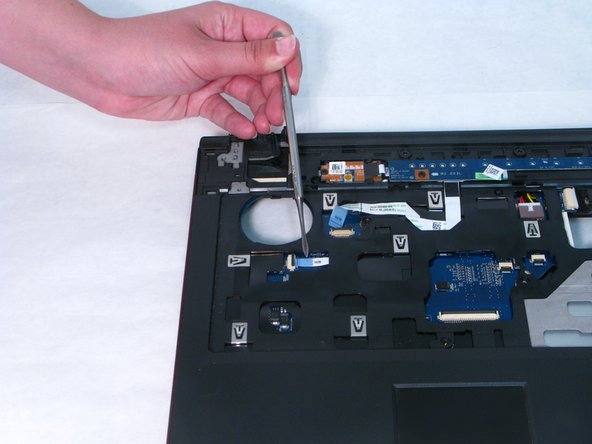
      • Unplug the wire that the metal spudger is pointing to.

      Ask FixBot

      Add Comment

    12. Dell Vostro 1320 USB Port Replacement: step 12, image 1 of 1
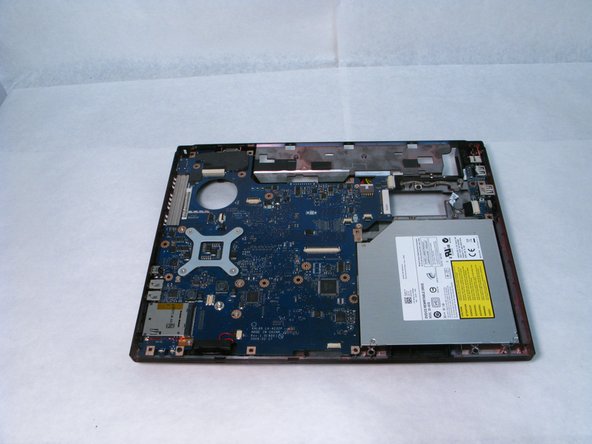
      • Unscrew the USB port.

      Ask FixBot

      Add Comment

    13. Dell Vostro 1320 USB Port Replacement: step 13, image 1 of 2 Dell Vostro 1320 USB Port Replacement: step 13, image 2 of 2
      • Gently lift out the USB port.

      Ask FixBot

      Add Comment

Conclusion

To reassemble your device, follow these instructions in reverse order.

Cancel: I did not complete this guide.

0 Guide Comments

Add Comment

View Statistics:

Past 24 Hours: 2

Past 7 Days: 25

Past 30 Days: 101

All Time: 1,099