Free Shipping on Domestic Orders $75+

Dell Venue 11 Pro HDMI Port Replacement

What you need

  1. Dell Venue 11 Pro HDMI Port Replacement, Battery: step 1, image 1 of 3 Dell Venue 11 Pro HDMI Port Replacement, Battery: step 1, image 2 of 3 Dell Venue 11 Pro HDMI Port Replacement, Battery: step 1, image 3 of 3
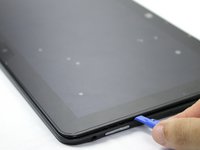
    • Turn your device over to the backside. On the notch at the bottom portion of the tablet, use your fingers to lift up the back cover.

    Ask FixBot
  2. Dell Venue 11 Pro HDMI Port Replacement: step 2, image 1 of 3 Dell Venue 11 Pro HDMI Port Replacement: step 2, image 2 of 3 Dell Venue 11 Pro HDMI Port Replacement: step 2, image 3 of 3
    • Below the battery pack, there are two lock mechanisms. Push EACH lock to the LEFT until it makes a click noise. Lift the battery from the bottom up and remove.

    Ask FixBot
  3. Dell Venue 11 Pro HDMI Port Replacement, Frame: step 3, image 1 of 2 Dell Venue 11 Pro HDMI Port Replacement, Frame: step 3, image 2 of 2
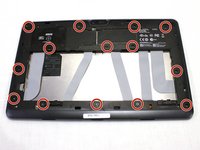
    • Use your Philips #000 screwdriver to unscrew the fourteen 2.5 mm screws marked on the tablet.

    • These screws are extremely small. Place the screws aside in a container or on your magnetic mat to prevent accidental loss.

    Ask FixBot
  4. Dell Venue 11 Pro HDMI Port Replacement: step 4, image 1 of 3 Dell Venue 11 Pro HDMI Port Replacement: step 4, image 2 of 3 Dell Venue 11 Pro HDMI Port Replacement: step 4, image 3 of 3
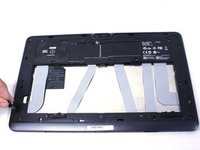
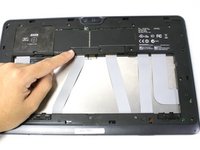
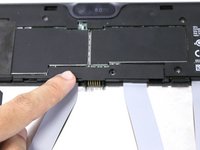
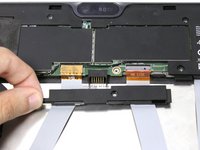
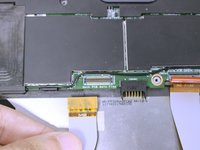
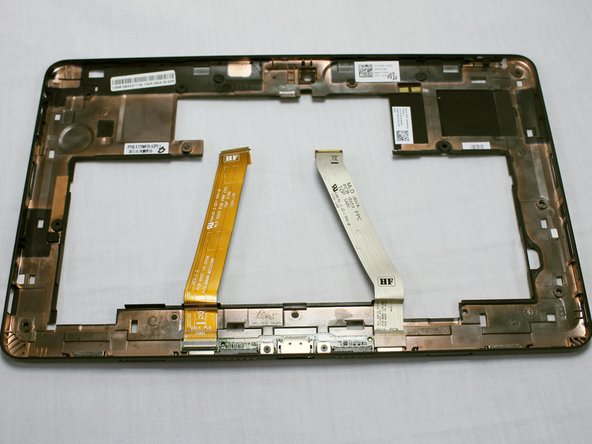
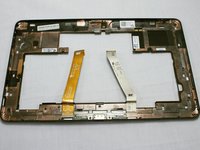
    • Slide the cover on the two middle ribbon cables out to remove it. It should uncover the orange cable connectors.

    Ask FixBot
  5. Dell Venue 11 Pro HDMI Port Replacement: step 5, image 1 of 3 Dell Venue 11 Pro HDMI Port Replacement: step 5, image 2 of 3 Dell Venue 11 Pro HDMI Port Replacement: step 5, image 3 of 3
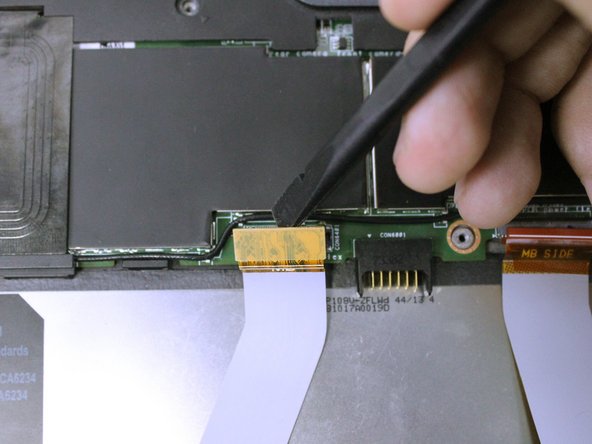
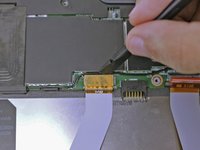
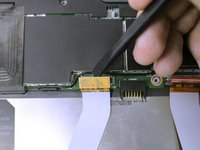
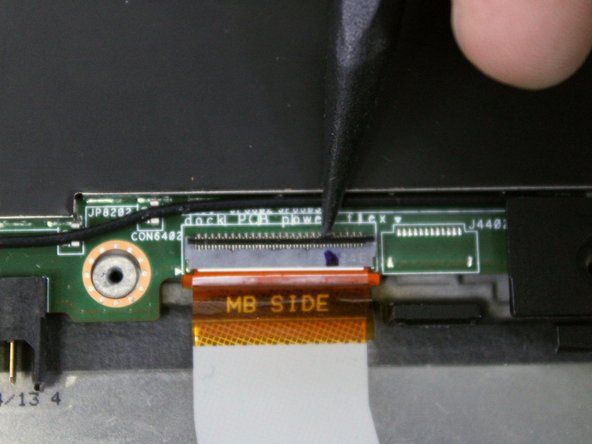
    • To disconnect the left ribbon cable from the motherboard, place the flat end of your spudger under the edge of the pop connector and pry the connector straight up.

    • The two ribbon cables connect the keyboard attachment ports to the motherboard. Damage to either cables can induce problems with the Dell mobile keyboard.

    Ask FixBot
  6. Dell Venue 11 Pro HDMI Port Replacement: step 6, image 1 of 3 Dell Venue 11 Pro HDMI Port Replacement: step 6, image 2 of 3 Dell Venue 11 Pro HDMI Port Replacement: step 6, image 3 of 3
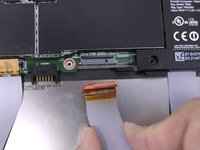
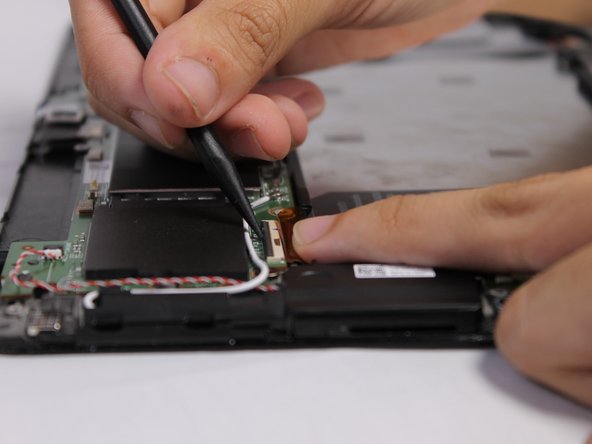
    • The right ribbon cable has a ZIF connector. Use the flat end of your spudger to lift up the small locking flap, then pull out the cable.

    • Pulling the ribbon cable out before unlocking the connector can potentially damage the cable.

    Ask FixBot
  7. Dell Venue 11 Pro HDMI Port Replacement: step 7, image 1 of 1
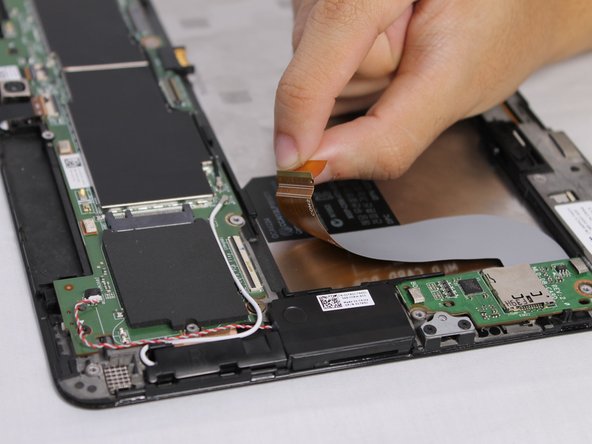
    • There are adhesive strips between the device and the two ribbon cables we disconnected. Pull each cable away from the device just enough to break the adhesive bonds.

    Ask FixBot
  8. Dell Venue 11 Pro HDMI Port Replacement: step 8, image 1 of 3 Dell Venue 11 Pro HDMI Port Replacement: step 8, image 2 of 3 Dell Venue 11 Pro HDMI Port Replacement: step 8, image 3 of 3
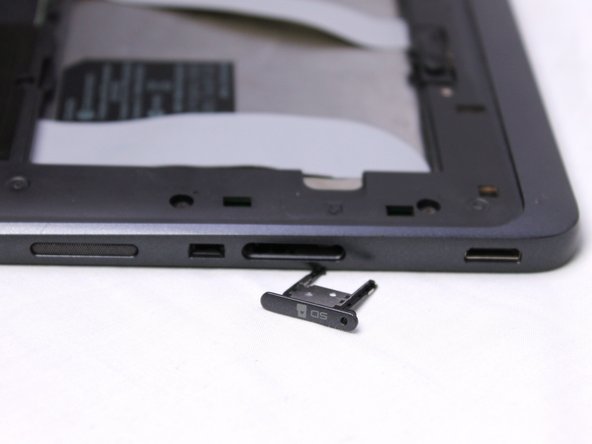
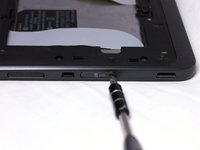
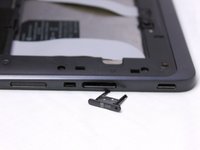
    • Use your pin punch driver to push into the hole on the sim card, then pull out the sim tray.

    Ask FixBot
  9. Dell Venue 11 Pro HDMI Port Replacement: step 9, image 1 of 3 Dell Venue 11 Pro HDMI Port Replacement: step 9, image 2 of 3 Dell Venue 11 Pro HDMI Port Replacement: step 9, image 3 of 3
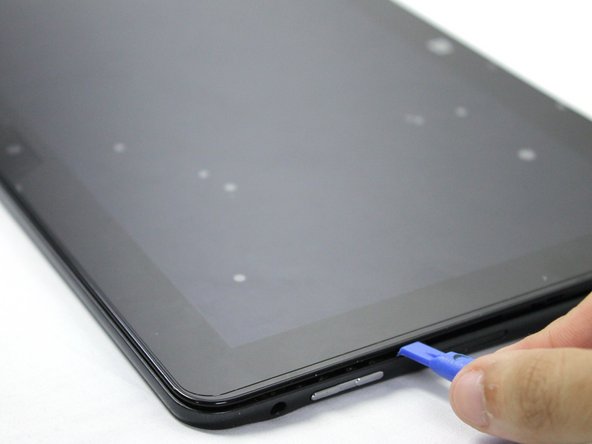
    • Insert your plastic opening tool between the screen and frame, and run the tool around the edges to separate the frame from the tablet.

    Ask FixBot
  10. Dell Venue 11 Pro HDMI Port Replacement, Mini HDMI Port: step 10, image 1 of 1
    • Identify the location of the HDMI Port, which will be in the left bottom part of the tablet.

    • If you are replacing the motherboard by itself, then skip step 14.

    Ask FixBot
  11. Dell Venue 11 Pro HDMI Port Replacement: step 11, image 1 of 3 Dell Venue 11 Pro HDMI Port Replacement: step 11, image 2 of 3 Dell Venue 11 Pro HDMI Port Replacement: step 11, image 3 of 3
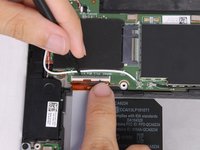
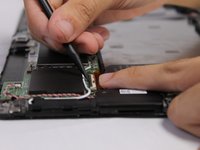
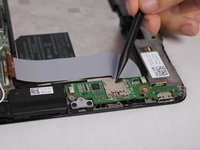
    • Wedge the tip of the plastic spudger in between the ZIF connector lock and flip up the lock. Pull the ribbon cable out.

    Ask FixBot
  12. Dell Venue 11 Pro HDMI Port Replacement: step 12, image 1 of 2 Dell Venue 11 Pro HDMI Port Replacement: step 12, image 2 of 2
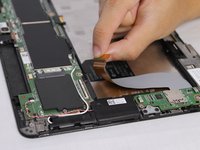
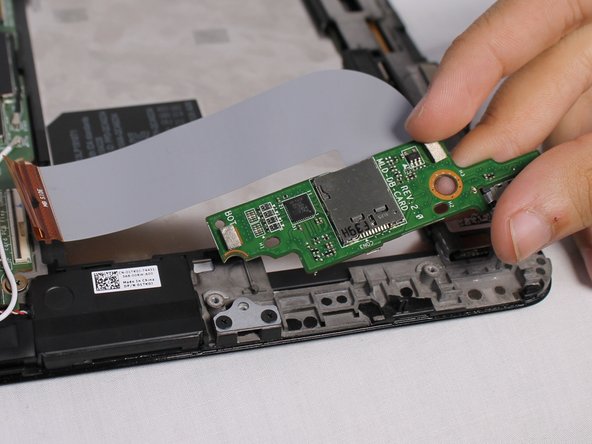
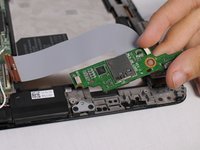
    • Use your fingers to lift up and take out the mini HDMI board.

    Ask FixBot
Conclusion

To reassemble your device, follow these instructions in reverse order.

One other person completed this guide.

Carolina Gushi

Member since: 10/04/17

339 Reputation

2 Guides authored

Team

USF Tampa, Team S3-G1, Nance Fall 2017 Member of USF Tampa, Team S3-G1, Nance Fall 2017

USFT-NANCE-F17S3G1

4 Members

8 Guides authored

0 Guide Comments

Add Comment

View Statistics:

Past 24 Hours: 1

Past 7 Days: 8

Past 30 Days: 34

All Time: 1,294