Free Shipping on Domestic Orders $75+

Dell VRP100 Screen Replacement

Views: 1.5K

View statistics:

Past 24 Hours:
1
Past 7 Days:
19
Past 30 Days:
74
All Time:
1,478
Comments: 4

4 comments on steps.

Completed: 0

No one has marked this guide "completed." Will you be the first?

Favorites: 0

No one has favorited (and subscribed to) this guide. Will you be the first?

Time Required: 25 minutes
Difficulty: Moderate
Dell VRP100 Screen Replacement

Introduction

Go to step 1 ↓

The internal screen should be replaced is if there is no display showing. The screen may be damaged from cracks or scratches. You should be cautious when reassembling the headset, as to not damage the new screen.

What you need

Tools

    1. Dell VRP100 Screen Replacement, Cover Panel: step 1, image 1 of 3 Dell VRP100 Screen Replacement, Cover Panel: step 1, image 2 of 3 Dell VRP100 Screen Replacement, Cover Panel: step 1, image 3 of 3
      • Remove the black foam padding by peeling away slowly.

      • Remove the front and back padding from the headset by peeling away slowly.

      Ask FixBot

      Add Comment

    2. Dell VRP100 Screen Replacement: step 2, image 1 of 1
      • Remove the six 5.5mm PH000 screws from the cover by rotating counter-clockwise.

      • Cover panel may need to be pushed in before inserting screws.

      Ask FixBot

      Add Comment

    3. Dell VRP100 Screen Replacement: step 3, image 1 of 3 Dell VRP100 Screen Replacement: step 3, image 2 of 3 Dell VRP100 Screen Replacement: step 3, image 3 of 3
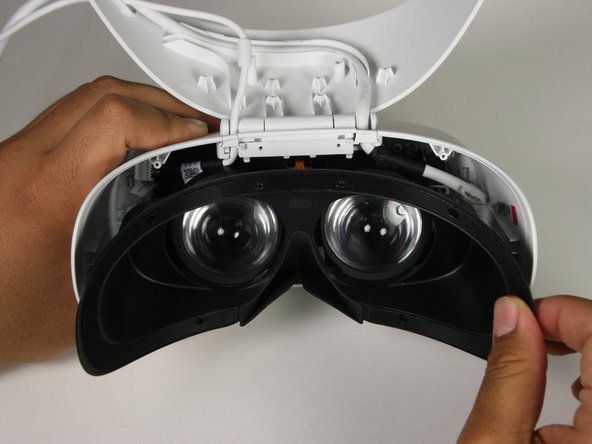
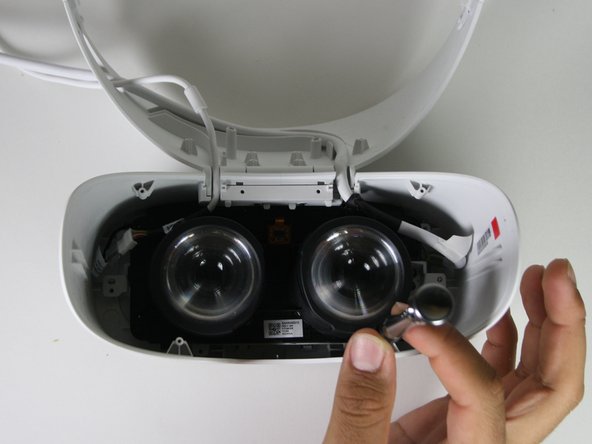
      • Remove the cover using one of the plastic opening tools, and then carefully pull it from the casing.

      Ask FixBot

      Add Comment

    4. Dell VRP100 Screen Replacement: step 4, image 1 of 3 Dell VRP100 Screen Replacement: step 4, image 2 of 3 Dell VRP100 Screen Replacement: step 4, image 3 of 3
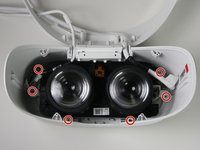
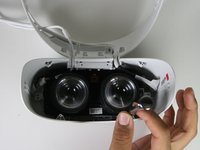
      • Remove the six 5.5mm PH000 screws from the cover by rotating counter-clockwise.

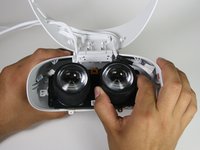
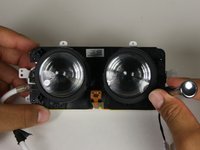
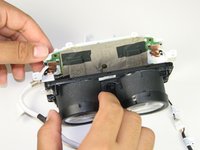
      • Carefully remove the lens and motherboard assembly from the white casing.

      Ask FixBot

      Add Comment

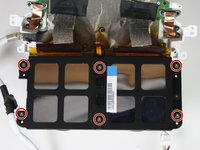
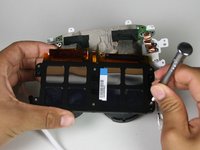
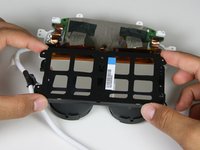
    1. Dell VRP100 Screen Replacement, Screen: step 5, image 1 of 3 Dell VRP100 Screen Replacement, Screen: step 5, image 2 of 3 Dell VRP100 Screen Replacement, Screen: step 5, image 3 of 3
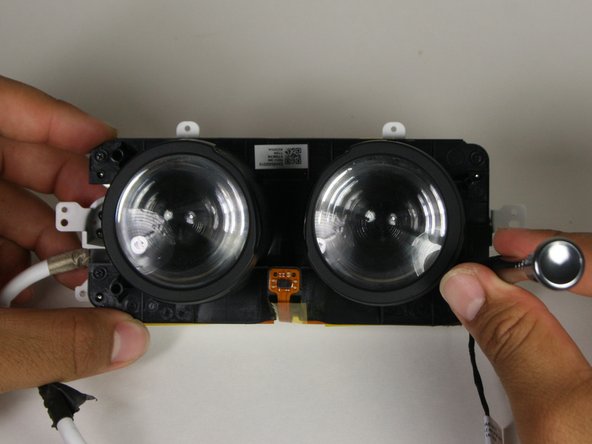
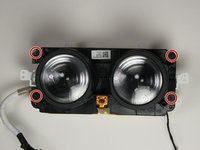
      • Remove the four 2.5 mm PH000 screws by rotating counter-clockwise.

      • Separate the lenses from the motherboard panel.

      Ask FixBot

      Add Comment

    2. Dell VRP100 Screen Replacement: step 6, image 1 of 2 Dell VRP100 Screen Replacement: step 6, image 2 of 2
      Tool used on this step:
      Tweezers
      $4.99
      Buy
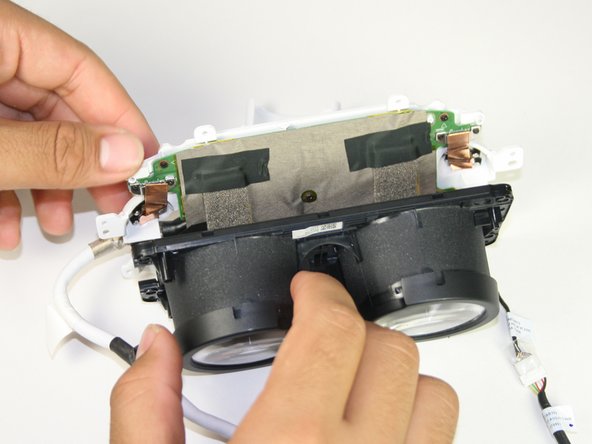
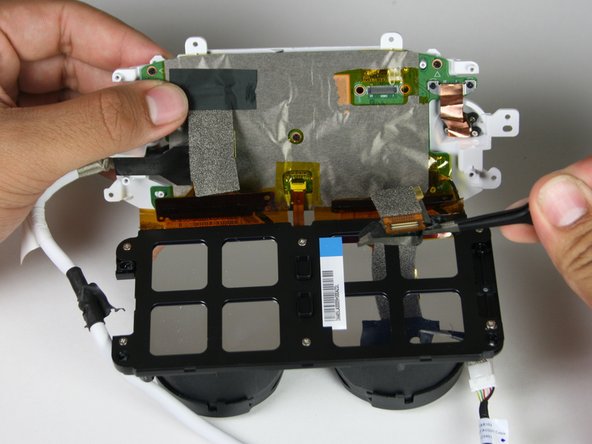
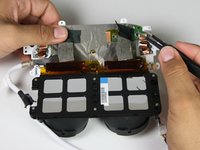
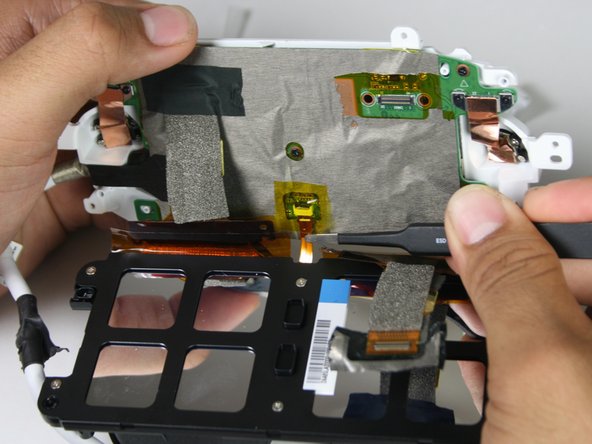
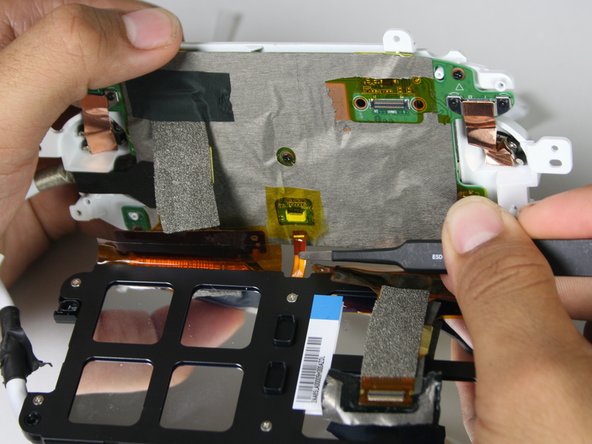
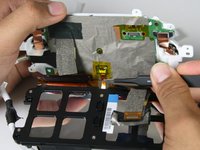
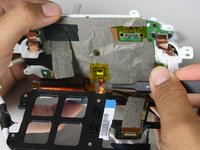
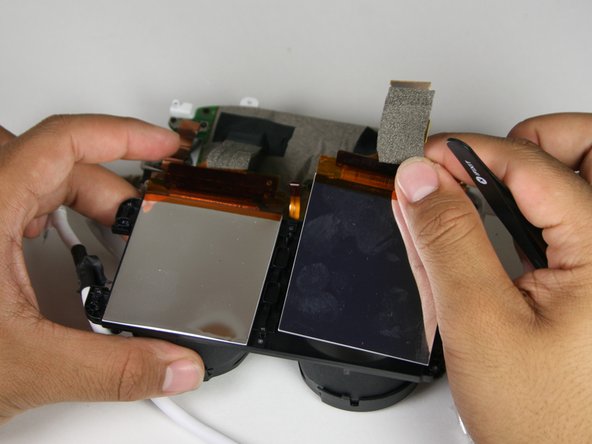
      • Take off the tape using the blunt nosed tweezers to disconnect the flat-topped connector from the motherboard.

      • The screen is attached to the motherboard using an adhesive.

      Ask FixBot

      Add Comment

    3. Dell VRP100 Screen Replacement: step 7, image 1 of 3 Dell VRP100 Screen Replacement: step 7, image 2 of 3 Dell VRP100 Screen Replacement: step 7, image 3 of 3
      • Lift the yellow tape with tweezers.

      • Remove the ribbon cable from the screen to the motherboard with tweezers.

      Ask FixBot

      Add Comment

    4. Dell VRP100 Screen Replacement: step 8, image 1 of 3 Dell VRP100 Screen Replacement: step 8, image 2 of 3 Dell VRP100 Screen Replacement: step 8, image 3 of 3
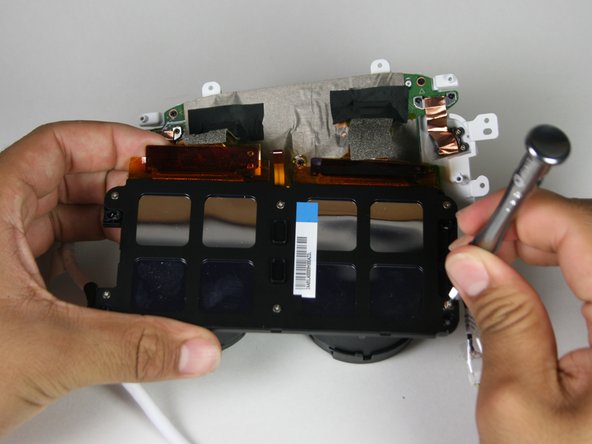
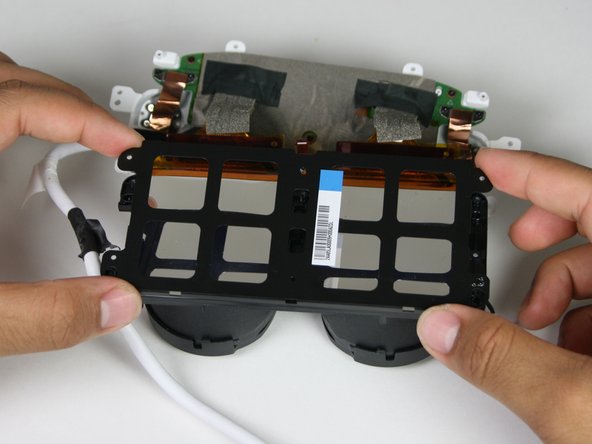
      • Remove the six 3.4mm PH000 screws by rotating counter-clockwise connecting the back panel to the screen.

      • Remove the back panel from the screen by carefully pulling apart the two.

      Ask FixBot

      Add Comment

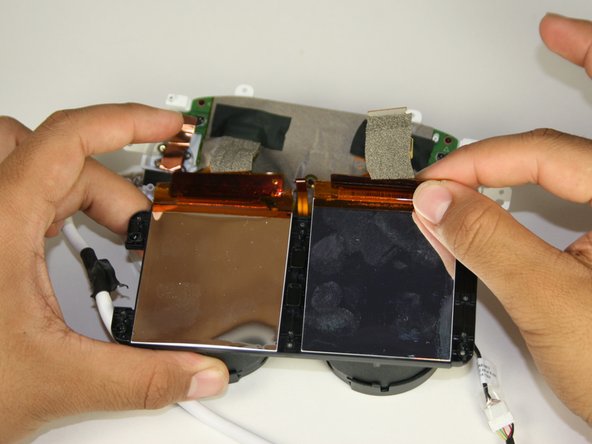
    5. Dell VRP100 Screen Replacement: step 9, image 1 of 3 Dell VRP100 Screen Replacement: step 9, image 2 of 3 Dell VRP100 Screen Replacement: step 9, image 3 of 3
      • Peel away the screen with both hands.

      • A plastic opening tool may be required for removing the screen.

      • Adhesive may need to be reapplied during the rebuild.

      Ask FixBot

      Add Comment

Conclusion

To reassemble your device, follow these instructions in reverse order.

Cancel: I did not complete this guide.

Lauren Monzon

Member since: 10/08/18

235 Reputation

2 Guides authored

Team

Cal Poly, Team S17-G1, White Fall 2018 Member of Cal Poly, Team S17-G1, White Fall 2018

CPSU-WHITE-F18S17G1

4 Members

72 Guides authored

0 Guide Comments

Add Comment

View Statistics:

Past 24 Hours: 1

Past 7 Days: 19

Past 30 Days: 74

All Time: 1,478