Introduction
This guide is for the Dell Precision 5570 Mobile Workstation, on how to replace the internal battery of the laptop. The internal battery is what gives the laptop its power and charge. Some symptoms of a poor internal battery is shorter battery life, inconsistent or poor charging speeds, an OS warning, or unusual overheating while doing simple tasks.
Warning: When handling the interior of this device, make sure it is powered down completely. Removing the battery should ONLY be done when the device is completely powered down.
What you need
-
-
-
Flip the laptop upside down.
-
Use a T5 Torx screwdriver to remove the eight (8) screws from the bottom plate.
 Ask FixBot
-
-
-
Use a Phillips #00 screwdriver to remove the four (4) screws above the battery.
-
-
-
-
Use a Phillips #00 screwdriver to remove the four (4) screws below the battery.
-
-
-
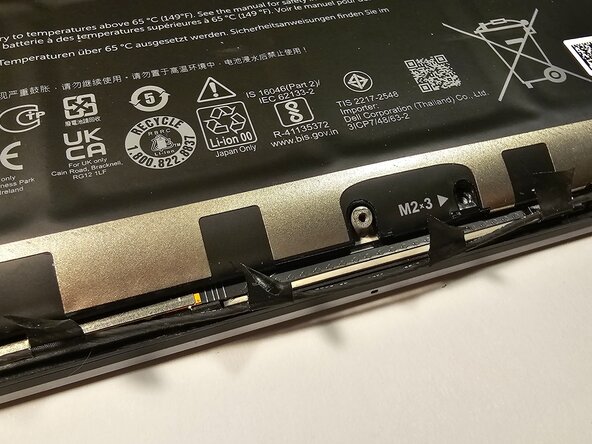
Use a spudger to gently remove the tape that secures the internet wire to the battery.
-
-




To reassemble your device, follow these instructions in reverse order.

Team

CSU Los Angeles, Team 8-12, Grodsky Fall 2025 Member of CSU Los Angeles, Team 8-12, Grodsky Fall 2025
CSULA-GRODSKY-F25S8G12
1 Member
12 Guides authored
