Free Shipping on Domestic Orders $75+

Dell Optiplex 745 Small Form Factor Motherboard Replacement

What you need

  1. Dell Optiplex 745 Small Form Factor Motherboard Replacement, Opening the case: step 1, image 1 of 2 Dell Optiplex 745 Small Form Factor Motherboard Replacement, Opening the case: step 1, image 2 of 2
    • Pull the tab and the lid will pop up.

    Ask FixBot

    Add Comment

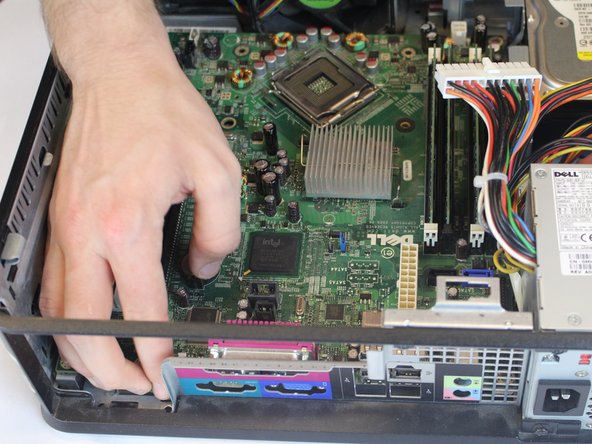
  2. Dell Optiplex 745 Small Form Factor Motherboard Replacement: step 2, image 1 of 2 Dell Optiplex 745 Small Form Factor Motherboard Replacement: step 2, image 2 of 2
    • Grab the lid and pull it up and off.

    Ask FixBot
    Add Comment

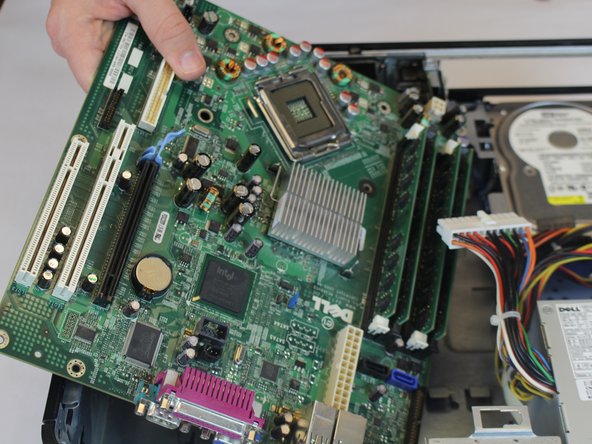
  3. Dell Optiplex 745 Small Form Factor Motherboard Replacement, Motherboard: step 3, image 1 of 3 Dell Optiplex 745 Small Form Factor Motherboard Replacement, Motherboard: step 3, image 2 of 3 Dell Optiplex 745 Small Form Factor Motherboard Replacement, Motherboard: step 3, image 3 of 3
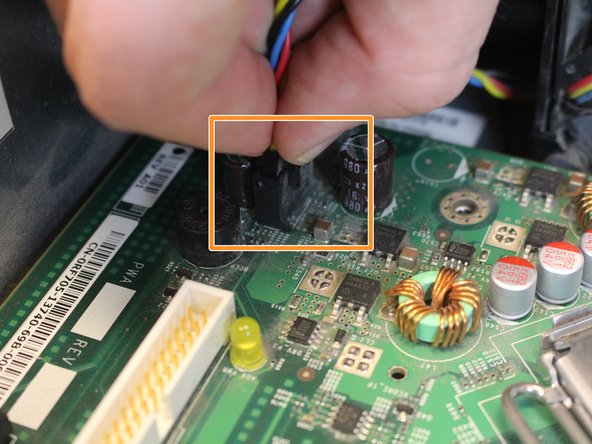
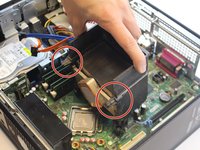
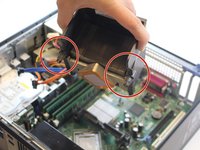
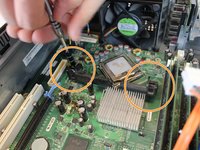
    • Disconnect all of the cords that are connected to the motherboard.

    • Press in the lever on the side of the male end, and then pull out.

    • Pull cord straight out.

    • Disconnect the front plate (USB and audio output) from the motherboard.

    • Some of the cords in the pictures are missing due to the condition of our device when creating this guide.

    Ask FixBot
    Add Comment

  4. Dell Optiplex 745 Small Form Factor Motherboard Replacement: step 4, image 1 of 3 Dell Optiplex 745 Small Form Factor Motherboard Replacement: step 4, image 2 of 3 Dell Optiplex 745 Small Form Factor Motherboard Replacement: step 4, image 3 of 3
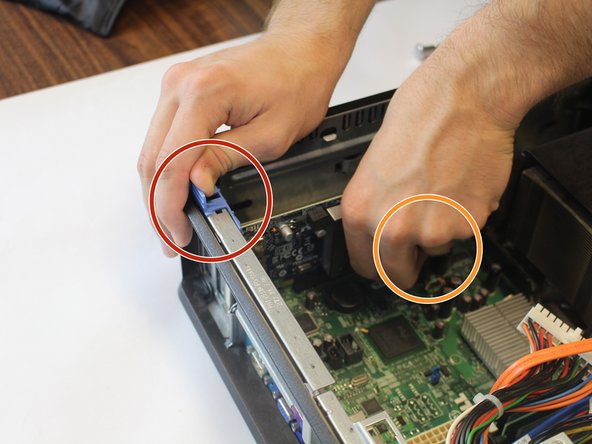
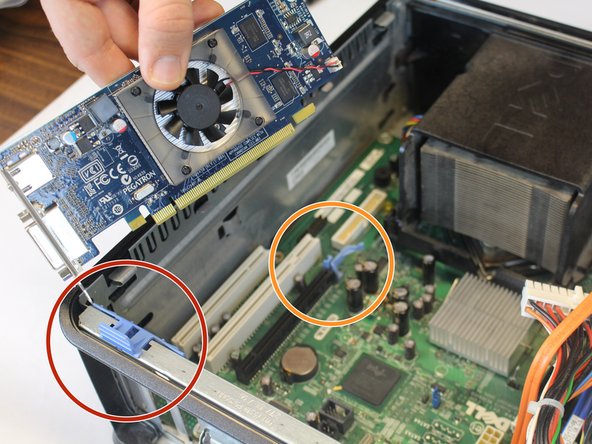
    • Remove the graphics card.

    • Lift the blue latch on the fat end of the graphics card.

    • Pull the blue lever on the skinny end of the graphics card toward the power supply.

    • Pull out one end of the card at a time.

    Ask FixBot

    Add Comment

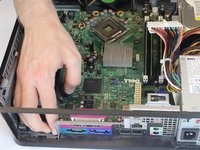
  5. Dell Optiplex 745 Small Form Factor Motherboard Replacement: step 5, image 1 of 3 Dell Optiplex 745 Small Form Factor Motherboard Replacement: step 5, image 2 of 3 Dell Optiplex 745 Small Form Factor Motherboard Replacement: step 5, image 3 of 3
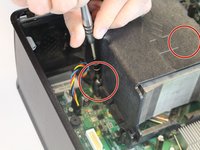
    • Remove the heat sink.

    • Unscrew the (2) two screws using a Phillips #2 screwdriver and lift out the heat sink.

    Ask FixBot
    Add Comment

  6. Dell Optiplex 745 Small Form Factor Motherboard Replacement: step 6, image 1 of 3 Dell Optiplex 745 Small Form Factor Motherboard Replacement: step 6, image 2 of 3 Dell Optiplex 745 Small Form Factor Motherboard Replacement: step 6, image 3 of 3
    • Remove the (5) five 6mm Phillips #2 screws from the motherboard.

    • Remove the (2) two 17mm Phillips #2 screws from the mount for the heat sink.

    Ask FixBot

    Add Comment

  7. Dell Optiplex 745 Small Form Factor Motherboard Replacement: step 7, image 1 of 3 Dell Optiplex 745 Small Form Factor Motherboard Replacement: step 7, image 2 of 3 Dell Optiplex 745 Small Form Factor Motherboard Replacement: step 7, image 3 of 3
    • Remove the back plate by lifting straight out by the blue latch that secures the graphics card.

    • Pull the end of the motherboard closest to the back of the computer away from the static back plate.

    • Lift this end away and out of the case.

    Ask FixBot

    Add Comment

Conclusion

To reassemble your device, follow these instructions in reverse order.

Cancel: I did not complete this guide.

8 other people completed this guide.

Alexander Rosner

Member since: 10/03/17

318 Reputation

1 Guide authored

Team

USF Tampa, Team S5-G5, Walkup Fall 2017 Member of USF Tampa, Team S5-G5, Walkup Fall 2017

USFT-WALKUP-F17S5G5

4 Members

9 Guides authored

0 Guide Comments

Add Comment

View Statistics:

Past 24 Hours: 1

Past 7 Days: 10

Past 30 Days: 41

All Time: 2,486