Free Shipping on Domestic Orders $75+

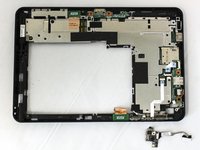
Dell Latitude ST Camera Replacement

What you need

  1. Dell Latitude ST Camera Replacement, Battery: step 1, image 1 of 3 Dell Latitude ST Camera Replacement, Battery: step 1, image 2 of 3 Dell Latitude ST Camera Replacement, Battery: step 1, image 3 of 3
    • Locate the back panel tab.

    • Press down on the tab to remove the panel.

    Ask FixBot

    Add Comment

  2. Dell Latitude ST Camera Replacement: step 2, image 1 of 3 Dell Latitude ST Camera Replacement: step 2, image 2 of 3 Dell Latitude ST Camera Replacement: step 2, image 3 of 3
    • Using a Phillips #0 screwdriver, remove the four 6mm screws attaching the inside panel to the device.

    Ask FixBot

    Add Comment

  3. Dell Latitude ST Camera Replacement: step 3, image 1 of 3 Dell Latitude ST Camera Replacement: step 3, image 2 of 3 Dell Latitude ST Camera Replacement: step 3, image 3 of 3
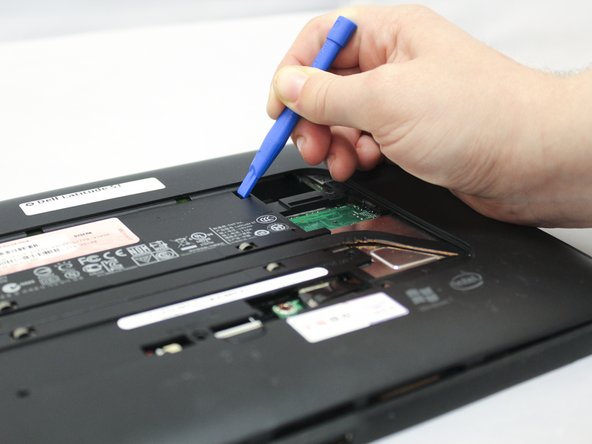
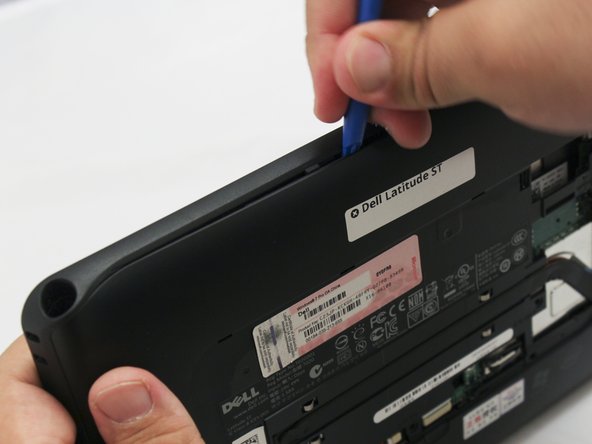
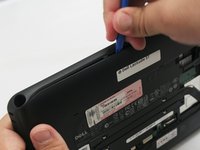
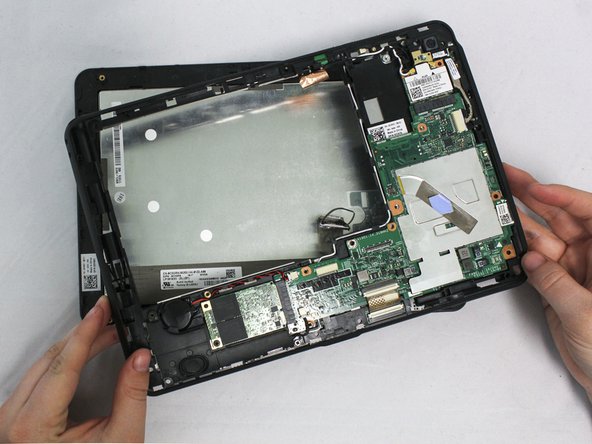
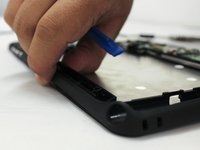
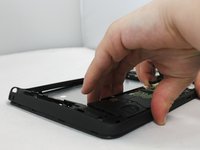
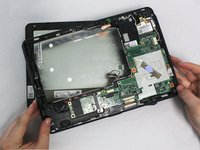
    • Use the blue plastic opening tool to push in the tab located on the backside of the device.

    • Slide the tool around the edges of the device to unsnap the tabs and pry the frame off.

    Ask FixBot

    Add Comment

  4. Dell Latitude ST Camera Replacement: step 4, image 1 of 3 Dell Latitude ST Camera Replacement: step 4, image 2 of 3 Dell Latitude ST Camera Replacement: step 4, image 3 of 3
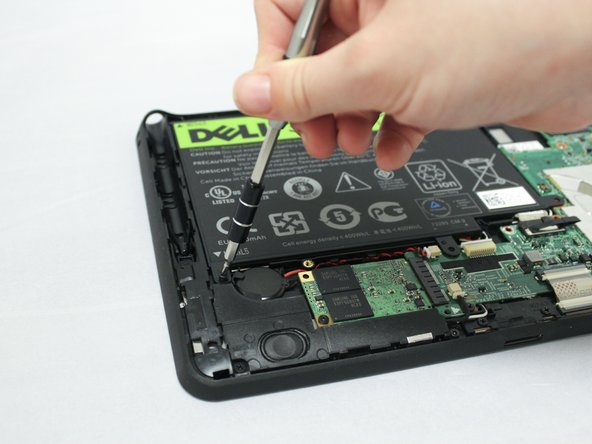
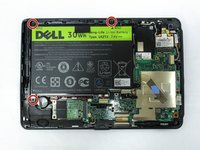
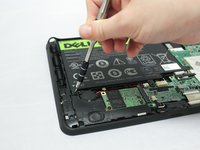
    • Remove the three 6mm Phillips #0 screws attaching the battery.

    Ask FixBot

    Add Comment

  5. Dell Latitude ST Camera Replacement: step 5, image 1 of 3 Dell Latitude ST Camera Replacement: step 5, image 2 of 3 Dell Latitude ST Camera Replacement: step 5, image 3 of 3
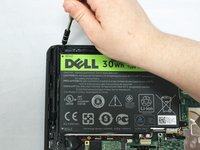
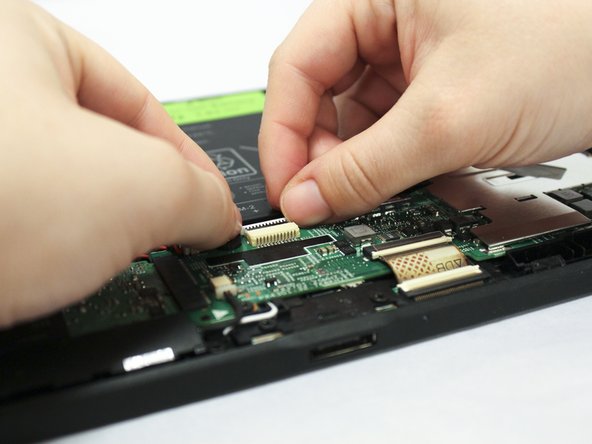
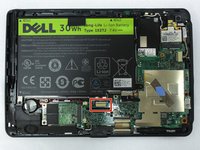
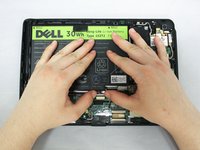
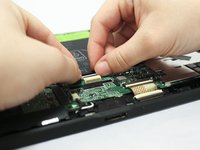
    • Using your hands or a plastic opening tool, unplug the white battery cable.

    • Push forward on the top part of the cable to disconnect it from the device.

    Ask FixBot

    Add Comment

  6. Dell Latitude ST Camera Replacement: step 6, image 1 of 3 Dell Latitude ST Camera Replacement: step 6, image 2 of 3 Dell Latitude ST Camera Replacement: step 6, image 3 of 3
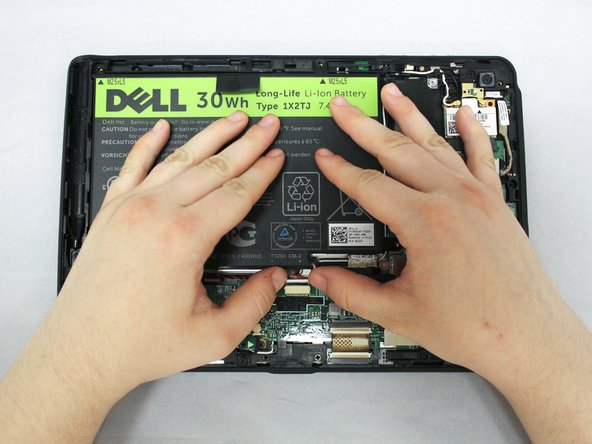
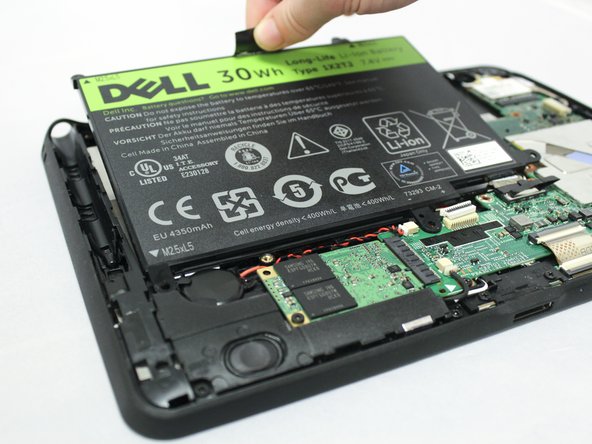
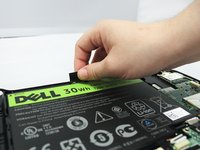
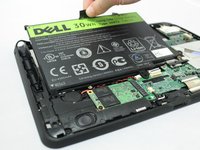
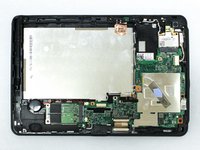
    • Pull up on the black tab located at the top of the battery to remove the battery from the device.

    Ask FixBot

    Add Comment

  7. Dell Latitude ST Camera Replacement, Screen: step 7, image 1 of 3 Dell Latitude ST Camera Replacement, Screen: step 7, image 2 of 3 Dell Latitude ST Camera Replacement, Screen: step 7, image 3 of 3
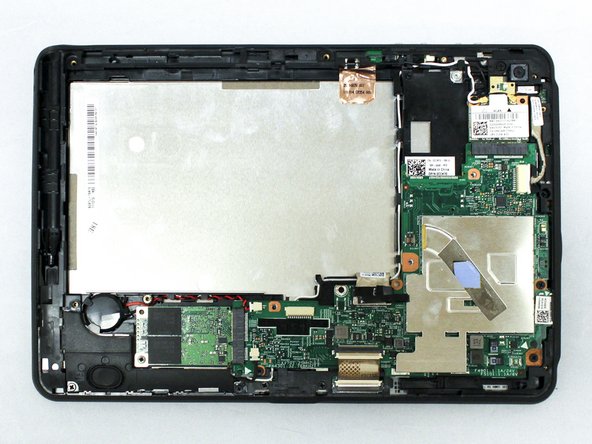
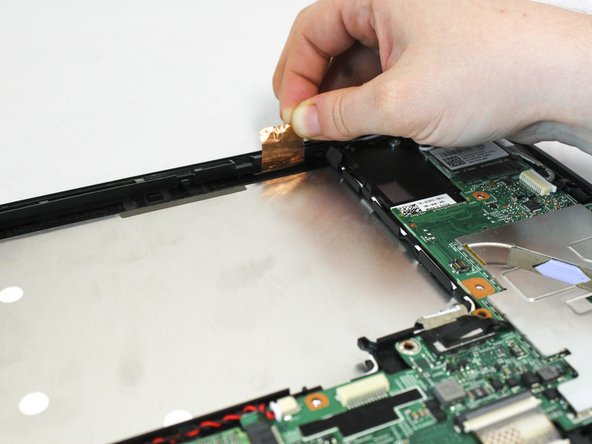
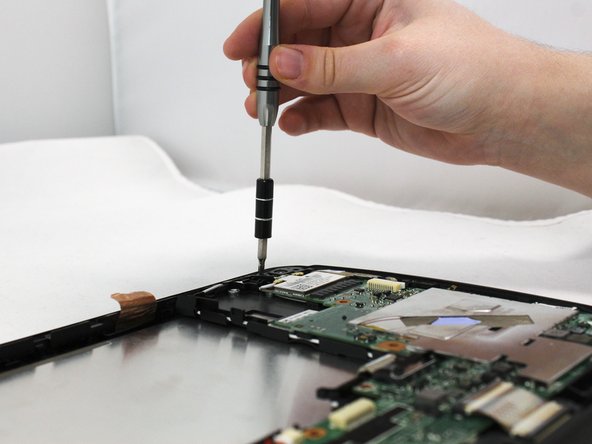
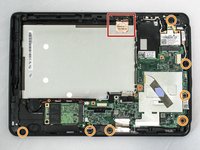
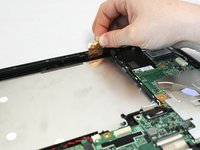
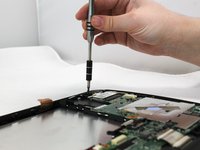
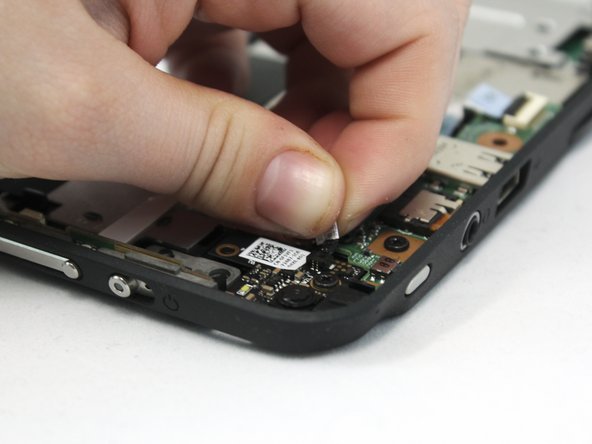
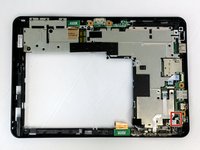
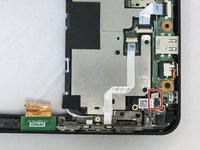
    • Pull up on the copper antenna tape to loosen it from the base.

    • Unscrew the seven 6mm Phillips #0 screws from the base.

    Ask FixBot

    Add Comment

  8. Dell Latitude ST Camera Replacement: step 8, image 1 of 2 Dell Latitude ST Camera Replacement: step 8, image 2 of 2
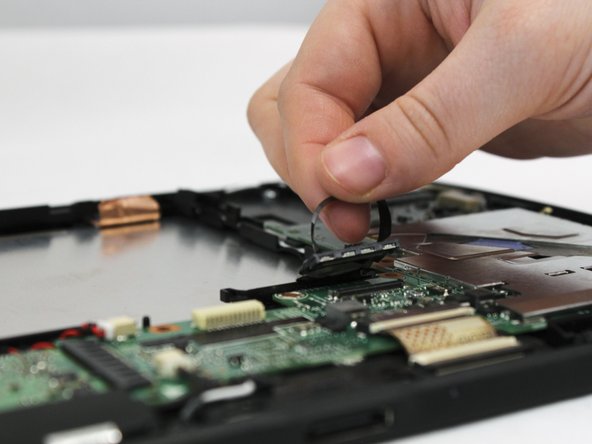
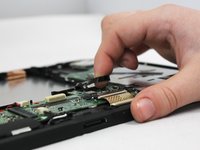
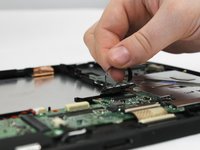
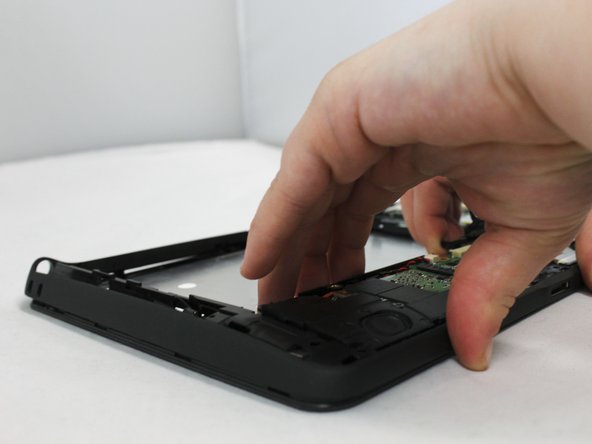
    • Locate the grey LCD cable attached to the motherboad on the device.

    • Pull up on the black tape handle attached to the LCD cable to disconnect the cable.

    • Be sure to pull on the back rather than the LCD cable itself.

    Ask FixBot

    Add Comment

  9. Dell Latitude ST Camera Replacement: step 9, image 1 of 3 Dell Latitude ST Camera Replacement: step 9, image 2 of 3 Dell Latitude ST Camera Replacement: step 9, image 3 of 3
    • Using your hands or the blue plastic opening tool, go along the edges of the frame and unsnap the screen from the middle frame.

    • Lift the middle frame away from the screen.

    Ask FixBot

    Add Comment

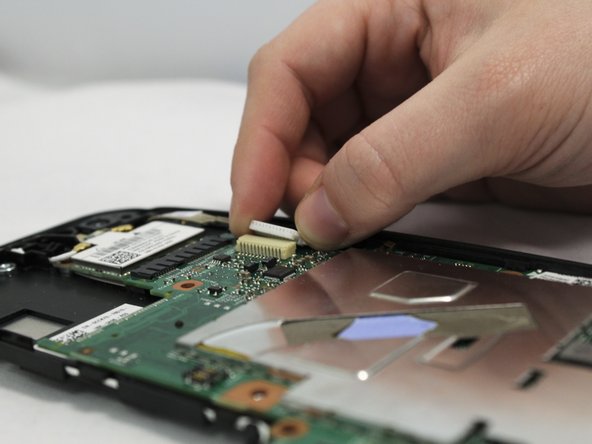
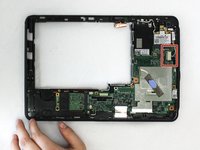
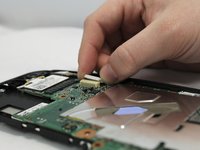
  10. Dell Latitude ST Camera Replacement, Camera: step 10, image 1 of 2 Dell Latitude ST Camera Replacement, Camera: step 10, image 2 of 2
    • Unplug the white camera cord located on the right side of the middle frame under the WLAN card.

    • Using your hands, or the blue plastic opening tool, pull the white part of the cable to the right to disconnect it.

    Ask FixBot

    Add Comment

  11. Dell Latitude ST Camera Replacement: step 11, image 1 of 3 Dell Latitude ST Camera Replacement: step 11, image 2 of 3 Dell Latitude ST Camera Replacement: step 11, image 3 of 3
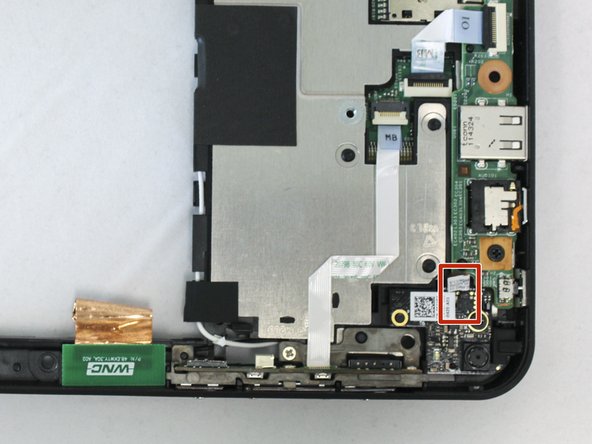
    • Flip over the middle frame.

    • Locate the black and red cables attached to the camera assembly.

    • Gripping them by the white tag, disconnect the black and red cables from their socket on the camera assembly.

    Ask FixBot

    Add Comment

  12. Dell Latitude ST Camera Replacement: step 12, image 1 of 3 Dell Latitude ST Camera Replacement: step 12, image 2 of 3 Dell Latitude ST Camera Replacement: step 12, image 3 of 3
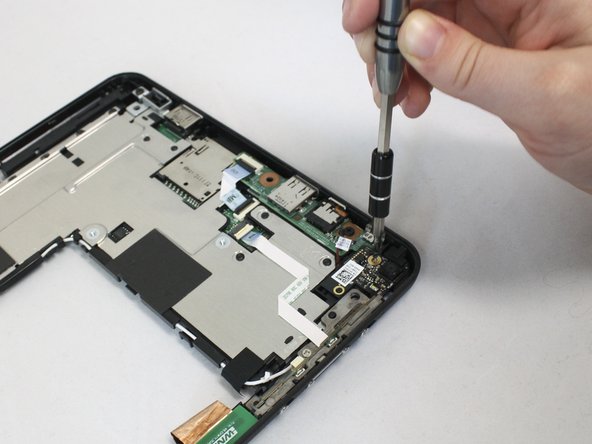
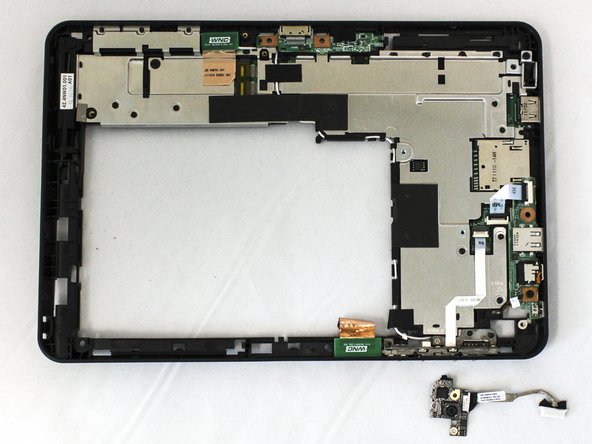
    • Remove the 6mm Phillips #0 screw next to the camera.

    • Pull the camera out to remove it from the device.

    Ask FixBot

    Add Comment

Conclusion

To reassemble your device, follow these instructions in reverse order.

Cancel: I did not complete this guide.

0 Guide Comments

Add Comment

View Statistics:

Past 24 Hours: 0

Past 7 Days: 3

Past 30 Days: 22

All Time: 560