
Dell Latitude ST Battery Replacement

Chelsea Phillips and 3 other contributors
Last updated on Aug 2, 2017
Views: 1.6K
View statistics:
- Past 24 Hours:
- 2
- Past 7 Days:
- 13
- Past 30 Days:
- 88
- All Time:
- 1,574
Comments: 2
2 guide comments.
Go to guide commentsCompleted: 1 2
1 person has marked this guide "completed." Will you be next?
2 people have marked this guide "completed." Including you — great job!
Favorites: 0 1
No one has favorited (and subscribed to) this guide. Will you be the first?
1 person has favorited (and subscribed to) this guide — and that's you!
Introduction
Go to step 1 ↓If your Dell latitude ST is not powering on it may have a dead battery, or a broken power cord. If your battery still does not hold a charge you will need to replace your battery. This guide walks you through each step of how to replace the battery on your Dell Latitude ST if it is broken.
What you need
Tools


-
-
-
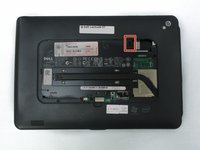
Locate the back panel tab.
-
Press down on the tab to remove the panel.
 Ask FixBot
-
-
-
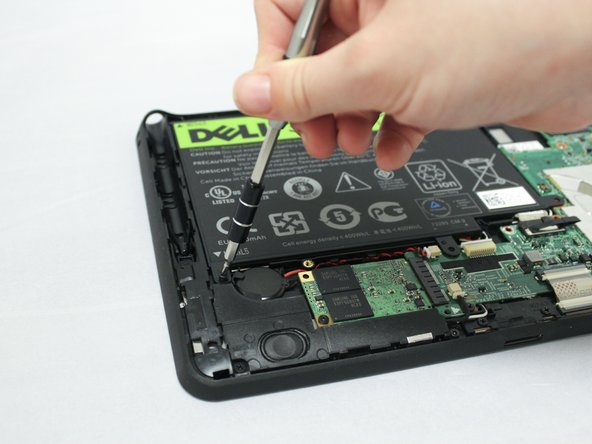
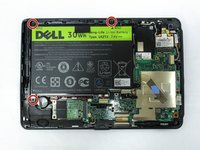
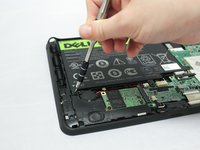
Using a Phillips #0 screwdriver, remove the four 6mm screws attaching the inside panel to the device.
-
-
-
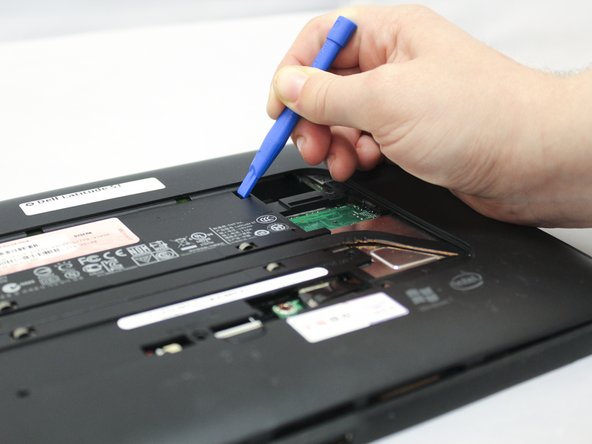
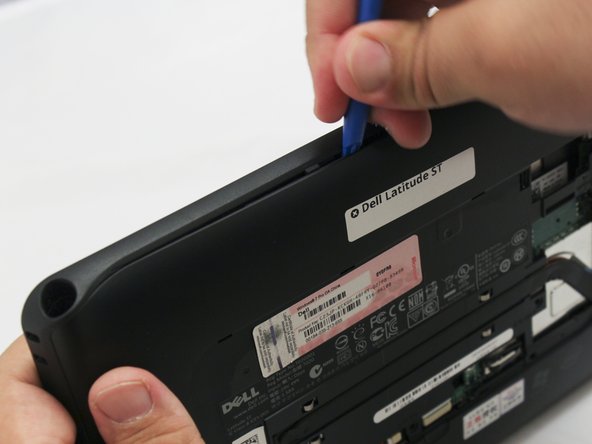
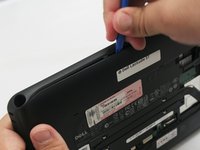
Use the blue plastic opening tool to push in the tab located on the backside of the device.
-
Slide the tool around the edges of the device to unsnap the tabs and pry the frame off.
-
-
-
-
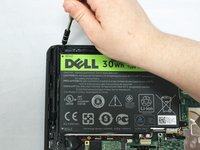
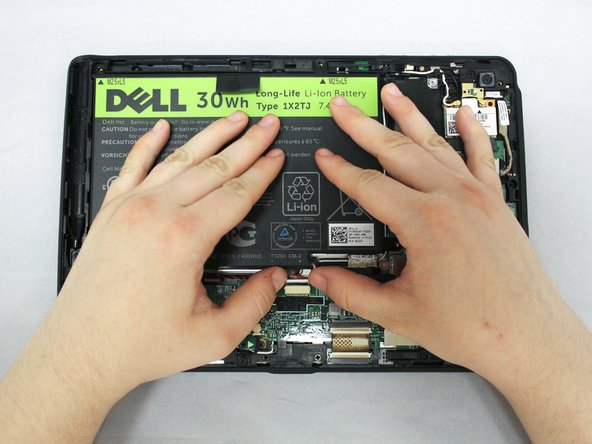
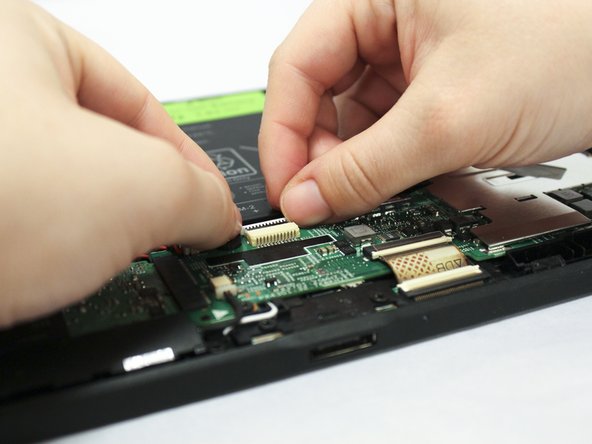
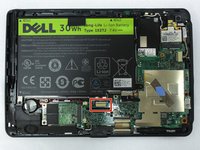
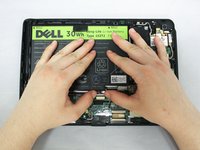
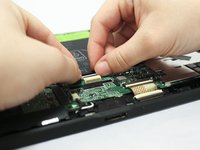
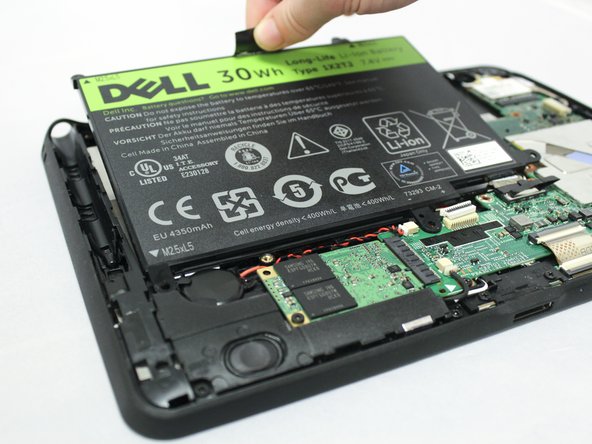
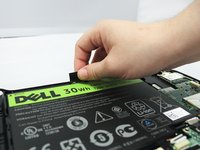
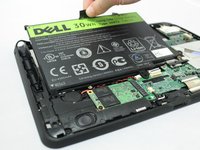
Pull up on the black tab located at the top of the battery to remove the battery from the device.
-
-






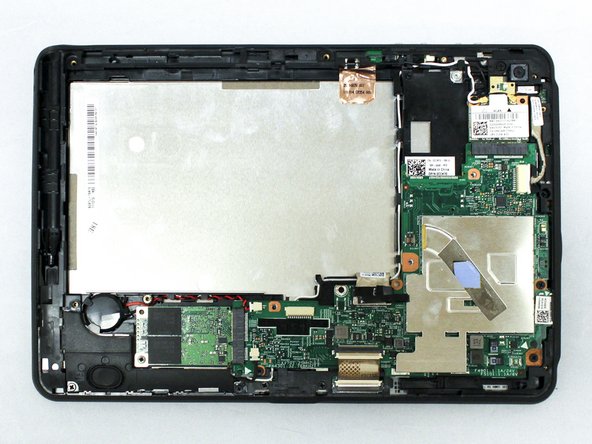
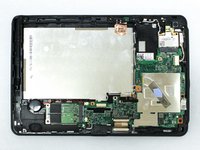
To reassemble your device, follow these instructions in reverse order.
Cancel: I did not complete this guide.
One other person completed this guide.

Team

Eastern Washington University, Team S1-G1, Crane Spring 2017 Member of Eastern Washington University, Team S1-G1, Crane Spring 2017
EWU-CRANE-S17S1G1
3 Members
60 Guides authored
2 Guide Comments
Where can I get the battery for it
Where do I find a new battery for it at
