Introduction
This guide introduces how to replace the battery from Dell Latitude E7470. The laptop comes with different battery configurations. While this guide shows how to remove a standard capacity battery, the procedure is similar when replacing the extended capacity battery. And the last steps have photos of the extended capacity battery (the part sold by iFixit.com)
What you need
-
-
Remove the eight 4 mm screws on the back cover using a Phillips #0 screwdriver.
 Ask FixBot
-
-
-
Use the pull tab on the battery connector to lift the connector straight up off its socket on the motherboard, disconnecting it.
-
-
-
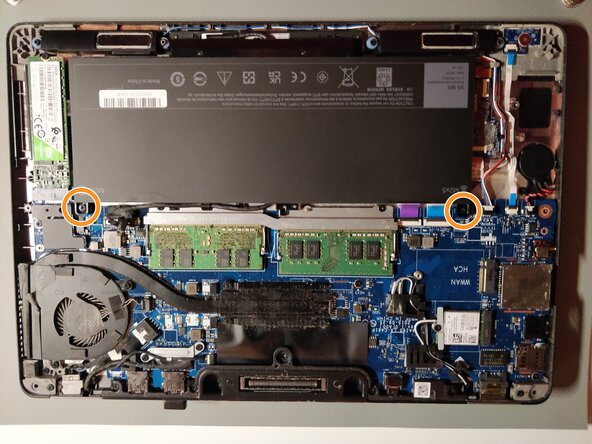
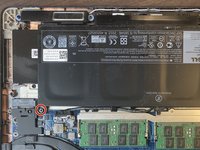
Remove the single 4 mm Phillips screw securing the bottom left corner of the battery.
-
If you are removing an extended capacity battery (see third photo), remove the Phillips screw securing the bottom right corner of the battery.
-
-
-
-
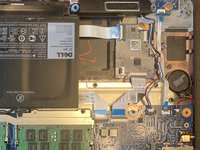
Re-plug the same cable on the new battery, and allow the cable to go around as showed on the photos.
-
-
-
Screw back the battery (here the photos show the extended capacity battery)
-
Plug back the battery cable to the mainboard connector.
-




To reassemble your device, follow these instructions in reverse order.
Cancel: I did not complete this guide.
3 other people completed this guide.

