Introduction
This guide will take users through replacing the Dell Latitude E6530 battery. Refer to the troubleshooting page before beginning to be sure the battery needs replacement.

 Ask FixBot


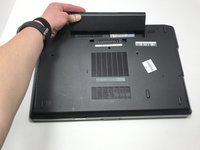
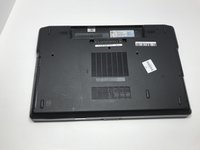
To reassemble your device, follow these instructions in reverse order. If issues arise after replacing the battery, refer to the troubleshooting page or additional links for more help.
Cancel: I did not complete this guide.
One other person completed this guide.

Team

Embry-Riddle Aeronautical University, Team S7-G2, Rauch Spring 2020 Member of Embry-Riddle Aeronautical University, Team S7-G2, Rauch Spring 2020
ERAU-RAUCH-S20S7G2
3 Members
60 Guides authored
