
Dell Latitude D820 Thermal Paste Replacement

Henry and 9 other contributors
Last updated on Aug 1, 2024
Views: 1.7K
View statistics:
- Past 24 Hours:
- 1
- Past 7 Days:
- 24
- Past 30 Days:
- 106
- All Time:
- 1,697
Comments: 2
2 comments on steps.
Completed: 3 4
3 people have marked this guide "completed." Will you be next?
4 people have marked this guide "completed." Including you — great job!
Favorites: 0 1
No one has favorited (and subscribed to) this guide. Will you be the first?
1 person has favorited (and subscribed to) this guide — and that's you!
Introduction
Go to step 1 ↓Follow the motherboard replacement guide to the point the heat sink is exposed. No need to remove the motherboard.
What you need
Fix Kit
This kit contains all the parts and tools needed to complete this guide.

Parts

Tools
-
Spudger4.9
-


-
-
-
Perform a complete system backup and shutdown the computer.
-
Unplug the charger and remove the battery.
-
Remove the battery by sliding the lock tab and use your other hand to remove the battery.
 Ask FixBot
-
-
-
Remove the hard drive.
-
Remove three 3.6 mm Phillips screws.
-
Remove the hard drive and set it aside, trying not to touch anything but the grey plastic grip pad. Doing so may cause damage to your hard drive.
-
-
-
Flip the laptop face up, making sure the screen is opened all the way and is flat.
-
Using an opening tool, carefully pry off the keyboard bezel keeping in mind wires are attached so do not pull too far or hard.
-
-
-
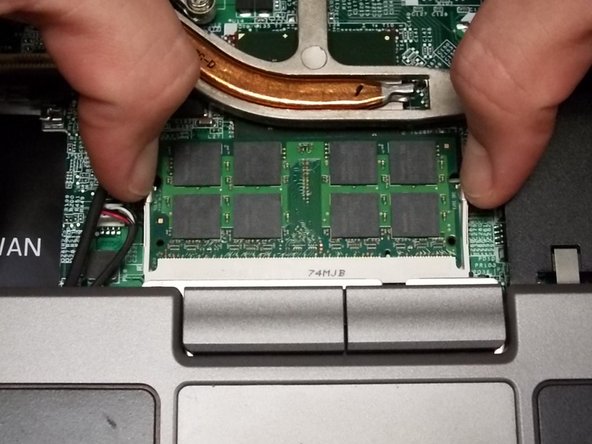
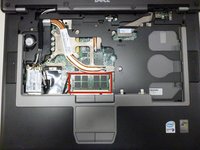
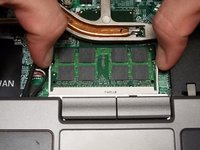
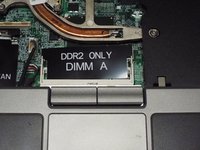
Remove the RAM stick under the keyboard by pulling the two tabs away from each other as shown in second picture.
-
Repeat for the second stick of RAM.
-
-
-
Disconnect the wireless card from the bottom corner.
-
Push the retaining tab and lift the card out.
-
Do this for the ethernet card which is in the same spot.
-
-
-
Remove the cable that connects the speaker to the frame by pulling straight out.
-
Remove the cable that connects the track pad to the frame by pulling straight out.
-
-
-
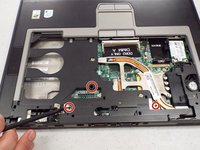
Remove three screws that hold the upper case to the motherboard.
-
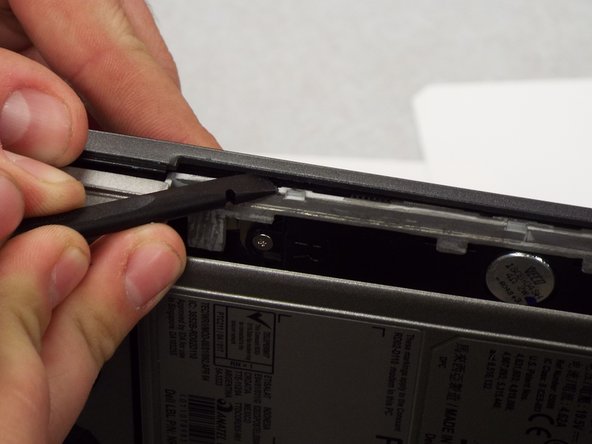
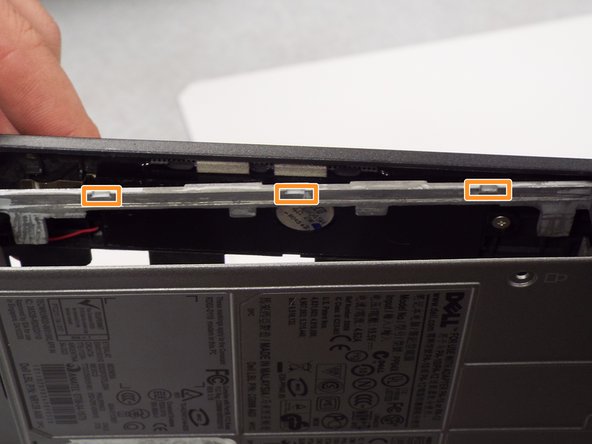
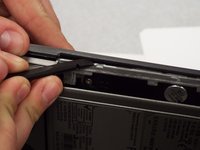
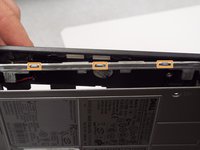
Use a spudger to pry the three tabs by the CD-ROM to separate the upper and bottom casing.
-
-
-
-
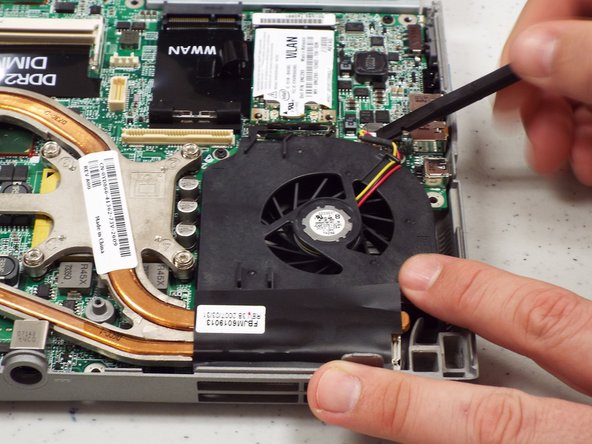
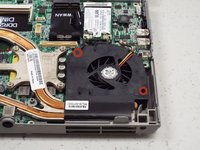
Remove two 5.6 mm screws from the fan.
-
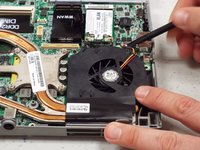
Remove the fan power cable.
-
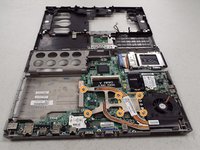
Loosen six captive spring loaded screws from the heat sink.
-
-
-
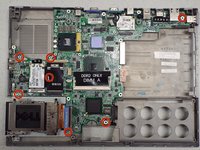
Remove four 3.7 mm screws from around edge of the motherboard.
-
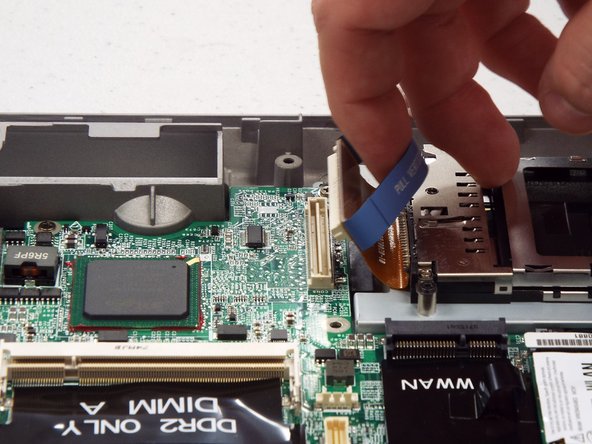
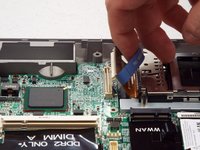
Remove the PCMCIA connector from the motherboard.
-
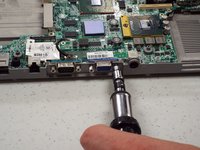
Turn the laptop on the side and remove two female hex screws from the video card and two posts from the serial port using socket driver (3/16 socket).
-
-
-
-
-
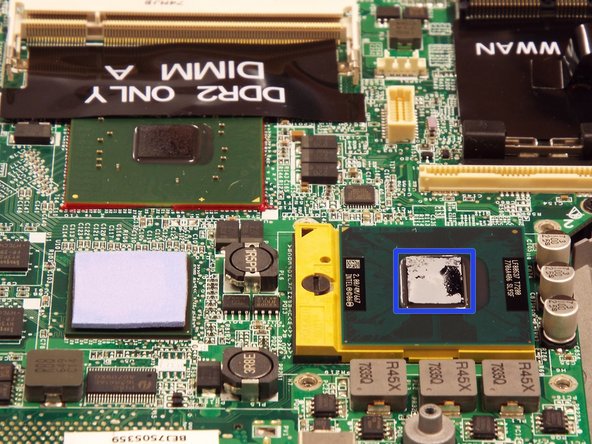
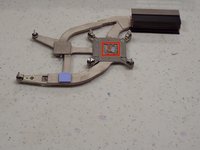
Using a lint free cloth and a drop of TimClean or ArctiClean to clean residue from the heat sink.
-
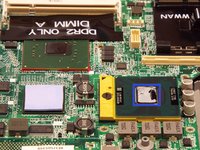
Using a lint free cloth and a drop of TimClean or ArctiClean to clean residue off CPU.
-
Wipe with a clean lint free cloth to remove any residue of cleaner.
-
Allow to dry completely.
-
-
-
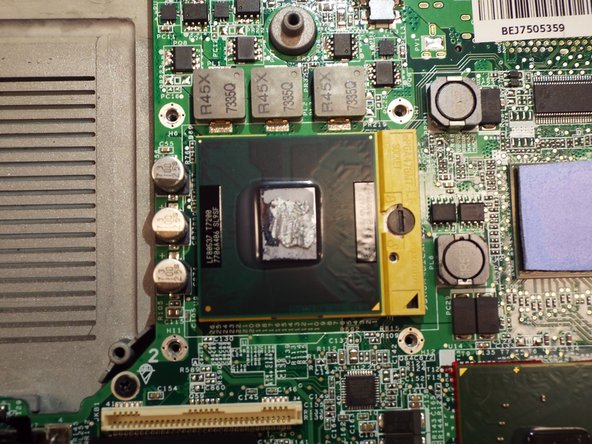
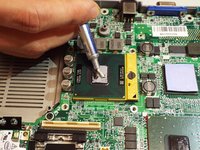
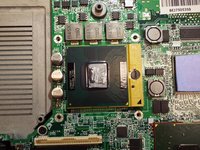
Dispense a small amount of thermal paste onto processor.
-
Using your rubber finger stall or spudger spread a thin, even layer over processor.
-
The processor is ready for heat sink installation.
-
-


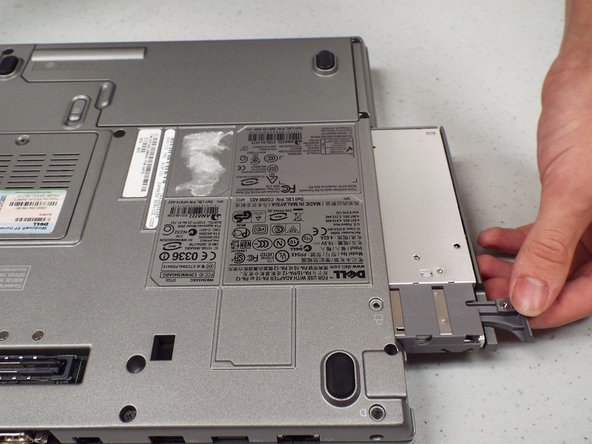
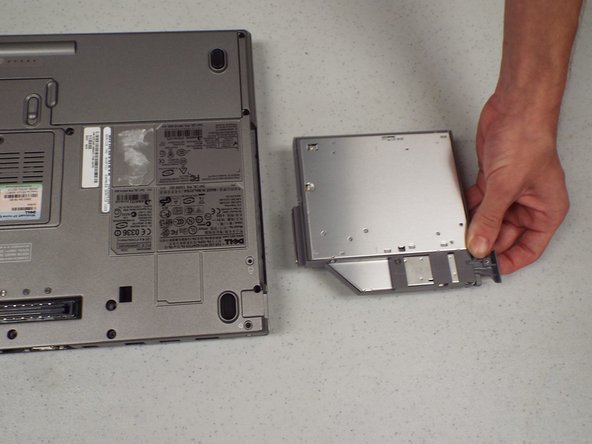
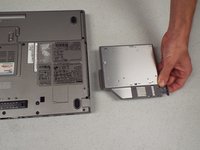


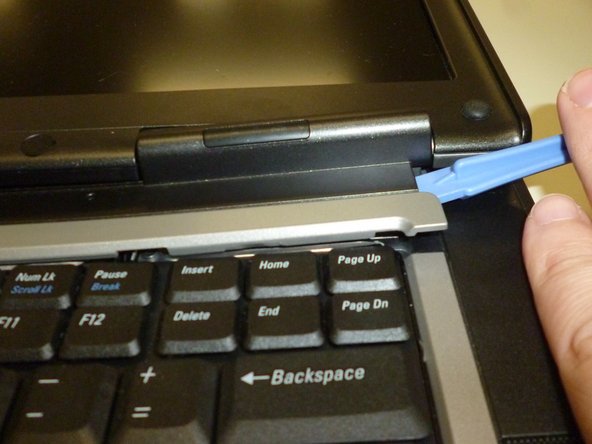

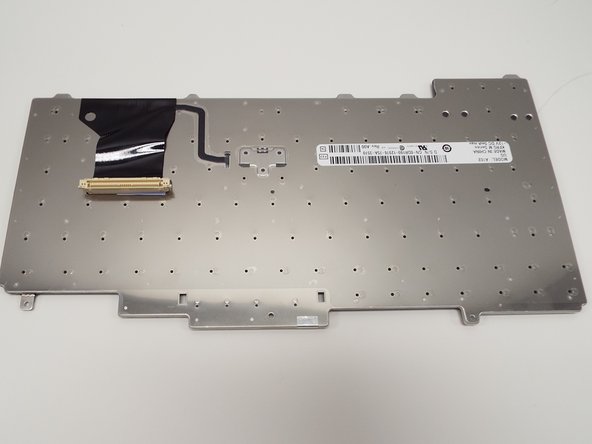










To reassemble your device, follow these instructions in reverse order.
Cancel: I did not complete this guide.
3 other people completed this guide.

Team

Pasco Hernando, Team 1-2, Prince Fall 2014 Member of Pasco Hernando, Team 1-2, Prince Fall 2014
PHSC-PRINCE-F14S1G2
10 Members
84 Guides authored
