
Dell Latitude 7490 Battery Replacement

Last updated on Sep 21, 2023
Views: 11K
View statistics:
- Past 24 Hours:
- 10
- Past 7 Days:
- 73
- Past 30 Days:
- 311
- All Time:
- 11,215
Comments: 2
1 comment on steps, 1 guide comment.
Go to guide commentsCompleted: 13 14
13 people have marked this guide "completed." Will you be next?
14 people have marked this guide "completed." Including you — great job!
Favorites: 1 2
1 person has favorited (and subscribed to) this guide. Will you be next?
2 people have favorited (and subscribed to) this guide — including you!
Featured Guide
This guide has been found to be exceptionally cool by the iFixit staff.
Introduction
Go to step 1 ↓Use this guide to replace a dead or malfunctioning battery in your Dell Latitude 4790 laptop.
If your battery is swollen, take appropriate precautions.
What you need
Fix Kit
This kit contains all the parts and tools needed to complete this guide.

Parts

Tools


-
-
-
Unplug all cables and fully shut down your laptop.
 Ask FixBot
-
-
-
-
-
Flip your laptop over so the rubber feet strips are facing up.
-
-
-
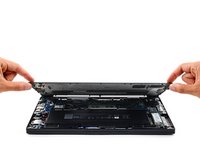
Use a Phillips screwdriver to fully loosen the eight captive screws securing the back cover.
-
-
-
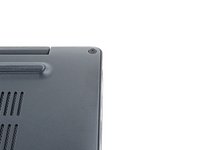
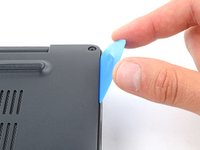
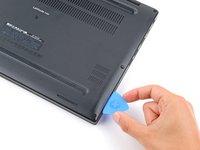
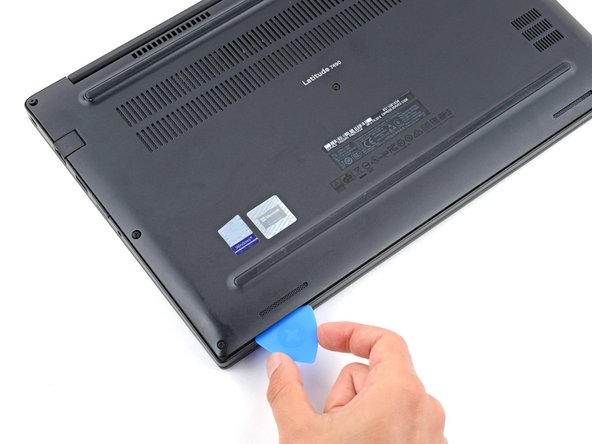
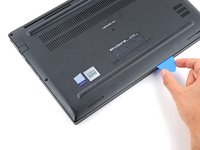
Insert the long side of an opening pick between the top right corner of the back cover and frame.
-
Pry the back cover up to release the clips securing the top right corner.
-
-
-
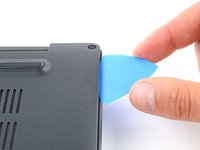
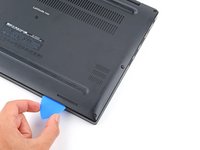
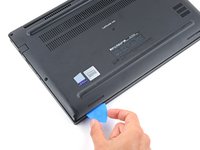
Slide the opening pick down the right edge and around the bottom right corner to release the clips.
-
-
-
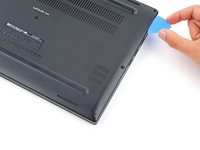
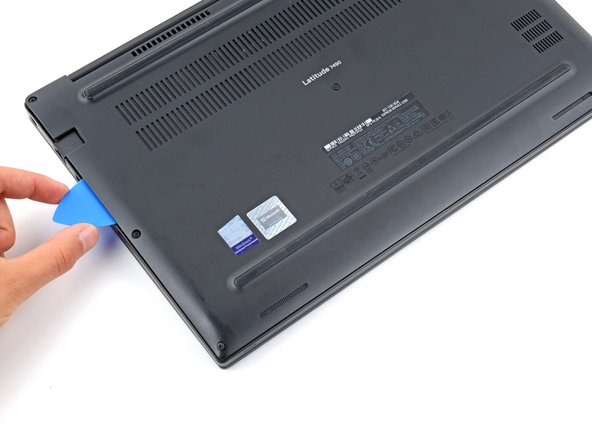
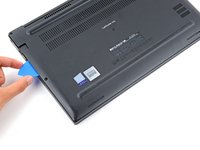
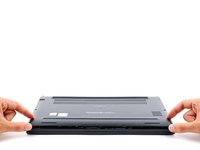
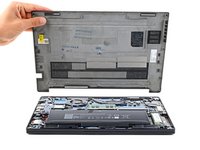
Slide the opening pick along the front edge and up to the top left corner to release the remaining clips securing the back cover.
-
-
-
-
-
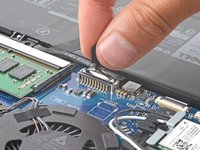
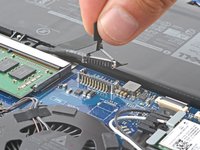
Grip the plastic tab on the battery connector and pull straight up to disconnect it.
-
-
-
-
-
-
Use a Phillips screwdriver to remove the two 5.7 mm‑long screws securing the battery.
-
-
-
Lift the top edge of the battery.
-
Slide the battery's bottom edge out of its recess in the frame and remove the battery.
-
-
-
Flip the battery over and lay it on a clean working surface.
-
Use one hand to secure the battery.
-
Use your other hand to firmly pull the battery connector out of its socket on the bottom edge of the battery.
-
Remove the battery cable from its recess between the two battery cells.
-
-











To reassemble your device, follow these instructions in reverse order.
For optimal performance, calibrate your newly installed battery after completing this guide.
Take your e-waste to an R2 or e-Stewards certified recycler.
Repair didn’t go as planned? Try some basic troubleshooting, or ask our Answers community for help.
Cancel: I did not complete this guide.
13 other people completed this guide.


1 Guide Comment
This was super helpful Spencer. Unfortunately, I'm having one pesky problem with my Dell after having installed the new battery. I pulled out the AC adapter to drain the battery down to zero (after my first full charge, any my laptop just shut right off.) I did a modern Gemini Search based on the fact that I had just swapped out my battery for my Dell Latitude 7490. Any suggestions beyond what I've go here?
https://docs.google.com/document/d/1RN-S...
