
Dell Latitude 7410 Battery Replacement

Clay Eickemeyer and one other contributor
Last updated on Oct 6, 2023
Views: 3.8K
View statistics:
- Past 24 Hours:
- 5
- Past 7 Days:
- 42
- Past 30 Days:
- 266
- All Time:
- 3,802
Comments: 0
No one has left comments on this guide. Will you be first?
Go to guide commentsCompleted: 1 2
1 person has marked this guide "completed." Will you be next?
2 people have marked this guide "completed." Including you — great job!
Favorites: 1 2
1 person has favorited (and subscribed to) this guide. Will you be next?
2 people have favorited (and subscribed to) this guide — including you!
Featured Guide
This guide has been found to be exceptionally cool by the iFixit staff.
Introduction
Go to step 1 ↓Use this guide to replace a worn out or damaged battery in your Dell Latitude 7410 laptop.
If your laptop dies quickly or doesn't hold a charge, it might be time to replace the battery.
If your battery is swollen, take appropriate precautions.
What you need
Parts

Tools


-
-
-
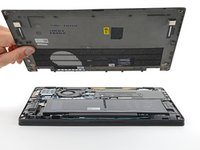
Unplug all cables, fully shut down your laptop, and close the lid.
 Ask FixBot
-
-
-
-
-
Use a Phillips screwdriver to loosen the eight captive screws securing the back cover.
-
-
-
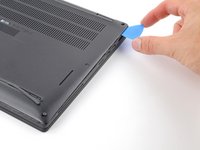
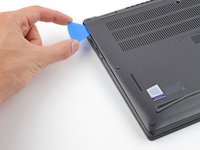
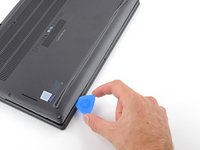
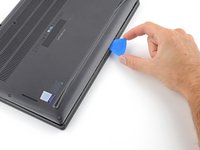
Insert an opening pick between the right edge of the back cover and the frame, just below the middle right screw.
-
-
-
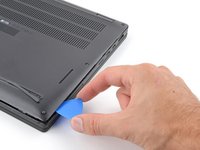
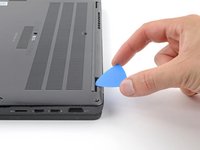
Slide your pick along the right edge to release the clips securing the back cover.
-
-
-
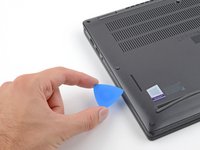
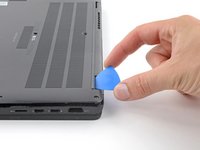
Insert your pick between the left edge of the back cover and the frame, next to the speaker cutout.
-
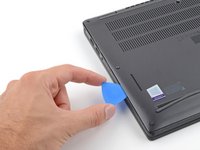
Slide your pick along the left edge to release the clips.
-
-
-
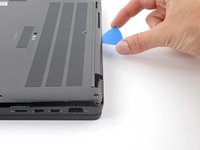
Insert your pick between the back cover and the right display-hinge to release the first clip along the back edge.
-
Slide your pick toward the left hinge until the second clip releases.
-
-
-
Insert your pick between the front edge of the back cover and the frame, just to the right of the bottom left screw.
-
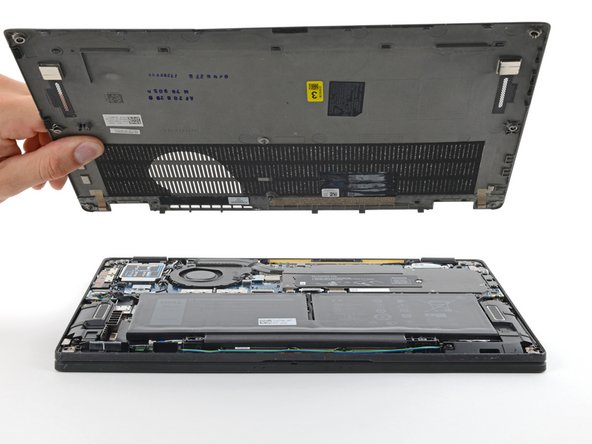
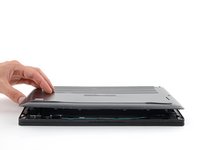
Slide your pick toward the right edge until the front edge releases from the frame.
-
-
-
-
-
-
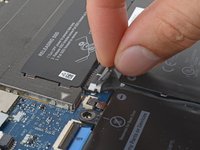
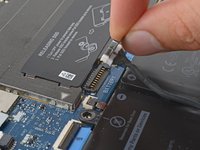
Grab the black pull tab on the head of the battery connector and pull straight up to disconnect it.
-
-
-
-
-
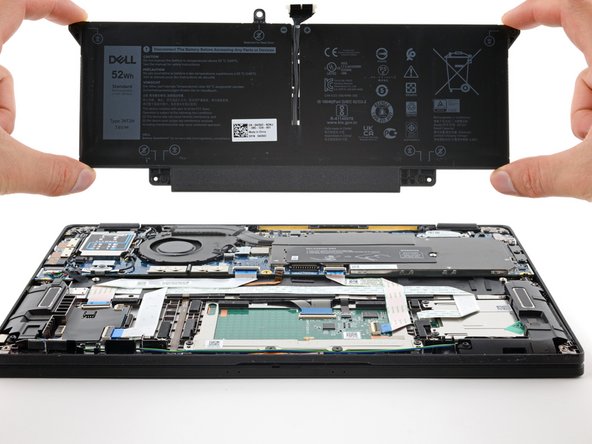
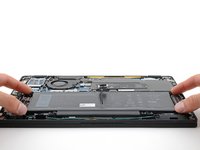
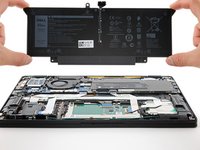
Use your Phillips screwdriver to loosen the four captive screws securing the battery.
-
-













To reassemble your device, follow these instructions in reverse order.
For optimal performance, calibrate your newly installed battery after completing this guide.
Take your e-waste to an R2 or e-Stewards certified recycler.
Repair didn’t go as planned? Try some basic troubleshooting, or ask our Answers community for help.
Cancel: I did not complete this guide.
One other person completed this guide.


