-
-
-
Avoid static discharge by grounding yourself using a wrist grounding strap or by touching a bare metal surface like a connector on the back of the laptop. Remove all of the power including the battery and power adapter.
-
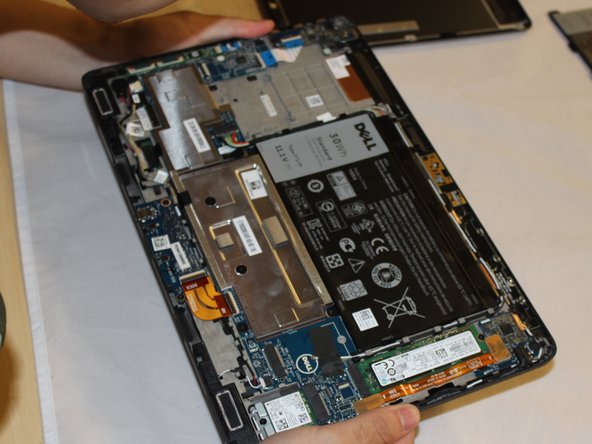
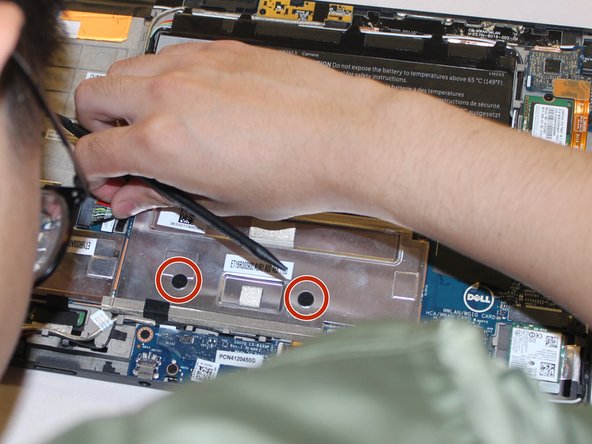
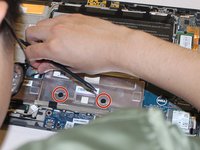
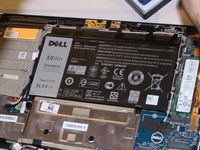
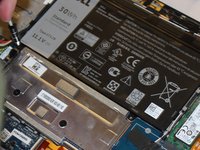
Unscrew and remove the battery.
-
-
-
-
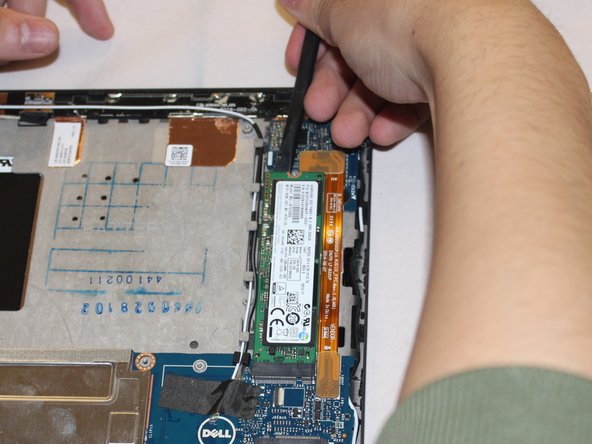
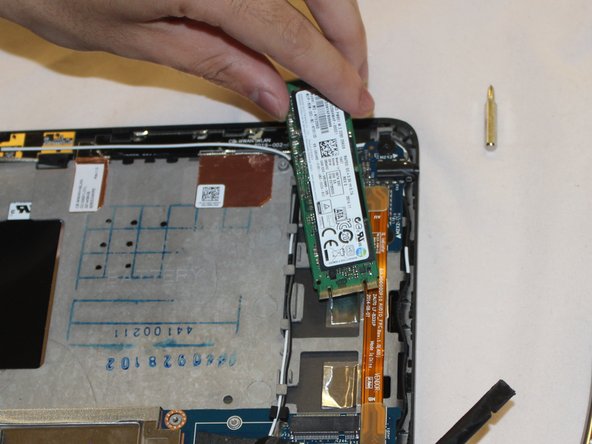
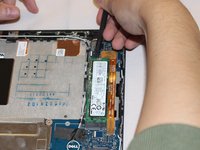
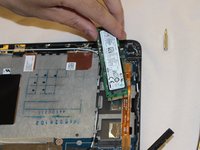
Unscrew and remove SSD from motherboard.
-
Disconnect then unscrew and remove audio circuit board.
-

 Ask FixBot





Conclusion
To reassemble your device, follow these instructions in reverse order.

Team

Eastern Washington University, Team S1-G1, Rowley Summer 2018 Member of Eastern Washington University, Team S1-G1, Rowley Summer 2018
EWU-ROWLEY-SU18S1G1
7 Members
60 Guides authored
