Introduction
If your Dell Latitude 5580 is showing signs of a decreased battery life, follow this guide to replace your battery. Your device may experience overheating, physical damage, or slow charging.
Lithium-ion batteries can often bloat or become faulty with prolonged usage, causing issues with the laptop and requiring replacement. If you have a swollen battery, be very careful. Review this What to do with a swollen battery guide for how to deal with it.
Before you begin this repair, make sure your laptop is powered off and unplugged from the charger.
What you need
-
-
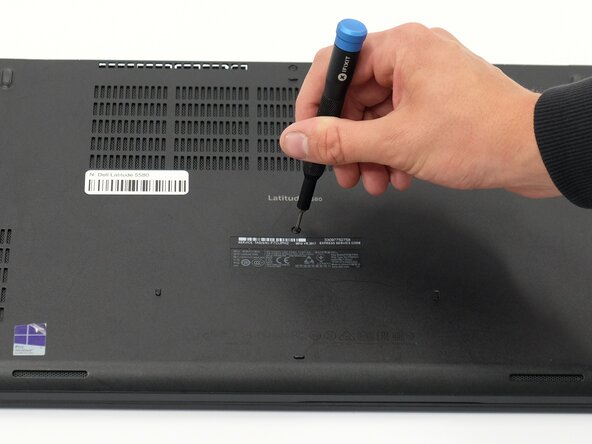
Orient your laptop so that you have access to the bottom cover, with the fan vents facing upwards.
-
Use a Phillips #00 screwdriver to loosen the eight screws securing the bottom cover.
-
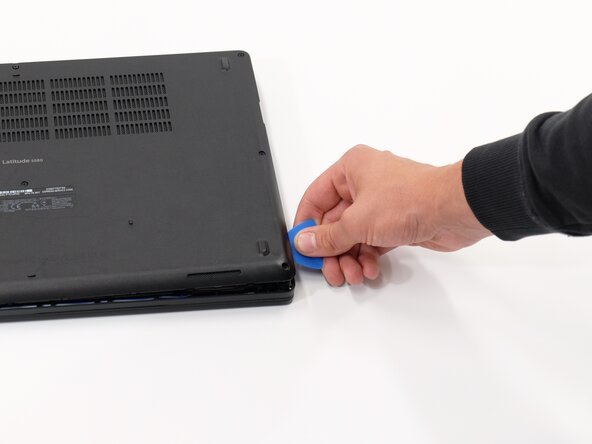
Insert the end of an iFixit opening tool or opening picks into the seam between the bottom and top case to release the clips holding them together.
-
Slide the opening tool or pick around the edge of the laptop until it is fully separated.
-
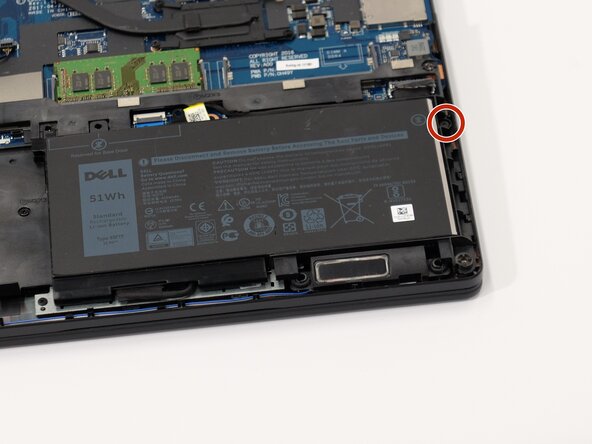
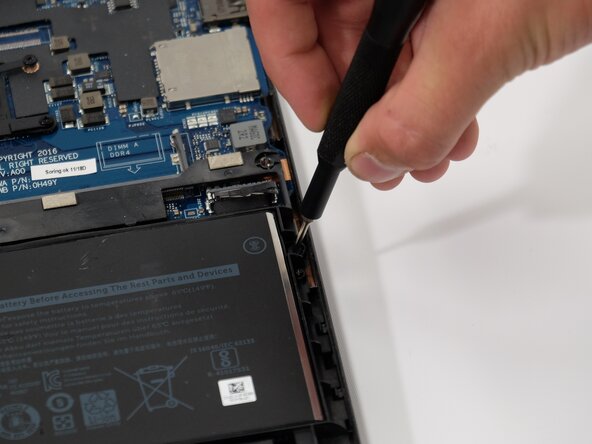
Remove the bottom cover.
 Ask FixBot
-
-





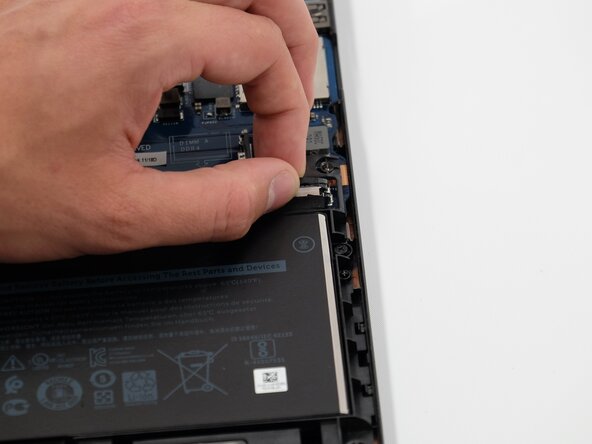
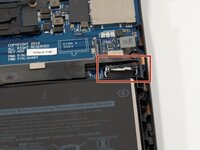

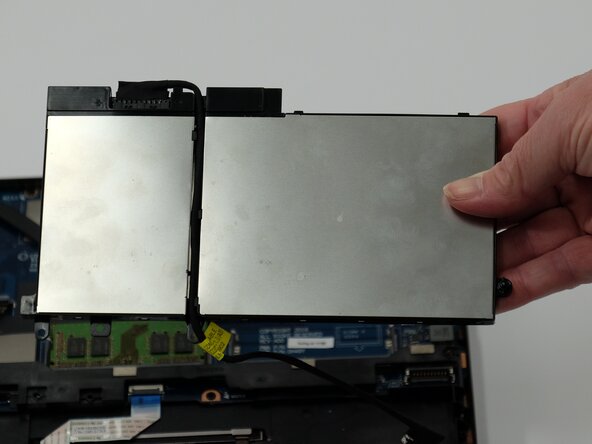
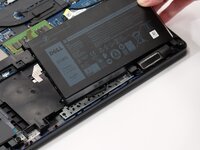
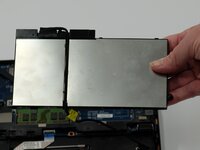
To reassemble your device, follow these instructions in reverse order. Take your e-waste to an R2 or e-Stewards certified recycler.
For optimal performance, calibrate your newly installed battery after completing this guide.
Cancel: I did not complete this guide.
One other person completed this guide.

Team

Linn Benton Community College, Team 1-5, Karnes Spring 2025 Member of Linn Benton Community College, Team 1-5, Karnes Spring 2025
LBCC-KARNES-S25S1G5
4 Members
5 Guides authored
