Introduction
In this guide, you will learn how to replace the WLAN card in your Dell Latitude 5490 laptop.
The WLAN (Wireless Local Area Network) card is used to connect your laptop to Wi-Fi.
If your laptop is unable to access the internet via Wi-Fi, you may need to replace the WLAN card. Replacing the WLAN card will give your laptop the ability to successfully connect to Wi-Fi.
What you need
-
-
-
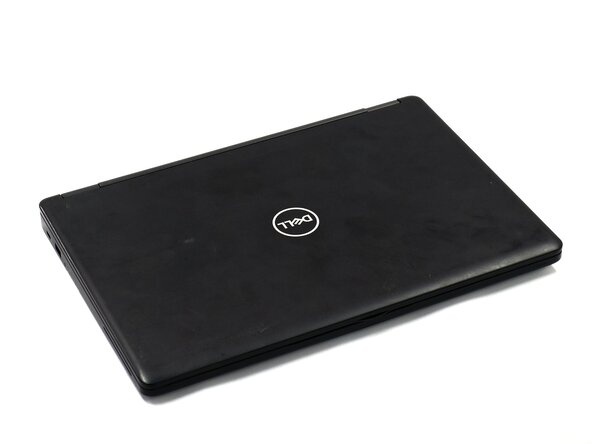
Close the device and flip the laptop over so the backplate is facing up.
 Ask FixBot
-
-
-
Using a Phillips #0 Screwdriver, loosen all eight captive screws in the backplate.
-
-
-
Using the spudger, pry the backplate from the laptop starting from external chassis (the back side of the laptop).
-
Continue prying in a clockwise direction around the backplate until it is able to be removed with just your hands.
-
Remove the backplate and put it aside for reassembly.
-
-
-
-
Using your finger, remove the battery connector using the handle found on top.
-
-
-
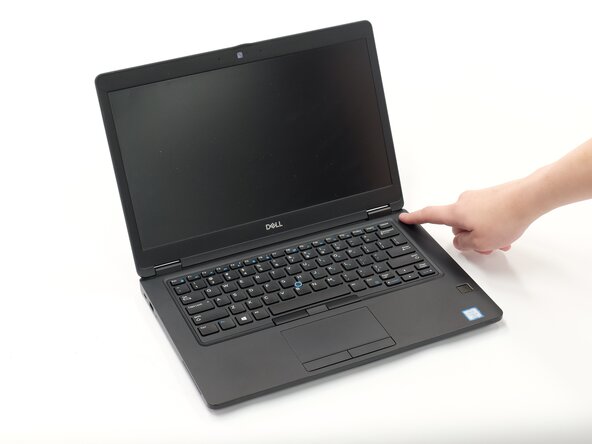
Hold down the power button for 15 seconds to discharge the remaining electricity within the laptop.
-
-
-
-
-
Remove the 4 mm screw holding the bracket above the WLAN card with a Phillips #0 screwdriver.
-
-
-
Carefully remove both antenna connectors. Ensure that you pull the antenna connectors straight up from the socket.
-
Using angled tweezers, hook one end of the tweezer under the connector. Set the other side at the end of the connector on the WLAN card. Keeping the tweezers flat, lightly squeeze.
-
-
-
Carefully slide the WLAN card out from the rear side, from the end where the antennas and bracket were.
-
-


To reassemble your device, follow these instructions in reverse order.

Team

Linn Benton Community College, Team 1-3, Karnes Fall 2025 Member of Linn Benton Community College, Team 1-3, Karnes Fall 2025
LBCC-KARNES-F25S1G3
3 Members
108 Guides authored
