Free Shipping on Domestic Orders $75+

Dell Latitude 5411 Lower Case Replacement

What you need

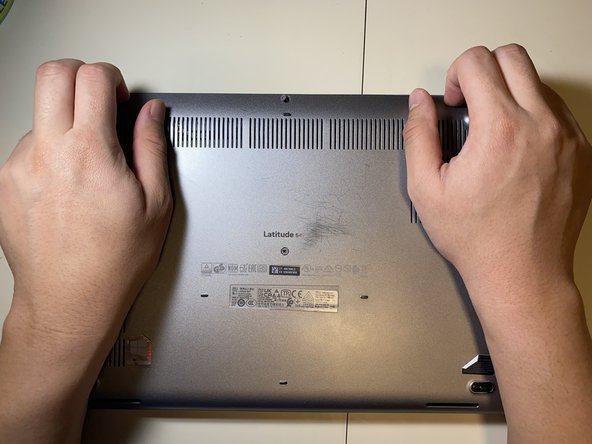
    1. Dell Latitude 5411 Lower Case Replacement, Lower Case: step 1, image 1 of 1
      • Loosen all eight 2.5 mm captive Phillips #1 screws that secure the lower case.

      • As the screws are captive, they will remain in the case after being loosened.

      Ask FixBot

      Add Comment

    2. Dell Latitude 5411 Lower Case Replacement: step 2, image 1 of 2 Dell Latitude 5411 Lower Case Replacement: step 2, image 2 of 2
      • Lift the base cover starting from the left hinge.

      • If it is hard to pull off, make sure that all the screws are loose.

      Ask FixBot

      Add Comment

Conclusion

To reassemble your device, follow these instructions in reverse order.

Cancel: I did not complete this guide.

Connor Bassolino

Member since: 03/29/22

25,364 Reputation

125 Guides authored

Team

iFixit Member of iFixit

Staff

123 Members

77,712 Guides authored

0 Guide Comments

Add Comment

View Statistics:

Past 24 Hours: 0

Past 7 Days: 4

Past 30 Days: 21

All Time: 293