Introduction
Utilize this manual to enhance and renew your laptop's RAM. Alternatively, have you experienced the frustration of your computer freezing at unpredictable intervals, making you feel as if you are on the brink of madness, especially when all you want to do is complete your work? This guide is at your disposal to assist you in upgrading your RAM and resolving these performance issues.
What you need
-
-
-
Push the microSD-card to eject it from the slot.
-
Remove the microSD-card from the computer.
 Ask FixBot
-
-
-
-
-
-
Loosen the nine screws 2mm Phillips #0 that secure the base cover to the assembly.
-
Using a plastic scribe, pry open the base cover starting from the recesses located in the indents near the hinges at the top edge of the base cover.
-
Carefully lift and remove the base cover.
-
-
-


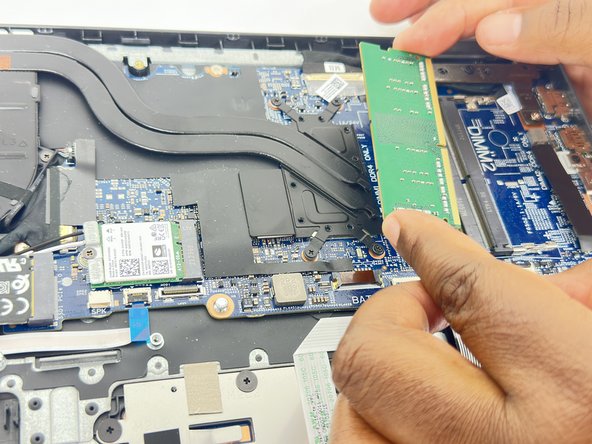
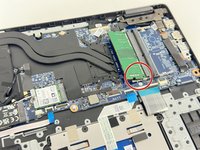
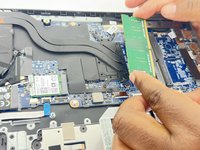
To reassemble your device, follow these instructions in reverse order.
Cancel: I did not complete this guide.
One other person completed this guide.

Team

University of New Orleans, Team 4-2, McDonald Fall 2023 Member of University of New Orleans, Team 4-2, McDonald Fall 2023
UNO-MCDONALD-F23S4G2
4 Members
84 Guides authored
