Introduction
If your Dell Latitude 3440 RAM is not working properly e.g., the device being slow or experiencing crashes due to insufficient memory, use this guide to replace the RAM.
The primary function of a RAM is to enable fast multitasking and program loading; a faulty RAM will result in frequent crashes or restarts.
What you need
-
-
-
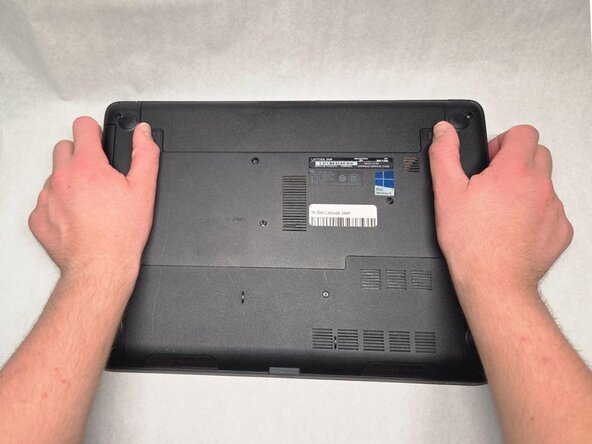
Slide the battery latches outwards in opposite directions.
-
Remove the battery from the device.
 Ask FixBot
-
-
-
-
-
Remove the SD memory card by pressing on the card to release it from the computer.
-
-
-
-
Remove the single 4.7mm screw from the access panel using a Phillips #1 screwdriver.
-
Remove the panel.
-
-


To reassemble your device, follow these instructions in reverse order.

Team

Purdue University Northwest, Team 4-9, Dieterle Fall 2025 Member of Purdue University Northwest, Team 4-9, Dieterle Fall 2025
PNW-DIETERLE-F25S4G9
4 Members
60 Guides authored
