Introduction
If your Dell Latitude 3440 disc drive is not working properly e.g., not reading the disc, making clicking sounds, use this guide to replace the disc drive.
The primary function of a disc drive is reading and writing data to and from optical discs, a faulty disc drive will result in inability to play media, install softwares, etc.
What you need
-
-
-
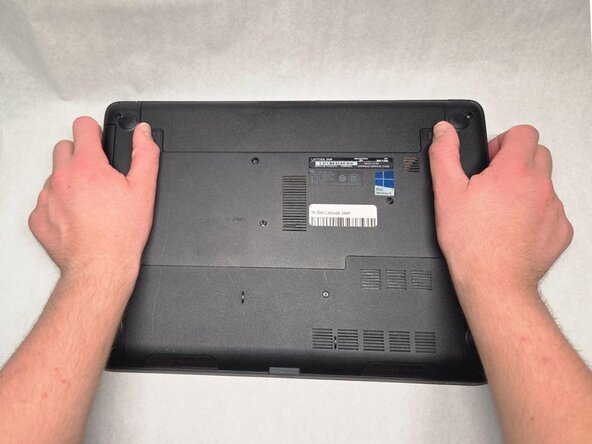
Slide the battery latches outwards in opposite directions.
-
Remove the battery from the device.
 Ask FixBot
-
-
-
-
-
-
Remove the single 5 mm screw securing the disc drive using a Phillips #1 screwdriver.
-
Slide the disc drive out of the drive bay.
-
-


To reassemble your device, follow these instructions in reverse order.

Team

Purdue University Northwest, Team 4-9, Dieterle Fall 2025 Member of Purdue University Northwest, Team 4-9, Dieterle Fall 2025
PNW-DIETERLE-F25S4G9
4 Members
60 Guides authored
