Free Shipping on Domestic Orders $75+

Dell Latitude 3380 Motherboard Replacement

What you need

    1. Dell Latitude 3380 Motherboard Replacement, Back Cover: step 1, image 1 of 2 Dell Latitude 3380 Motherboard Replacement, Back Cover: step 1, image 2 of 2
      • Turn the laptop over so that the back is facing up.

      • Remove the nine 3 mm screws with a Phillips #0 screwdriver.

      Ask FixBot

      Add Comment

    2. Dell Latitude 3380 Motherboard Replacement: step 2, image 1 of 2 Dell Latitude 3380 Motherboard Replacement: step 2, image 2 of 2
      • Use an opening tool to pry the back cover away from the laptop.

      Ask FixBot

      Add Comment

    1. Dell Latitude 3380 Motherboard Replacement, Motherboard: step 3, image 1 of 3 Dell Latitude 3380 Motherboard Replacement, Motherboard: step 3, image 2 of 3 Dell Latitude 3380 Motherboard Replacement, Motherboard: step 3, image 3 of 3
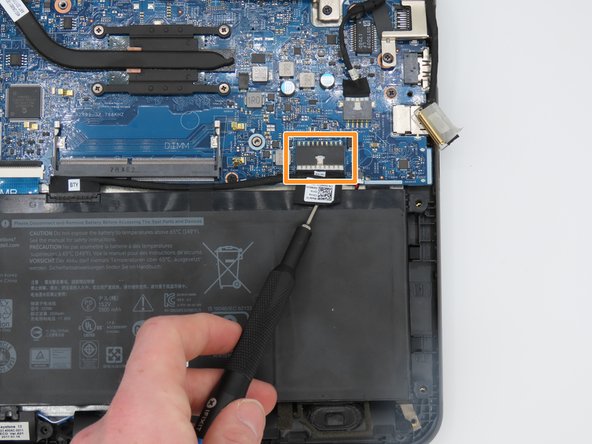
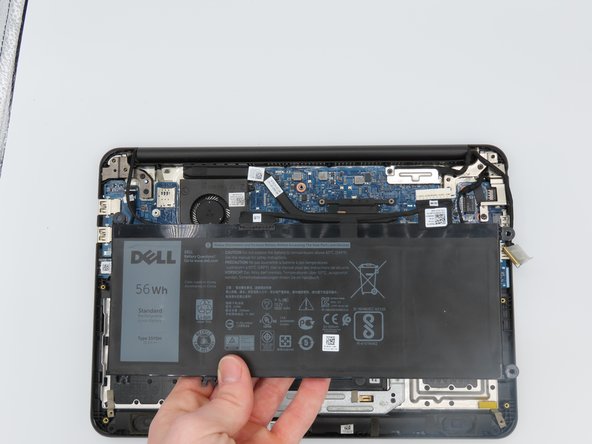
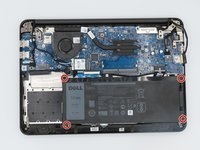
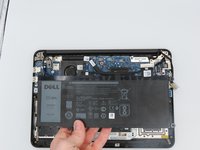
      • Remove the four 3 mm screws holding the battery in place using a Phillips #0 screwdriver.

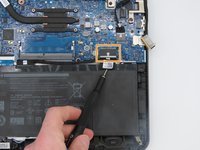
      • Disconnect the battery cable by gently pulling it out.

      • Remove the battery.

      Ask FixBot

      Add Comment

    2. Dell Latitude 3380 Motherboard Replacement: step 4, image 1 of 3 Dell Latitude 3380 Motherboard Replacement: step 4, image 2 of 3 Dell Latitude 3380 Motherboard Replacement: step 4, image 3 of 3
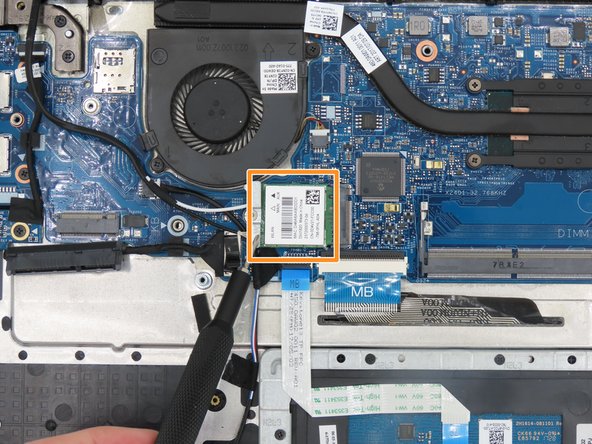
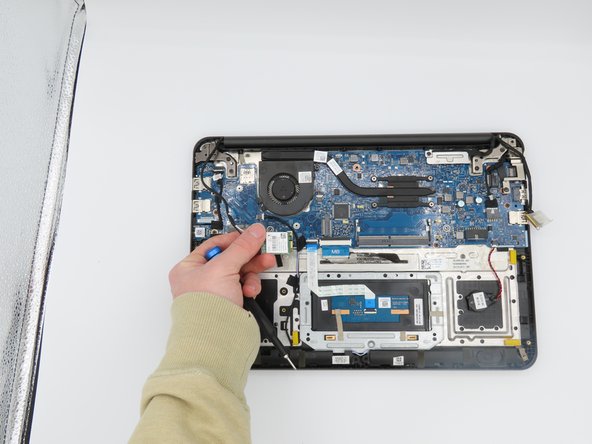
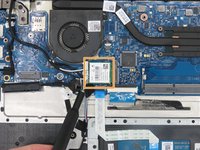
      • Remove the 3 mm screw from the WLAN card using a Phillips #0 screwdriver.

      • Disconnect and remove the WLAN card.

      Ask FixBot

      Add Comment

    3. Dell Latitude 3380 Motherboard Replacement: step 5, image 1 of 3 Dell Latitude 3380 Motherboard Replacement: step 5, image 2 of 3 Dell Latitude 3380 Motherboard Replacement: step 5, image 3 of 3
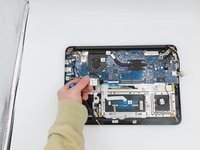
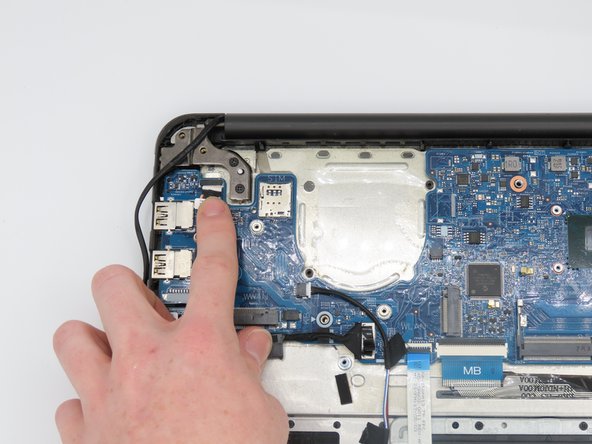
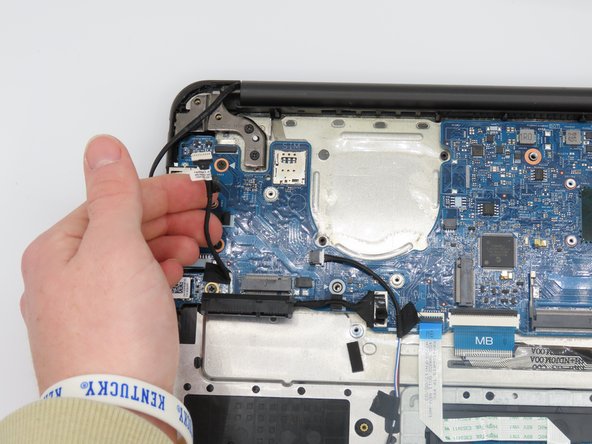
      • Disconnect the audio cable.

      • Remove the entire audio card piece.

      Ask FixBot

      Add Comment

    4. Dell Latitude 3380 Motherboard Replacement: step 6, image 1 of 3 Dell Latitude 3380 Motherboard Replacement: step 6, image 2 of 3 Dell Latitude 3380 Motherboard Replacement: step 6, image 3 of 3
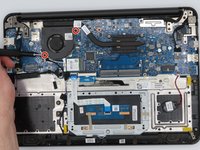
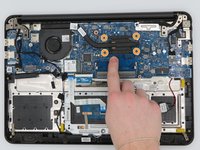
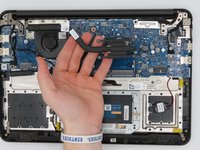
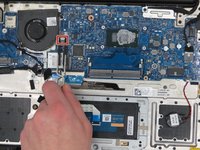
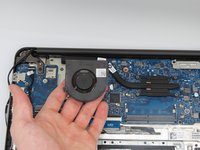
      • Remove the two 5 mm screws from the fan using a Phillips #0 screwdriver.

      • Loosen the four captive screws on the heatsink using a Phillips #0 screwdriver.

      • Remove the heatsink from the motherboard.

      Ask FixBot

      Add Comment

    5. Dell Latitude 3380 Motherboard Replacement: step 7, image 1 of 2 Dell Latitude 3380 Motherboard Replacement: step 7, image 2 of 2
      Tool used on this step:
      Tweezers
      $4.99
      Buy
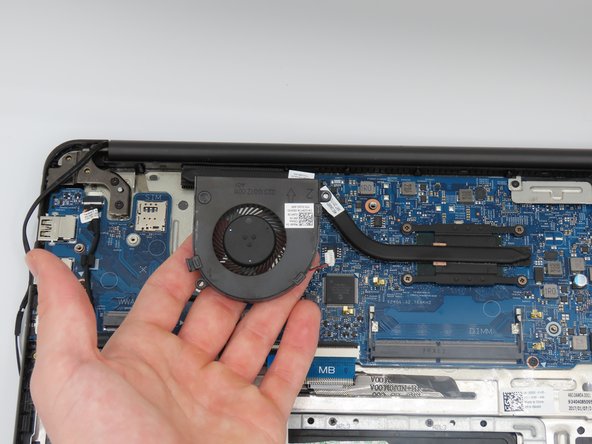
      • Using tweezers, loosen the power connector from the fan to the motherboard, fully disconnecting the fan.

      Ask FixBot

      Add Comment

    6. Dell Latitude 3380 Motherboard Replacement: step 8, image 1 of 3 Dell Latitude 3380 Motherboard Replacement: step 8, image 2 of 3 Dell Latitude 3380 Motherboard Replacement: step 8, image 3 of 3
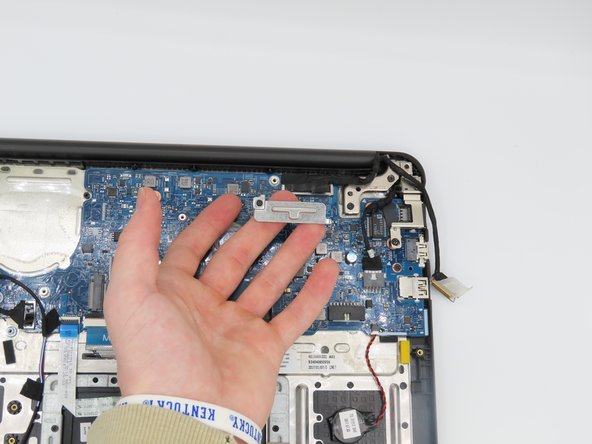
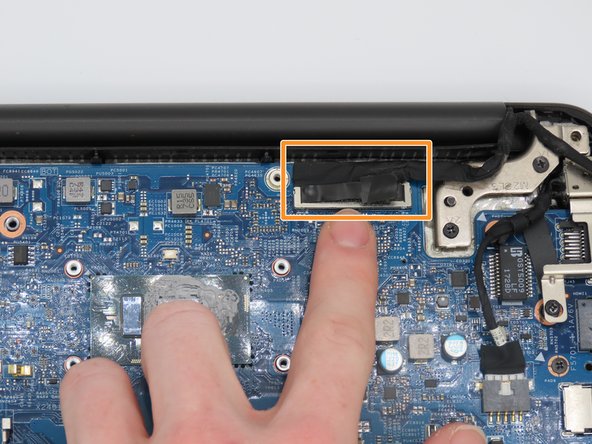
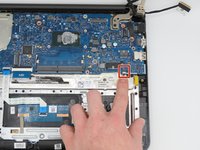
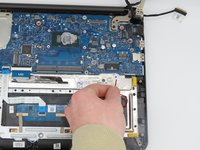
      • Using a Phillips #0 screwdriver, unscrew and remove this metal plate.

      • Gently disconnect the cable under the metal plate.

      Ask FixBot

      Add Comment

    7. Dell Latitude 3380 Motherboard Replacement: step 9, image 1 of 2 Dell Latitude 3380 Motherboard Replacement: step 9, image 2 of 2
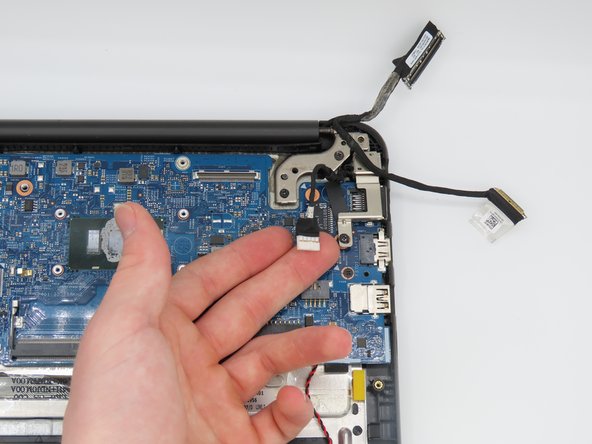
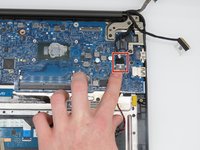
      • Disconnect the battery power cable.

      Ask FixBot

      Add Comment

    8. Dell Latitude 3380 Motherboard Replacement: step 10, image 1 of 2 Dell Latitude 3380 Motherboard Replacement: step 10, image 2 of 2
      • Disconnect the power cable that connects to the charging port.

      Ask FixBot

      Add Comment

    9. Dell Latitude 3380 Motherboard Replacement: step 11, image 1 of 2 Dell Latitude 3380 Motherboard Replacement: step 11, image 2 of 2
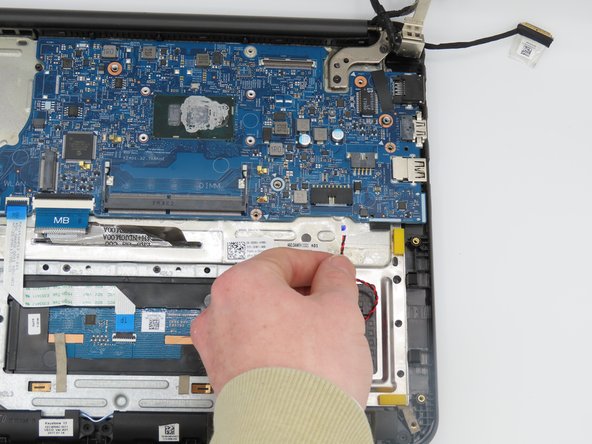
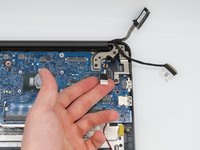
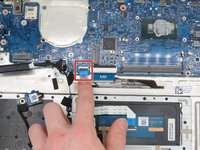
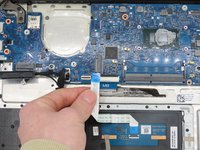
      • Disconnect the touchpad cable.

      Ask FixBot

      Add Comment

    10. Dell Latitude 3380 Motherboard Replacement: step 12, image 1 of 2 Dell Latitude 3380 Motherboard Replacement: step 12, image 2 of 2
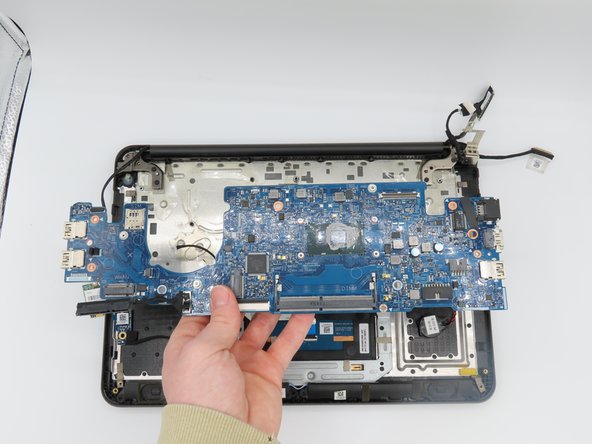
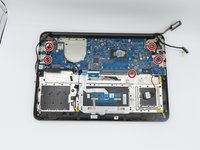
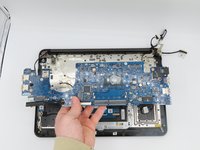
      • Remove the five screws from the motherboard using a Phillips #0 screwdriver.

      • Remove the motherboard.

      Ask FixBot

      Add Comment

Conclusion

To reassemble your device, follow these instructions in reverse order.

Cancel: I did not complete this guide.

One other person completed this guide.

0 Guide Comments

Add Comment

View Statistics:

Past 24 Hours: 1

Past 7 Days: 13

Past 30 Days: 59

All Time: 1,180