Introduction
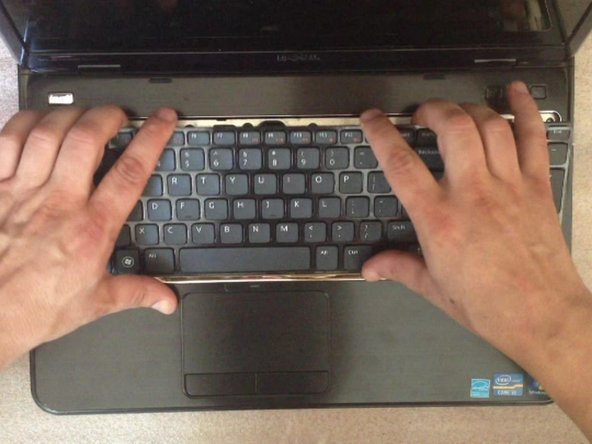
How to remove not working keyboard and install a new one.
What you need
Video Overview
-
-
-
Switch off the laptop and remove the battery.
-
The Keyboard is held by 4x locking clips.
 Ask FixBot
-
-
-
-
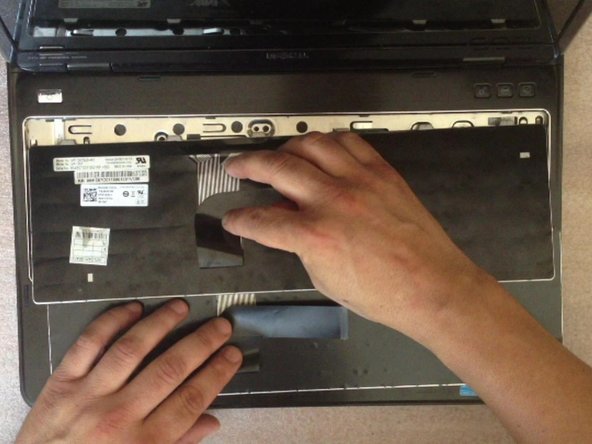
By using cutter, carefully lift up the one side of the keyboard and start opening the locking clips.
-
-
-
Disconnect the keyboard flex cable and you are ready to install the new one keyboard.
-
.
-
-




Conclusion
To reassemble your device, follow these instructions in reverse order.
Cancel: I did not complete this guide.
19 other people completed this guide.

Team

2 Guide Comments
Good information
good demonstration
