Introduction
Does your hard drive appear to be failing or need a replacement? This guide will help you replace the hard drive in several simple steps.
What you need
-
-
-
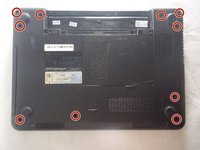
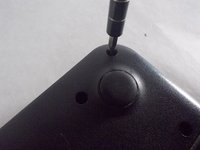
Locate the battery on the underside of the laptop.
-
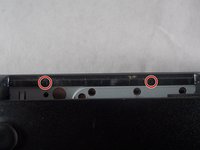
Push the two battery clips following the direction of the arrows.
 Ask FixBot
-
-
-
-
-
-
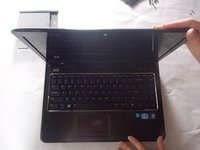
Flip the computer over, and open the laptop.
-
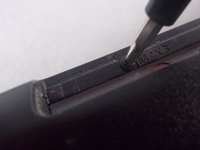
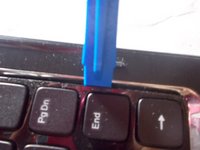
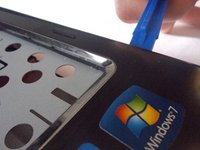
Use a plastic opening tool to begin to remove the keyboard.
-
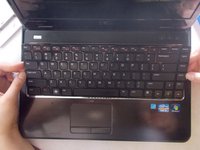
Use your hands to finish separating the keyboard from the laptop.
-
-
-
Lift the black clip from the tan connection for the keyboard.
-
Pull the the connection away from the clip.
-
Move the keyboard away from the laptop.
-
-
-
Lift the black clips from the tan connections for all 3 locations marked.
-
Remove the connections from the clips.
-
-
-
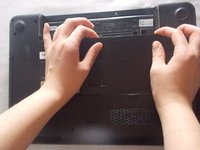
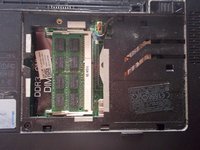
Use plastic opening tools to remove base cover.
-
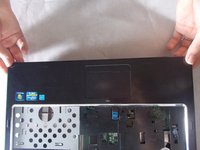
Use your hands to fully remove cover from the base.
-
-
-
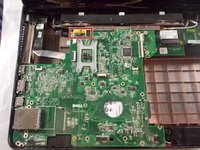
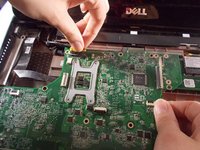
Disconnect the ribbon cable over the screw to reveal it. Flip up the latch and pull gently on the ribbon to remove it from the connector.
-
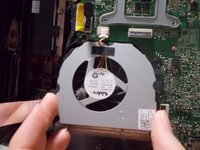
Unscrew the 2.5x5 mm screw from the fan.
-
-
-
-
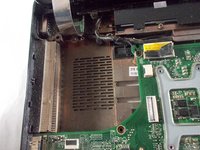
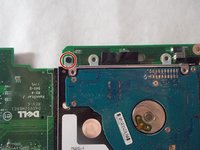
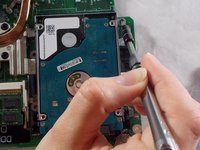
Unscrew the six 2.5x5mm screws from the motherboard.
-
Note that this screw may be "retained" by the loop at the end of the grounding wire.
-
-
-






















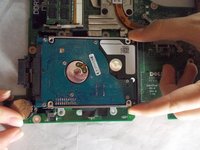
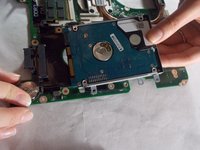
To reassemble your device, follow these instructions in reverse order.
Cancel: I did not complete this guide.
17 other people completed this guide.

Team

UMass Dartmouth, Team S5-G1, Peak Spring 2018 Member of UMass Dartmouth, Team S5-G1, Peak Spring 2018
UMASSD-PEAK-S18S5G1
3 Members
72 Guides authored
6 Guide Comments
Separating the motherboard from the daughterboard in step 20 is quite challenging.
