Introduction
When removing or replacing the mother board of the Dell Inspiron 7568 it is important to make sure the laptop it is unplugged and completely turned off. User should also remember to be careful when unplugging and removing the battery. It is recommended that users keep different screw types separated to keep assembly easier. Make sure to uses a Phillips head #1 screw driver. Make sure to work in a static free area with static protection gloves.
What you need
-
-
-
Remove the ten 7mm Phillips #1 screws on the bottom cover.
-
Remove the bottom cover.
 Ask FixBot
-
-
-
Remove the four 3mm Phillips #1 screws holding the battery.
-
Unhinge the connector cable to the battery.
-
Remove the battery.
-
-
-
-
-
-
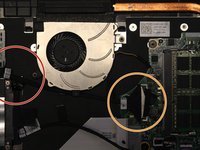
Begin by unclipping the cable connecting the fan and the motherboard.
-
Gently separate the motherboard cable from the clamp at the bottom of the fan.
-
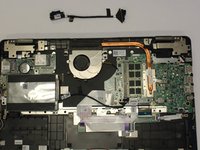
Remove the cable.
-
-
-
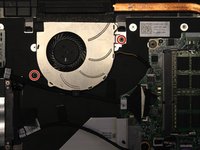
Remove the two 3mm Phillips #1 screws that hold the fan into place.
-
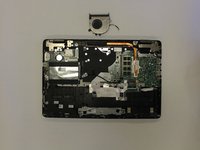
Remove the fan.
-
-
-
-
-
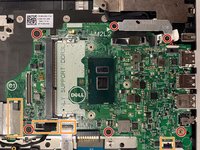
Remove six 3mm Phillips #1 screws to fully remove the motherboard.
-
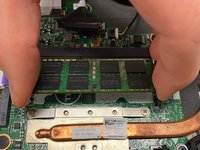
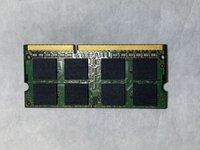
Disconnect the various connection points from the motherboard to the laptop.
-
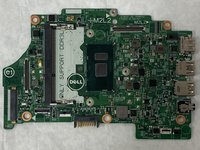
Remove the motherboard.
-
-








To reassemble your device, follow these instructions in reverse order.
Cancel: I did not complete this guide.
One other person completed this guide.

Team

IUPUI, Team S1-G4, Stella Fall 2019 Member of IUPUI, Team S1-G4, Stella Fall 2019
IUPUI-STELLA-F19S1G4
4 Members
48 Guides authored
