Free Shipping on Domestic Orders $75+

Dell Inspiron 6400 keyboard Replacement

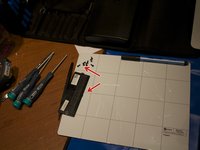
What you need

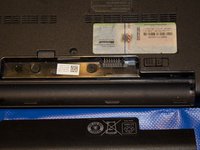
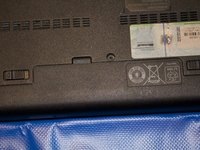
  1. Dell Inspiron 6400 keyboard Replacement, replacing Keyboard: step 1, image 1 of 3 Dell Inspiron 6400 keyboard Replacement, replacing Keyboard: step 1, image 2 of 3 Dell Inspiron 6400 keyboard Replacement, replacing Keyboard: step 1, image 3 of 3
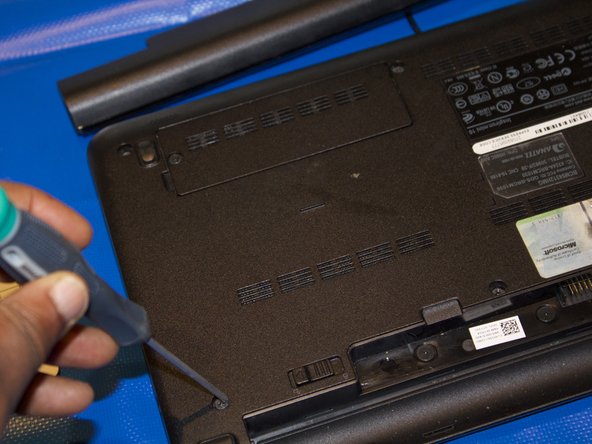
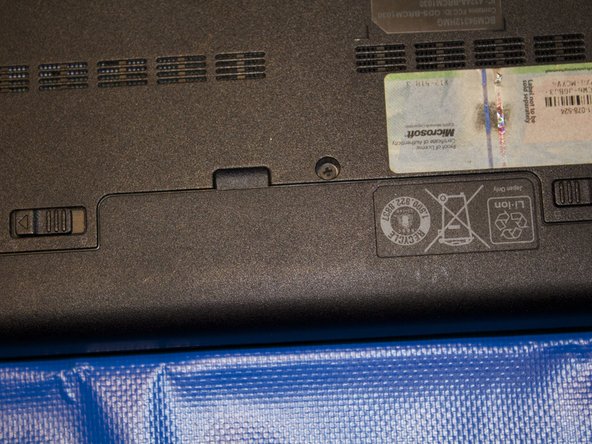
    • Turn over laptop .Remove battery from laptop by pushing the two tabs are highlighted in blue. Place the battery off to the side.

    Ask FixBot

    Add Comment

  2. Dell Inspiron 6400 keyboard Replacement: step 2, image 1 of 3 Dell Inspiron 6400 keyboard Replacement: step 2, image 2 of 3 Dell Inspiron 6400 keyboard Replacement: step 2, image 3 of 3
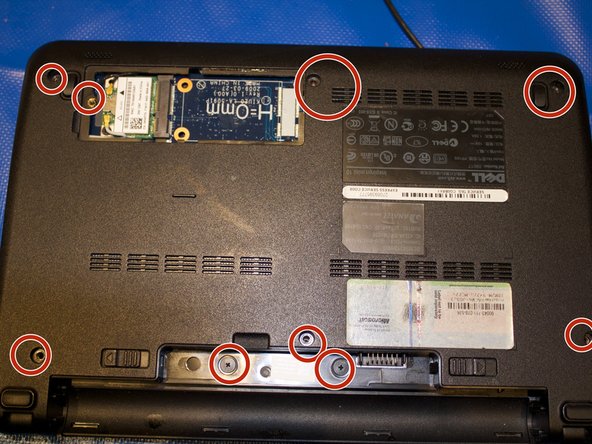
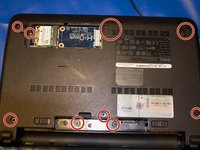
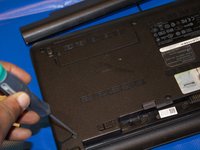
    • Remove the 3 screws highlighted in red that secure the keyboard to the case using the screwdriver with largest phillips head in the box. Make

    Ask FixBot

    Add Comment

  3. Dell Inspiron 6400 keyboard Replacement: step 3, image 1 of 3 Dell Inspiron 6400 keyboard Replacement: step 3, image 2 of 3 Dell Inspiron 6400 keyboard Replacement: step 3, image 3 of 3
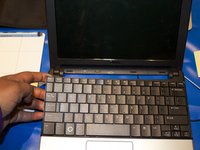
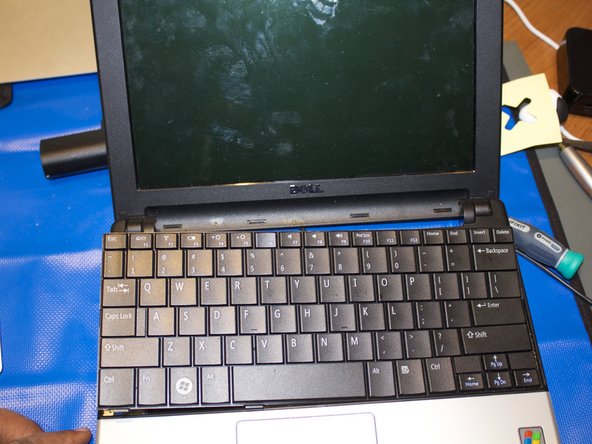
    • Turn the device right side up and open the device to view the keyboard.

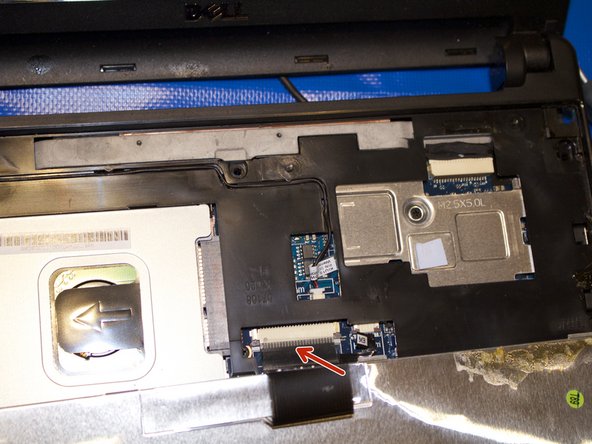
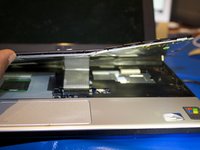
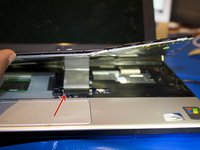
    • Remove the keyboard away from the case ,using a plastic spudger if necessary.

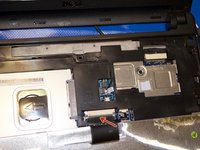
    • The keyboard will still be attached to the motherboard by a ribbon cable.

    Ask FixBot

    Add Comment

  4. Dell Inspiron 6400 keyboard Replacement: step 4, image 1 of 3 Dell Inspiron 6400 keyboard Replacement: step 4, image 2 of 3 Dell Inspiron 6400 keyboard Replacement: step 4, image 3 of 3
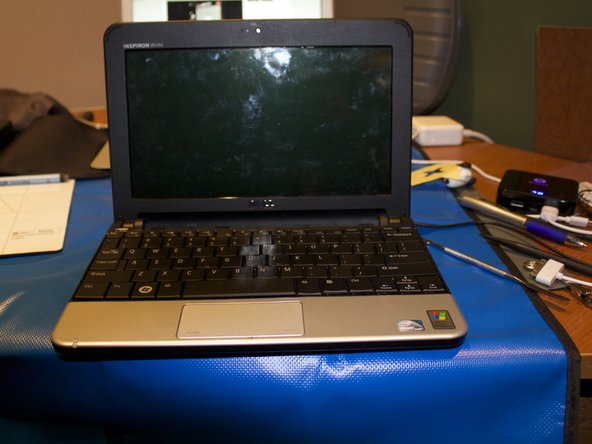
    • Replace the new keyboard with plastic spudger.

    • The keyboard will have to be attached to the motherboard by a ribbon cable.

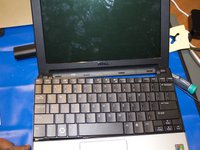
    • Snapped the keyboard back in place.

    Ask FixBot

    Add Comment

  5. Dell Inspiron 6400 keyboard Replacement: step 5, image 1 of 3 Dell Inspiron 6400 keyboard Replacement: step 5, image 2 of 3 Dell Inspiron 6400 keyboard Replacement: step 5, image 3 of 3
    • Flip over the laptop

    • Put the screws back in laptop

    Ask FixBot

    Add Comment

  6. Dell Inspiron 6400 keyboard Replacement: step 6, image 1 of 2 Dell Inspiron 6400 keyboard Replacement: step 6, image 2 of 2
    • Place the battery and lock it into place

    Ask FixBot

    Add Comment

Conclusion

To reassemble your device, follow these instructions in reverse order.

Cancel: I did not complete this guide.

kempc8

Member since: 11/22/13

917 Reputation

7 Guides authored

Team

K and K Fixit Member of K and K Fixit

Business

1 Member

11 Guides authored

0 Guide Comments

Add Comment

View Statistics:

Past 24 Hours: 1

Past 7 Days: 7

Past 30 Days: 39

All Time: 1,267