Free Shipping on Domestic Orders $75+

Dell Inspiron 5675 CMOS Battery Replacement

What you need

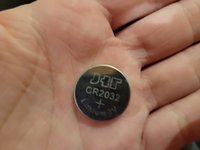
  1. Dell Inspiron 5675 CMOS Battery Replacement, CMOS Battery: step 1, image 1 of 3 Dell Inspiron 5675 CMOS Battery Replacement, CMOS Battery: step 1, image 2 of 3 Dell Inspiron 5675 CMOS Battery Replacement, CMOS Battery: step 1, image 3 of 3
    • Ensure the PC is a dell inspiron 5675.

    Ask FixBot

    Add Comment

  2. Dell Inspiron 5675 CMOS Battery Replacement: step 2, image 1 of 2 Dell Inspiron 5675 CMOS Battery Replacement: step 2, image 2 of 2
    • Unscrew the two screws on the side panel using your screwdriver.

    Ask FixBot

    Add Comment

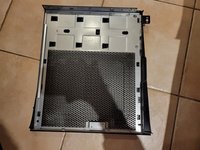
  3. Dell Inspiron 5675 CMOS Battery Replacement: step 3, image 1 of 1
    • Pull out the side panel using the handle.

    Ask FixBot

    Add Comment

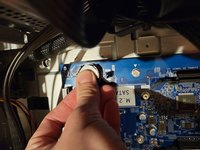
  4. Dell Inspiron 5675 CMOS Battery Replacement: step 4, image 1 of 3 Dell Inspiron 5675 CMOS Battery Replacement: step 4, image 2 of 3 Dell Inspiron 5675 CMOS Battery Replacement: step 4, image 3 of 3
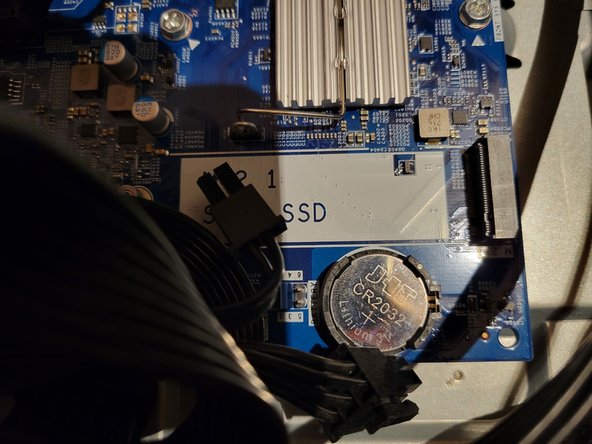
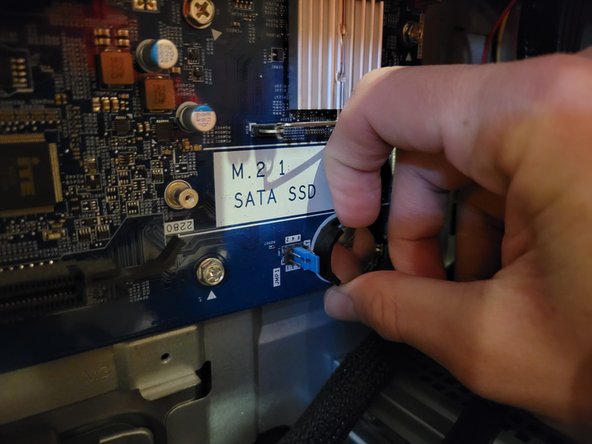
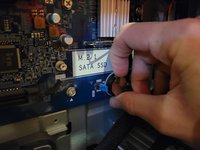
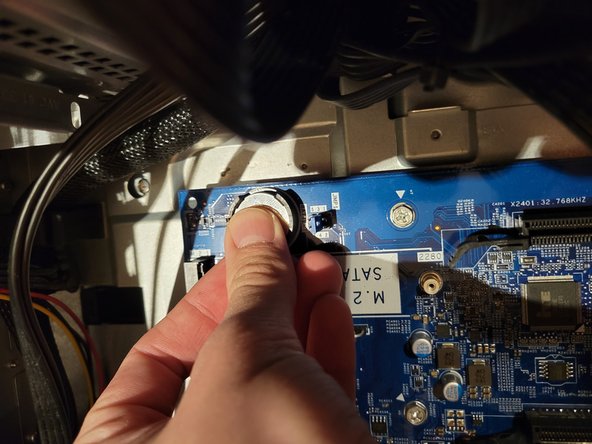
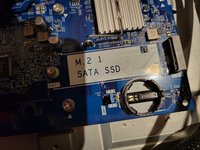
    • The CMOS battery is located on the motherboard, just below the M.2 SATA SSD slot. Use your thumb and nail to pull out the battery from its slot.

    Ask FixBot

    Add Comment

  5. Dell Inspiron 5675 CMOS Battery Replacement: step 5, image 1 of 3 Dell Inspiron 5675 CMOS Battery Replacement: step 5, image 2 of 3 Dell Inspiron 5675 CMOS Battery Replacement: step 5, image 3 of 3
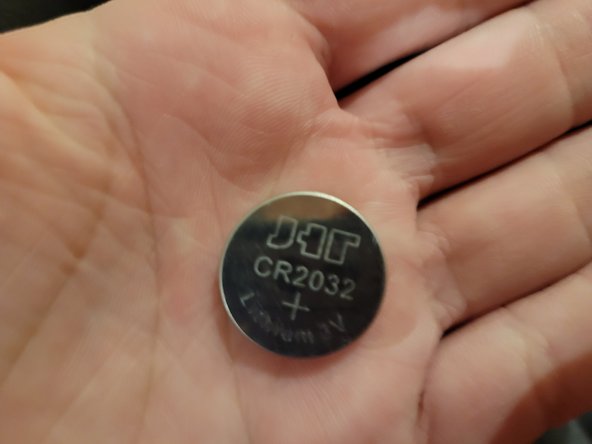
    • After it's removed, grab the replacement battery.

    • Slide half the battery in the slot and use your thumb to push it down.

    • Once you hear a click or see its in place, it has been replaced.

    Ask FixBot

    Add Comment

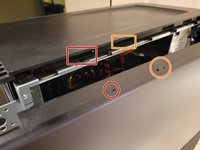
  6. Dell Inspiron 5675 CMOS Battery Replacement: step 6, image 1 of 3 Dell Inspiron 5675 CMOS Battery Replacement: step 6, image 2 of 3 Dell Inspiron 5675 CMOS Battery Replacement: step 6, image 3 of 3
    • Grab the side panel and make sure the hooks match with their corresponding slots.

    • Push the side panel forward and screw the two screws back. (refer to step 2)

    Ask FixBot

    Add Comment

  7. Dell Inspiron 5675 CMOS Battery Replacement: step 7, image 1 of 1
    • Replacement has been complete.

    Ask FixBot

    Add Comment

Finish Line

Cancel: I did not complete this guide.

Stefan Ciausu

Member since: 01/16/23

150 Reputation

1 Guide authored

Team

0 Guide Comments

Add Comment

View Statistics:

Past 24 Hours: 2

Past 7 Days: 9

Past 30 Days: 41

All Time: 1,349