Introduction
This is the manual for Dell Inspiron 17" 7786 2-in-1 RAM replacement.
The memory modules, or the RAM, are a way for your computer to store temporary data.
Signs of a faulty RAM are gradual deterioration of computer performance.
You can use the Windows Memory Diagnostic tool to see if you can figure out if there are memory problems.
Some signs of faulty RAM include:
- The computer is restarting or freezes when you are in the middle of something. You can see a blue screen with a white text showing briefly before the PC restarts.
- Files you access frequently are now corrupted out of nowhere.
- You also cannot install a new program for an unknown reason.
- Your PC may produce multiple beeps or a continuous beep when you turn it on.
- The memory modules may have had a power surge damage, electrostatic discharge damage or even excessive heat damage to the RAM.
- If you recently replaced the RAM, it's most likely faulty. It is possible it was part of a bad batch from the beginning so the best option is to replace it. Try removing them and placing them in different slots if diagnostics doesn't show any problems.
A power strip and a surge protector are not the same thing!
What you need
-
-
-
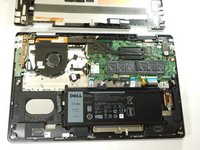
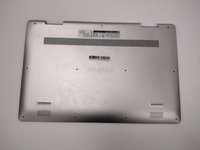
Remove the eight M2 5mm screws that secure the base cover using a Phillips #0 screwdriver.
 Ask FixBot
-
-
-
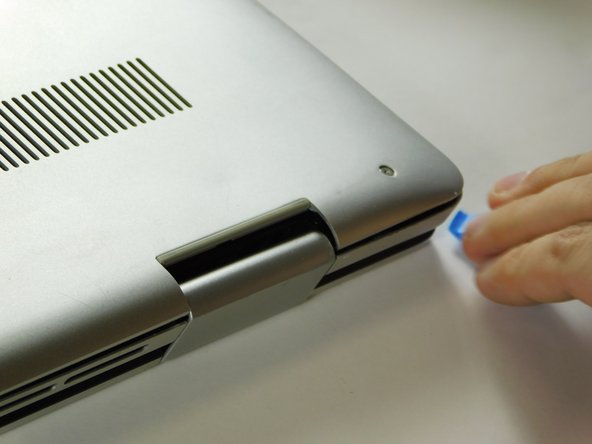
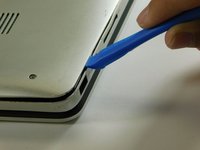
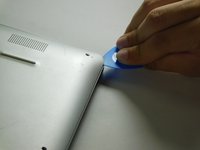
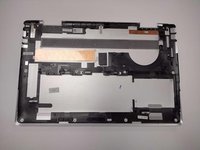
Carefully pry the base cover using an iFixit opening tool in the crevice near the hinges. Guide the pick along the edges and slightly lift upwards as you go along.
-
-
-
-
-
-
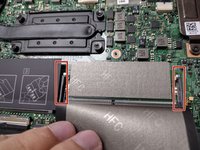
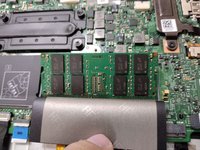
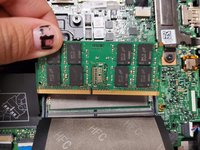
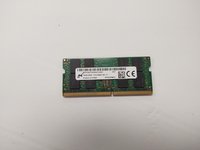
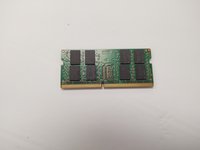
Carefully open the securing clips on the end of each memory module slot until the module stick sticks up.
-










To reassemble your device, follow these instructions in reverse order.
Cancel: I did not complete this guide.
One other person completed this guide.

Team

Gateway, Team 1-3, Class Fall 2022 Member of Gateway, Team 1-3, Class Fall 2022
GCC-CLASS-F22S1G3
4 Members
180 Guides authored
