Introduction
This guide explains how to remove the Dell Inspiron 1564 CD Drive and install a new CD drive.
What you need
-
-
-
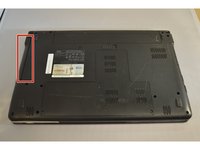
Place the laptop on a flat surface with the bottom side facing upwards.
 Ask FixBot
-
-
-
-
Using a Phillips #0 screw driver, remove the screw on the bottom of the device.
-
-
-
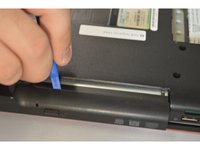
Using the plastic opening tool, insert the tool in the gap separating the CD Drive and the body.
-
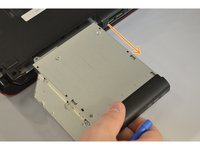
Slowly and gently pry the CD drive from the device.
-
-


Conclusion
To reassemble your device, follow these instructions in reverse order.

Team

Eastern Washington University, Team 2-1, Plummer Fall 2015 Member of Eastern Washington University, Team 2-1, Plummer Fall 2015
EWU-PLUMMER-F15S2G1
4 Members
60 Guides authored
