Introduction
If your device is not turning on, the battery might be dead. The battery is the part of the laptop that provides energy or power to make the device work. This guide shows you how to replace an old or dead battery.
-
-
-
-
Slide the battery latch all the way to the left until you hear the click and see the battery prop up.
-

 Ask FixBot



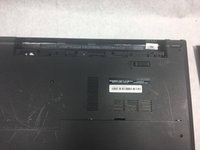
To reassemble your device, follow these instructions in reverse order.
Cancel: I did not complete this guide.
2 other people completed this guide.

Team

UMass Dartmouth, Team S3-G4, Bailey Fall 2017 Member of UMass Dartmouth, Team S3-G4, Bailey Fall 2017
UMASSD-BAILEY-F17S3G4
3 Members
60 Guides authored
