Free Shipping on Domestic Orders $75+

Dell Inspiron 1200 Display Assembly Replacement

What you need

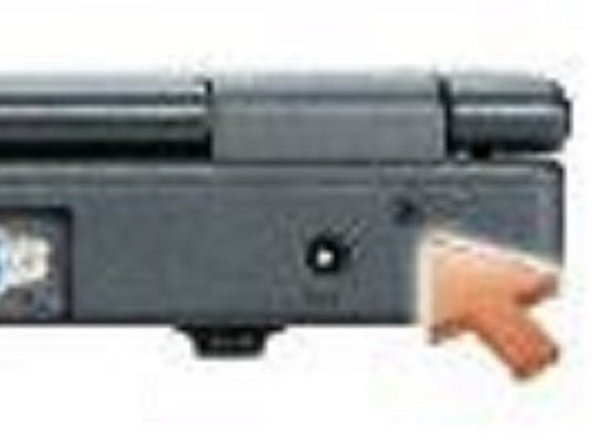
    1. Dell Inspiron 1200 Display Assembly Replacement, Disconnecting the Ground Wire: step 1, image 1 of 2 Dell Inspiron 1200 Display Assembly Replacement, Disconnecting the Ground Wire: step 1, image 2 of 2
      Ask FixBot

      Add Comment

    2. Dell Inspiron 1200 Display Assembly Replacement, Remove the Screws: step 2, image 1 of 1
      • Remove the four M2.5 x 5-mm screws (labeled "M2.5x5") that secure the EMI shield to the system board.

      Ask FixBot

      Add Comment

    3. Dell Inspiron 1200 Display Assembly Replacement, Releasing the Retention Tabs: step 3, image 1 of 1
      • Pull the EMI shield out of the computer baseby rotating the front upwards then lifting to release the retention tabs from the retention-tab slots.

      Ask FixBot

      Add Comment

    4. Dell Inspiron 1200 Display Assembly Replacement, Disconnecting the Antenna Cable: step 4, image 1 of 1
      • Disconnect the attached antenna cable from the Mini PCI card.

      Ask FixBot

      Add Comment

      • Close the display.

      • From the bottom of the computer, remove the two M2.5 x 5-mm screws labeled "D."

      Ask FixBot

      Add Comment

    5. Dell Inspiron 1200 Display Assembly Replacement, Remove the Screws: step 6, image 1 of 1
      • From the back of the computer, remove the two M2.5 x 8-mm screws labeled "D."

      Ask FixBot

      Add Comment

    6. Dell Inspiron 1200 Display Assembly Replacement, Pull the Pull-Tab: step 7, image 1 of 2 Dell Inspiron 1200 Display Assembly Replacement, Pull the Pull-Tab: step 7, image 2 of 2
      • Pull straight up on the pull-tab that is attached to the display-feed flex cable to disconnect the cable from the system board.

      Ask FixBot

      Add Comment

    7. Dell Inspiron 1200 Display Assembly Replacement, Removing the Cables: step 8, image 1 of 1
      • Carefully remove the Mini PCI card antenna cable and the display cables from their routing guides.

      Ask FixBot

      Add Comment

    8. Dell Inspiron 1200 Display Assembly Replacement, Lifting the Display Assembly: step 9, image 1 of 1
      • Lift the display assembly out of the computer base.

      Ask FixBot

      Add Comment

Conclusion

To reassemble your device, follow these instructions in reverse order.

Cancel: I did not complete this guide.

Terrence15

Member since: 12/18/17

80,125 Reputation

441 Guides authored

Team

RampUP America, Inc. Member of RampUP America, Inc.

Community

45 Members

12,135 Guides authored

0 Guide Comments

Add Comment

View Statistics:

Past 24 Hours: 1

Past 7 Days: 4

Past 30 Days: 26

All Time: 484