
Dell Inspiron 11-3168 Screen Replacement

Tyson Pace and 5 other contributors
Last updated on May 7, 2024
Views: 1.2K
View statistics:
- Past 24 Hours:
- 1
- Past 7 Days:
- 11
- Past 30 Days:
- 61
- All Time:
- 1,222
Comments: 1
1 guide comment.
Go to guide commentsCompleted: 1 2
1 person has marked this guide "completed." Will you be next?
2 people have marked this guide "completed." Including you — great job!
Favorites: 0 1
No one has favorited (and subscribed to) this guide. Will you be the first?
1 person has favorited (and subscribed to) this guide — and that's you!
Introduction
Go to step 1 ↓This guide will tell you how to replace your LCD screen. When working with screens, be careful about electrical discharges, and take steps to assure that the battery is disconnected for awhile before you follow this guide.
Tools
What you need
Tools
-
Spudger4.9
-


-
-
-
Using a Phillips #00 screwdriver, remove all nine 7.5mm screws from the bottom case of the laptop.
 Ask FixBot
-
-
-
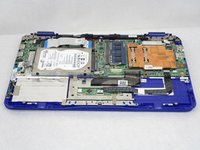
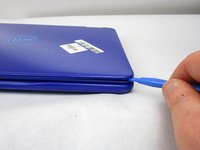
Remove the bottom case of the laptop by gently prying along the seam with a plastic opening tool.
-
-
-
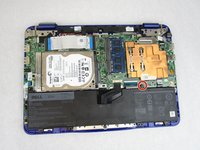
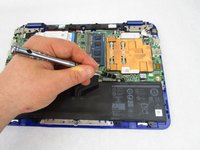
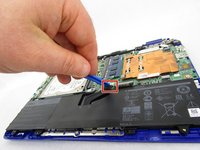
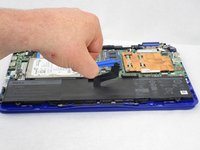
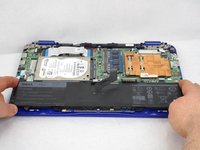
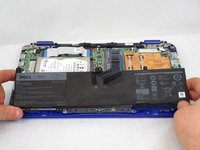
Disconnect the battery cable from its motherboard socket by gently pulling it towards the battery.
-
-
-
-
-
Carefully flip the laptop over so that the top case is facing up.
-
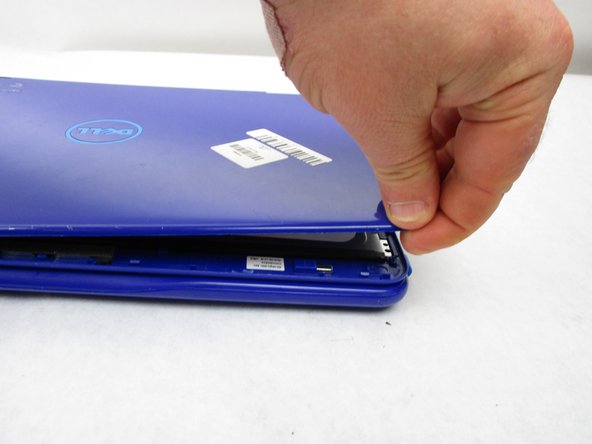
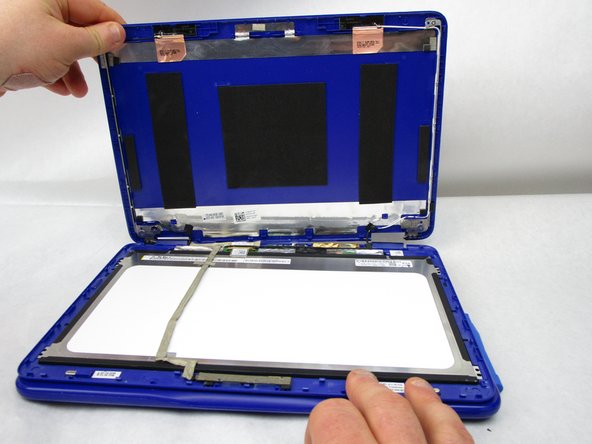
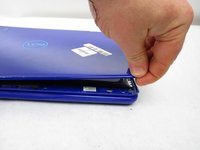
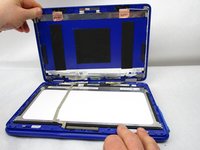
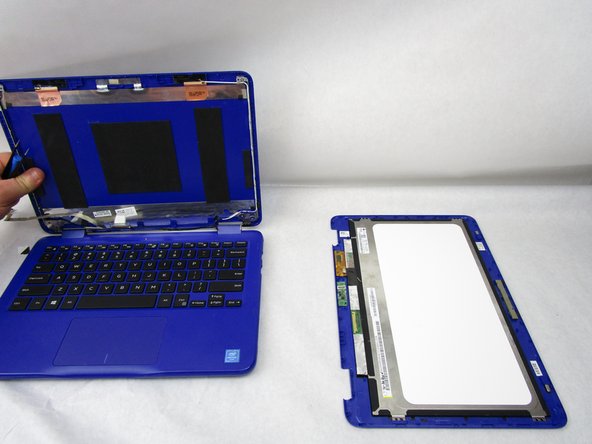
Remove the top case of the laptop by gently prying along the seam with a plastic opening tool.
-
-
Tool used on this step:Tweezers$4.99
-
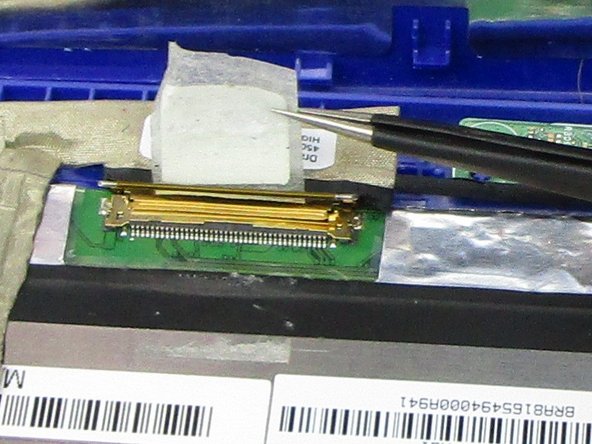
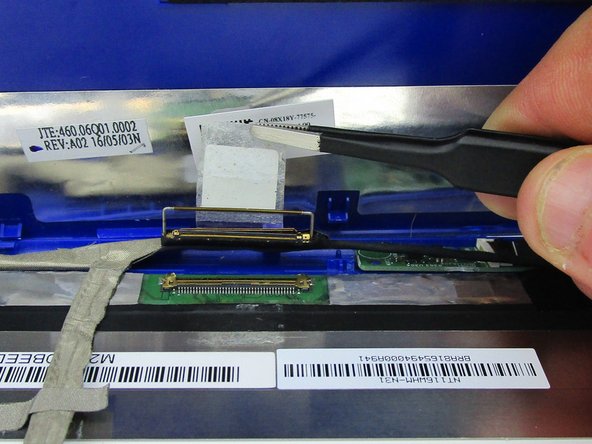
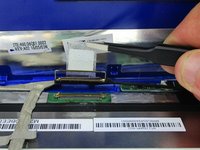
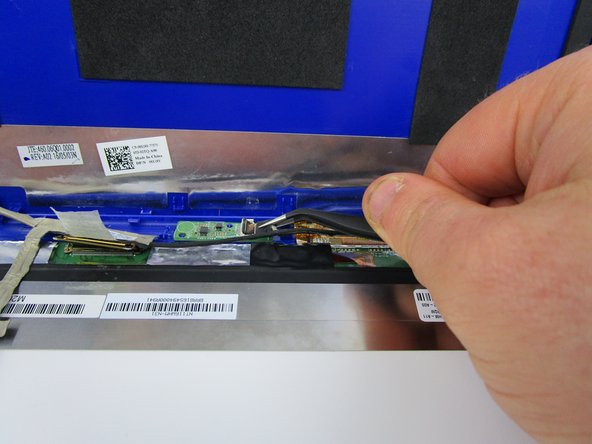
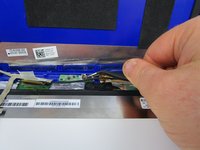
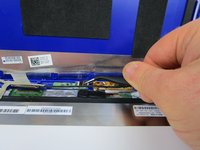
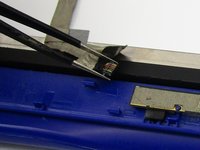
Use a pair of tweezers to grip the tape that is holding down the display cable clip.
-
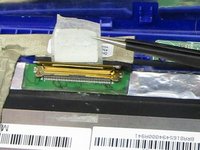
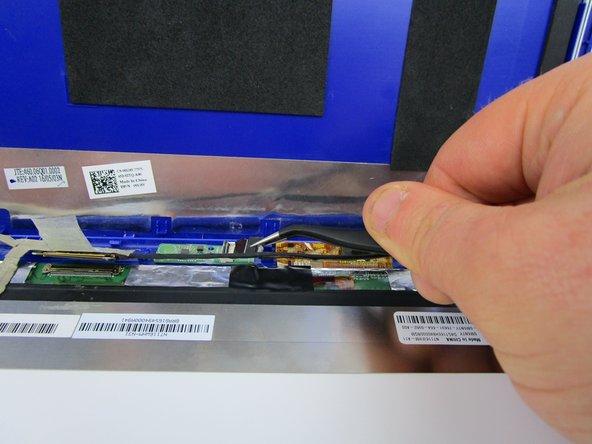
Gently unpeel the tape. This will release the clip that locks over the display connector socket.
-
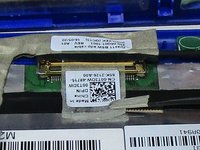
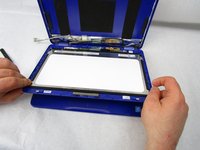
Once unclipped, remove the display cable from the socket.
-
-
-
-
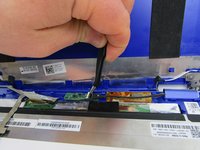
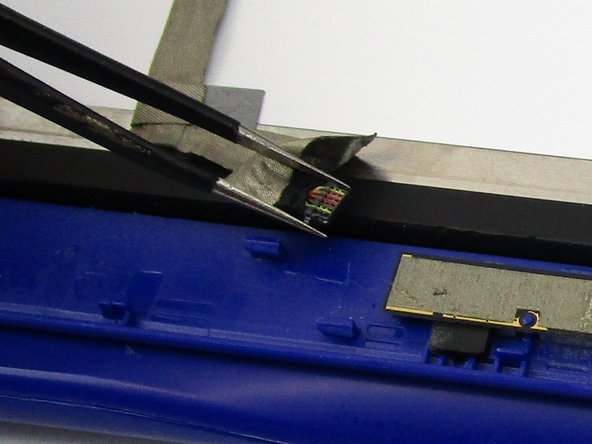
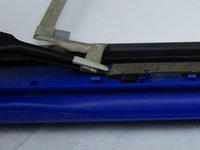
Find the smaller ZIF connector. Using tweezers, carefully lift the black flap on the connector to release the ribbon cable.
-
-











To reassemble your device, follow these instructions in reverse order.
Cancel: I did not complete this guide.
One other person completed this guide.

Team

South Arkansas Community College, Team S1-G2, Mitchell Spring 2019 Member of South Arkansas Community College, Team S1-G2, Mitchell Spring 2019
SACC-MITCHELL-S19S1G2
4 Members
60 Guides authored
