Introduction
When replacing electrical components on any device careful consideration must be taken to reduce risk of shock. Be sure the cord is not plugged into a power source before proceeding with this replacement guide. If the cord is cut, this should not be an issue. Reasons you might need follow this guide include: damaged power cord, or the grinder wont turn on.
What you need
-
-
-
Turn to the bottom of the device and remove the 5/8" (17mm) T15 Torx screw.
 Ask FixBot
-
-
-
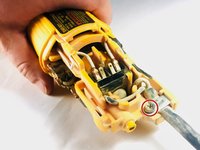
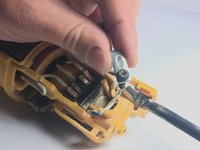
Remove the 1/2” (13mm) Phillips #2 screw holding the power cable to the device. This will free up the metal clamp holding the cable in place.
-
-
-
-
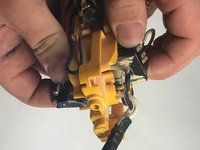
Flip the grinder over and disconnect the plastic switch mechanism from the cable housing.
-
-
-
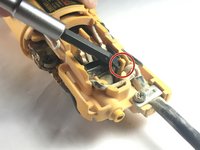
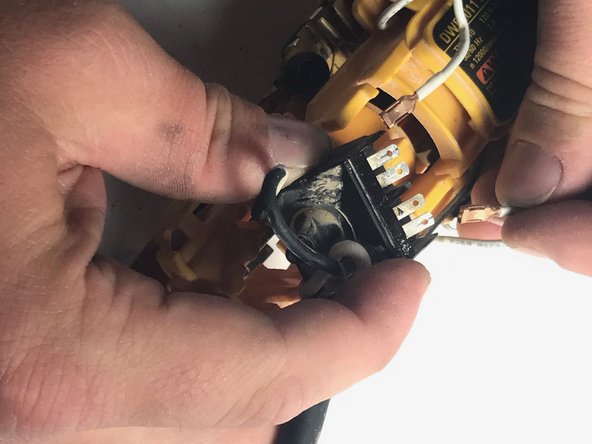
Pull back the yellow tab holding the housing in place using a nylon spudger. Carefully pull the housing out of the casing.
-
-
-
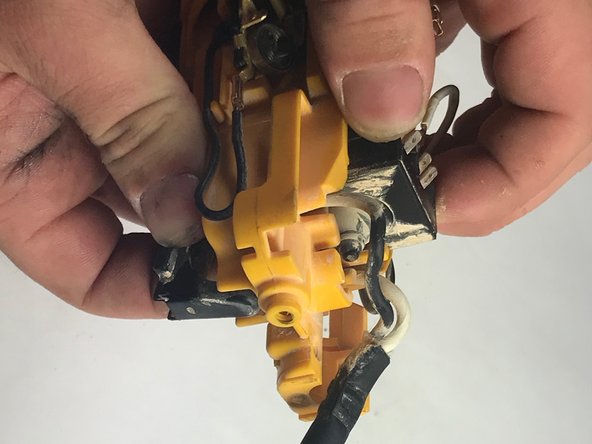
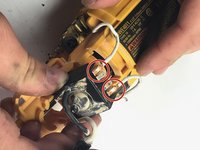
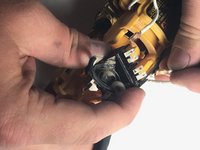
Loosen the Phillips #2 screws enough to disconnect the two wires from the power cable housing.
-
-







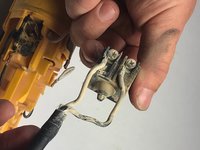
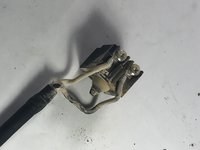

To reassemble your device, follow these instructions in reverse order.
Cancel: I did not complete this guide.
4 other people completed this guide.

Team

Oregon Institute of Technology, Team S2-G9, Lancaster Spring 2019 Member of Oregon Institute of Technology, Team S2-G9, Lancaster Spring 2019
OIT-LANCASTER-S19S2G9
4 Members
60 Guides authored
