
DeWalt DC970 Battery Cells Replacement

Jonathan Hamel and 3 other contributors
Last updated on Jun 12, 2020
Views: 5.5K
View statistics:
- Past 24 Hours:
- 2
- Past 7 Days:
- 26
- Past 30 Days:
- 115
- All Time:
- 5,505
Comments: 5
3 comments on steps, 2 guide comments.
Go to guide commentsCompleted: 5 6
5 people have marked this guide "completed." Will you be next?
6 people have marked this guide "completed." Including you — great job!
Favorites: 1 2
1 person has favorited (and subscribed to) this guide. Will you be next?
2 people have favorited (and subscribed to) this guide — including you!
Missing Steps
Oops! This guide is currently missing one or more important steps.
Introduction
Go to step 1 ↓If the battery of your drill is not giving the drill power, a problem you could have is deteriorated battery cells. This guide will show you how to replace the battery cells.
What you need
Tools


-
-
-
Compress the buttons on either side of the battery and lift the drill away from battery.
 Ask FixBot
-
-
-
-
-
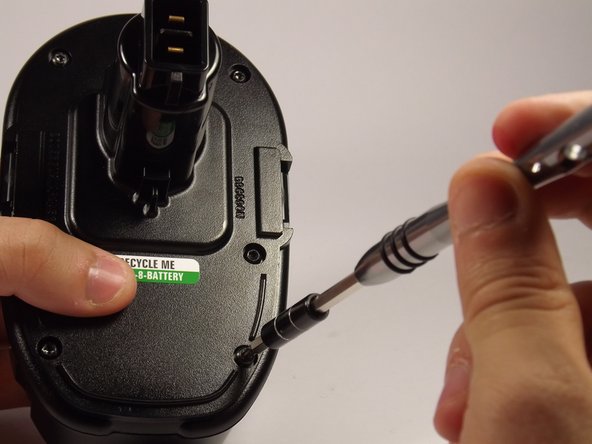
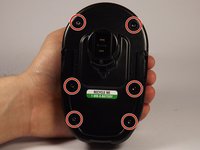
Remove the six 19 mm, Torx Security 15 screws from the top of the battery.
-
-
-
-
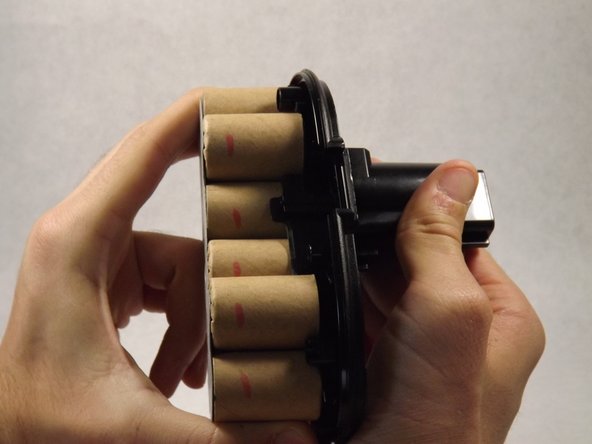
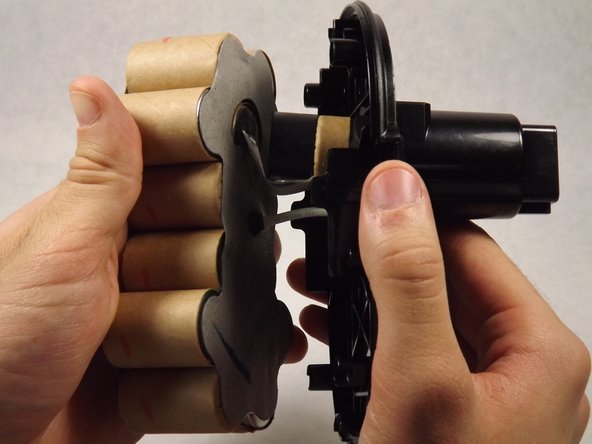
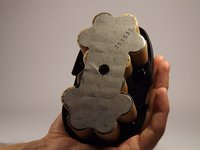
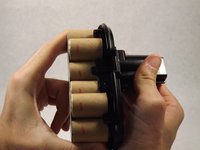
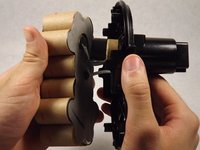
Remove the old battery cells by slowly pulling them out of the top piece of the battery.
-
-




To reassemble your device, follow these instructions in reverse order.
Cancel: I did not complete this guide.
5 other people completed this guide.

Team

UMass Dartmouth, Team 4-2, Catania Spring 2016 Member of UMass Dartmouth, Team 4-2, Catania Spring 2016
UMASSD-CATANIA-S16S4G2
3 Members
84 Guides authored
2 Guide Comments
Where can one get the replacement cells?
