Free Shipping on Domestic Orders $75+

DeWalt D28110 Power Switch Replacement

What you need

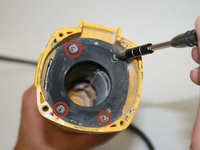
    1. DeWalt D28110 Power Switch Replacement, Disassembling DeWalt D28110 Gear Case: step 1, image 1 of 1
      • Using the T-15 screwdriver, remove the four 22-mm torx screws on the gear case.

      • Unplug the grinder before any disassembly.

      Ask FixBot

      Add Comment

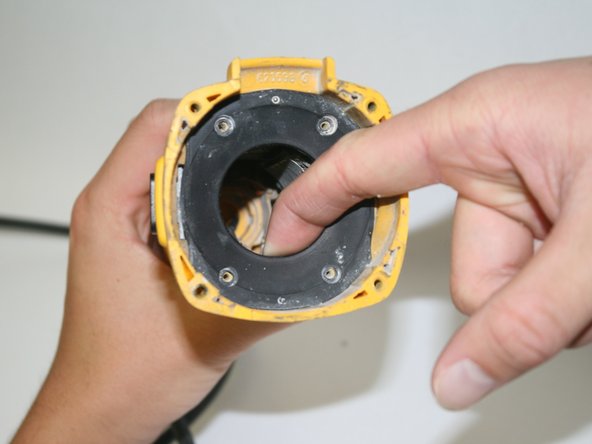
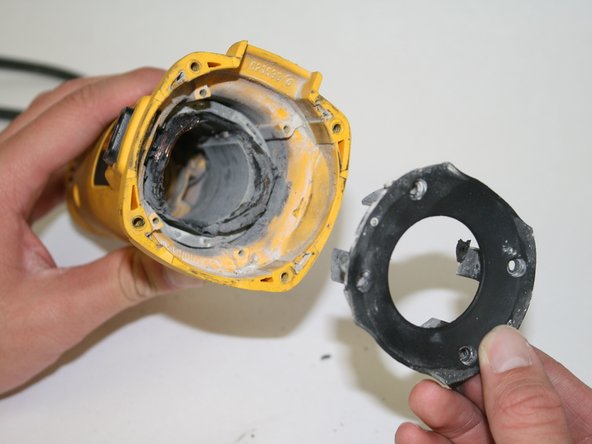
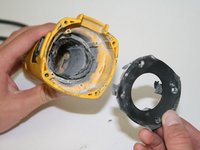
    2. DeWalt D28110 Power Switch Replacement: step 2, image 1 of 2 DeWalt D28110 Power Switch Replacement: step 2, image 2 of 2
      • Pull out the gear case.

      Ask FixBot

      Add Comment

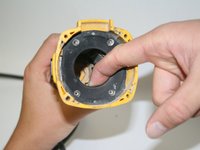
    1. DeWalt D28110 Power Switch Replacement, Disassembling DeWalt D28110 Back Panel Disassembly: step 3, image 1 of 1
      • Using the T-15 screwdriver, remove the four 22-mm torx screws holding the back panel in place.

      • Unplug the grinder before any disassembly.

      Ask FixBot

      Add Comment

    2. DeWalt D28110 Power Switch Replacement: step 4, image 1 of 1
      • Use the edge of the spudger to loosen and remove the back panel.

      Ask FixBot

      Add Comment

    3. DeWalt D28110 Power Switch Replacement: step 5, image 1 of 1
      • Remove the single 20-mm torx screw holding the rear panel in place.

      Ask FixBot

      Add Comment

    4. DeWalt D28110 Power Switch Replacement: step 6, image 1 of 1
      • Pull back the rear side of the back panel.

      Ask FixBot

      Add Comment

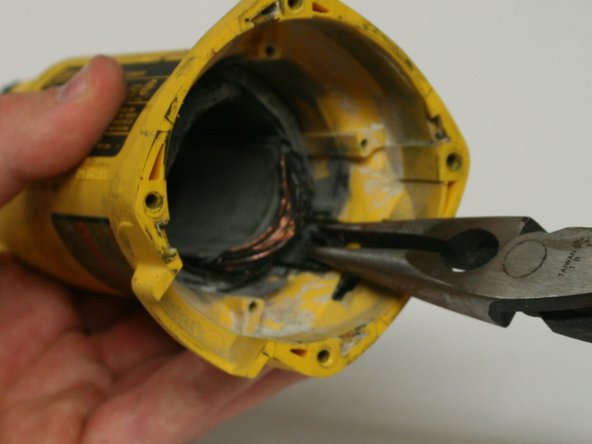
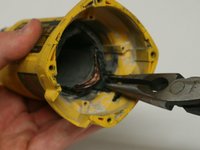
    1. DeWalt D28110 Power Switch Replacement, Power Switch: step 7, image 1 of 3 DeWalt D28110 Power Switch Replacement, Power Switch: step 7, image 2 of 3 DeWalt D28110 Power Switch Replacement, Power Switch: step 7, image 3 of 3
      • There is an inner plastic guard behind the motor shaft.

      • Unscrew the four screws at each corner.

      • The guard should pull out with a good firm tug.

      Ask FixBot

      Add Comment

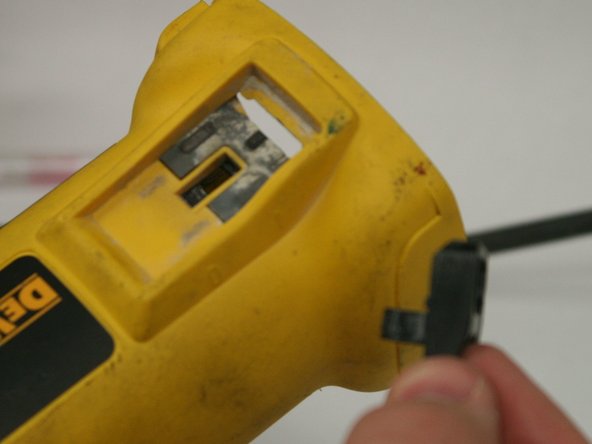
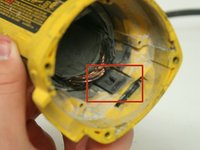
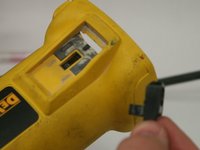
    2. DeWalt D28110 Power Switch Replacement: step 8, image 1 of 3 DeWalt D28110 Power Switch Replacement: step 8, image 2 of 3 DeWalt D28110 Power Switch Replacement: step 8, image 3 of 3
      • Just behind the inner guard is the button slide.

      • Use needle nose pliers to pinch and push the button's flanges together, and out of the slot.

      Ask FixBot

      Add Comment

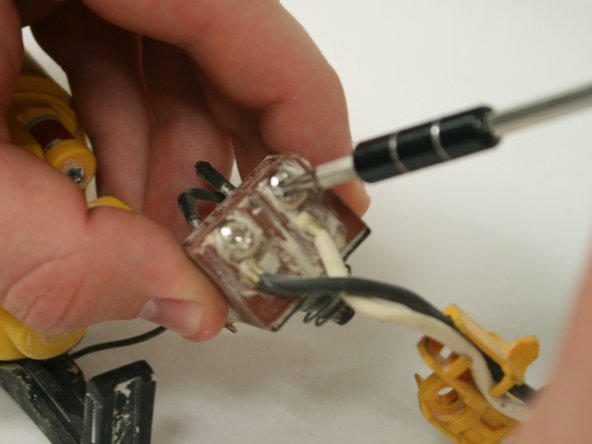
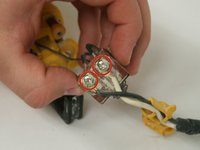
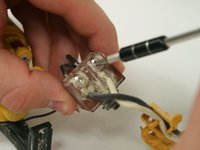
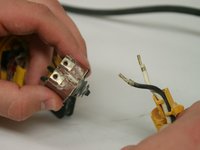
    3. DeWalt D28110 Power Switch Replacement: step 9, image 1 of 3 DeWalt D28110 Power Switch Replacement: step 9, image 2 of 3 DeWalt D28110 Power Switch Replacement: step 9, image 3 of 3
      • Using the J-1 screwdriver, unscrew the power cord wires from the red switch box (located in the back of the grinder).

      Ask FixBot

      Add Comment

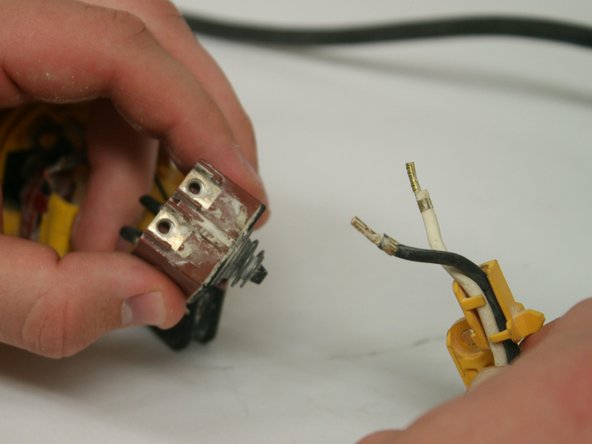
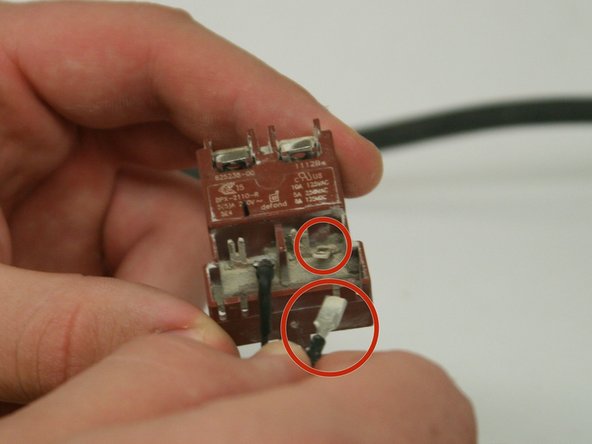
    4. DeWalt D28110 Power Switch Replacement: step 10, image 1 of 2 DeWalt D28110 Power Switch Replacement: step 10, image 2 of 2
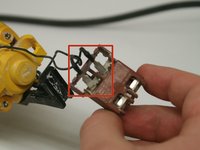
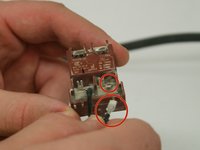
      • Disconnect the motor wires from the other side of the switch box.

      • They wires are connected as a sleeve to the flat pin out of the switch box. A firm pull should do it.

      Ask FixBot

      Add Comment

Conclusion

To reassemble your device, follow these instructions in reverse order.

Cancel: I did not complete this guide.

3 other people completed this guide.

Kean Wee

Member since: 01/22/15

546 Reputation

4 Guides authored

Team

Cal Poly, Team 18-6, Maness Winter 2015 Member of Cal Poly, Team 18-6, Maness Winter 2015

CPSU-MANESS-W15S18G6

5 Members

84 Guides authored

1 Guide Comment

Very clear and concise guide with relevent pictures. Very well done, thank you

Michael Creel - Reply Share

Add Comment

View Statistics:

Past 24 Hours: 0

Past 7 Days: 7

Past 30 Days: 57

All Time: 6,767