Introduction
Designed as a low cost tablet for students in India, Datawind's Ubislate 7CI sells for about $35, to students in India, with the price subsidized by the government. The device is 7.2 by 4.8 by .4 inches (HWD) and weighs 11.2 ounces.
What you need
-
-
-
Be sure to repair your device on a clean surface so you are less likely to lose small parts.
 Ask FixBot
-
-
-
Run your prying tool along the front edge of the device to pop off the front cover.
-
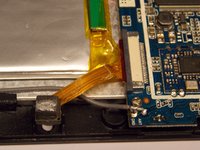
Once the halves are separated your device should look like this.
-
(HINT: be careful of the device's small wiring when separating the two halves.)
-
-
-
-
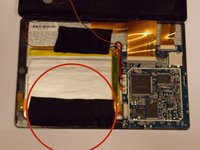
Remove the black tape that is circled.
-
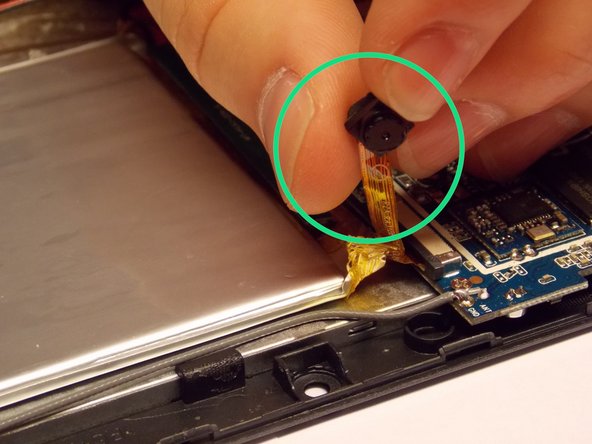
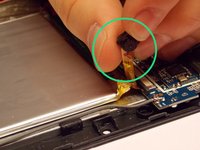
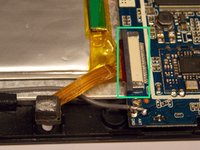
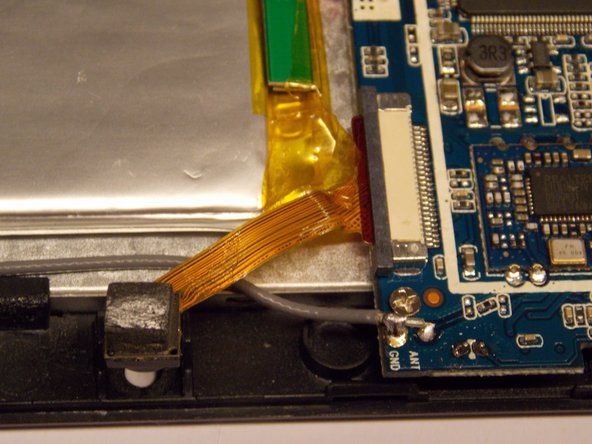
The camera is circled in this picture.
-
-
-
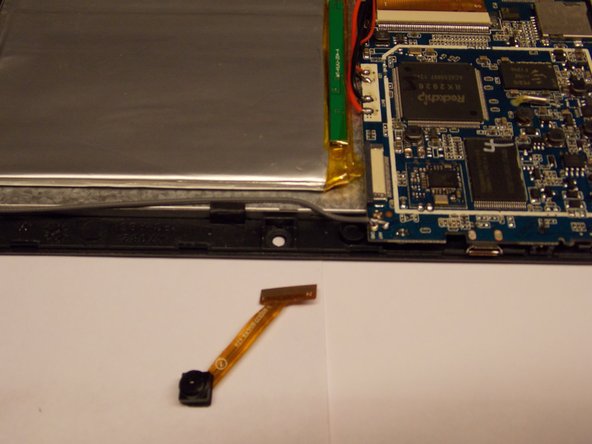
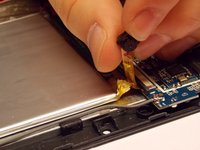
Slide the new camera into its housing carefully.
-
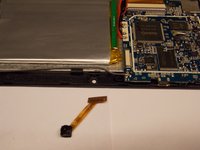
it should look like the second picture when you are finished
-
-
-
Press the back cover of the tablet on firmly until it clicks
-
-





To reassemble your device, follow these instructions in reverse order.
Cancel: I did not complete this guide.
2 other people completed this guide.

Team

UMass Dartmouth, Team 6-3, Vijaybhaskar Fall 2014 Member of UMass Dartmouth, Team 6-3, Vijaybhaskar Fall 2014
UMASSD-VIJAYBHASKAR-F14S6G3
3 Members
36 Guides authored
