
DJI Mavic Pro Propeller Replacement

Sophia Maxine Villarosa and 2 other contributors
Last updated on May 31, 2022
Views: 7.6K
View statistics:
- Past 24 Hours:
- 2
- Past 7 Days:
- 28
- Past 30 Days:
- 142
- All Time:
- 7,649
Comments: 0
No one has left comments on this guide. Will you be first?
Go to guide commentsCompleted: 2 3
2 people have marked this guide "completed." Will you be next?
3 people have marked this guide "completed." Including you — great job!
Favorites: 0 1
No one has favorited (and subscribed to) this guide. Will you be the first?
1 person has favorited (and subscribed to) this guide — and that's you!
Featured Guide
This guide has been found to be exceptionally cool by the iFixit staff.
Featured Student Guide
This guide has been the hard work of our awesome students and is found to be exceptionally cool by the iFixit staff.
Introduction
Go to step 1 ↓Use this guide to replace a broken propeller of your DJI Mavic Pro Drone.
The propellers of a drone are very important. If the propellers are damaged, your flight may not be successful. Your propellers may need to be replaced if they crack or break when hit by an obstacle because broken propellers can affect the flight of the drone.
There are no tools required to replace the propellers of your drone, however you will need new propellers to replace the broken ones. Either you have bought the propellers separately or it has came with the drone.
Before beginning, make sure that your drone is powered off, do not replace the propellers when the drone is turned on.
What you need
Parts
-
×4

-
-
-
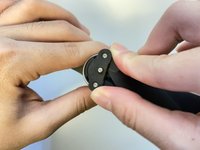
If the propeller you want to remove has a white outline like shown in the image, then turn the propeller counterclockwise to unlock its position.
-
-
-
If the propeller you want to remove DOES NOT have a white outline, then turn the propeller clockwise to unlock its position.
-
-
-
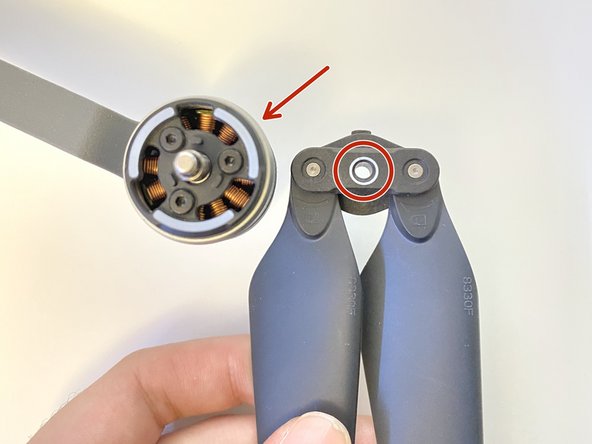
The propeller with a white circle will have to be placed on the arm of the drone with a white outline and the propeller without the white circle will be placed on the arm of the drone without the white outline.
-
-
-
-
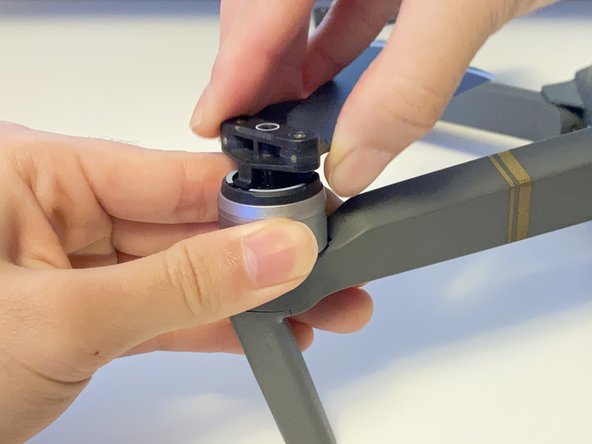
Align the parts outlined with red with the holes on the arm of the drone outlined by the red.
-
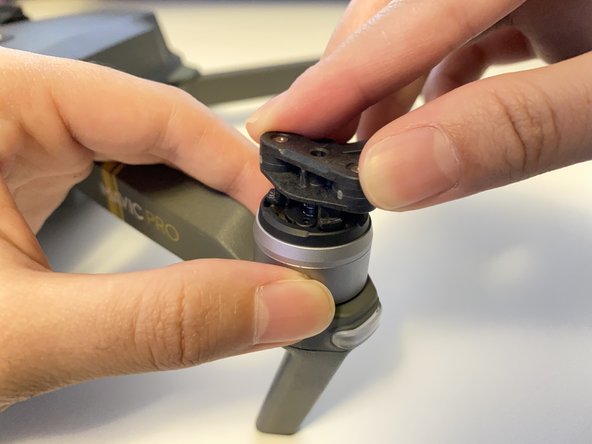
Push the propeller down.
-
-
-
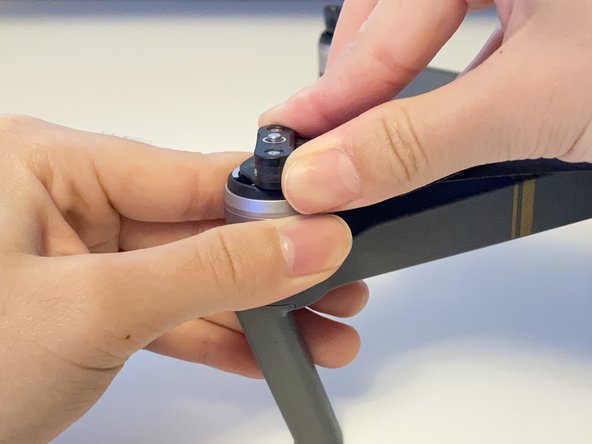
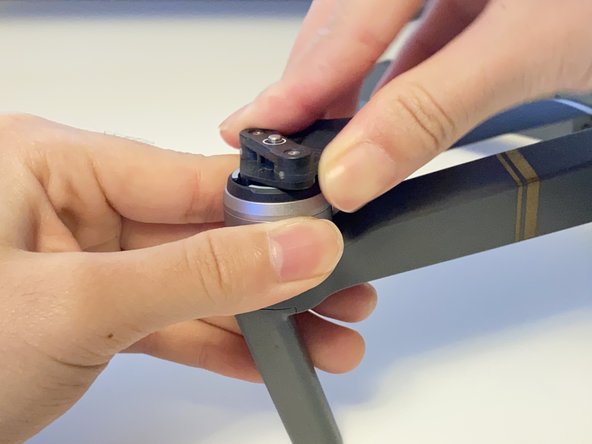
If the propeller has NO white mark (circle) then turn the propeller counterclockwise to lock its position.
-
If the propeller has a white mark (circle) then turn the propeller clockwise to lock its position.
-
-
-
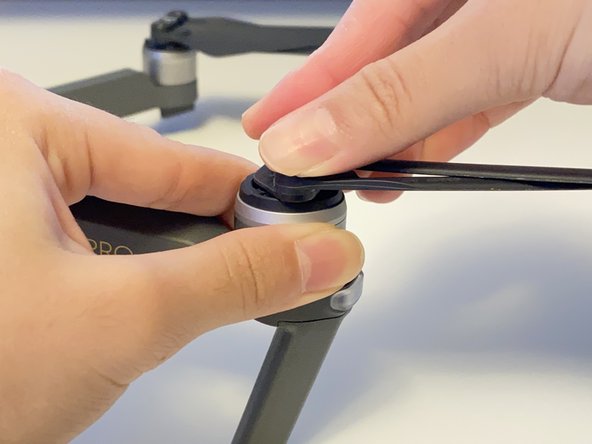
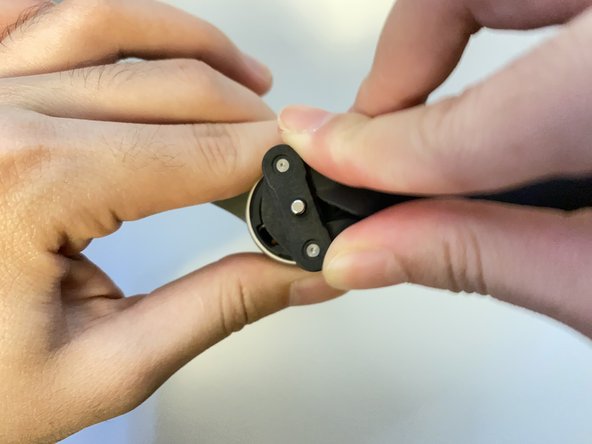
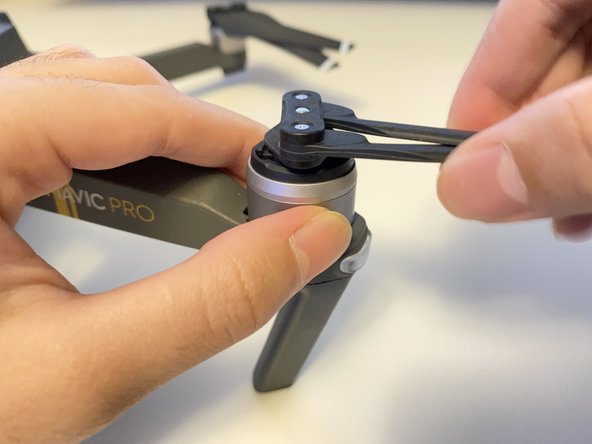
Check to see if the propeller is properly locked into place by slightly pulling it up.
-
If it is locked, then you can safely fly your drone.
-


 Ask FixBot

















Cancel: I did not complete this guide.
2 other people completed this guide.

Team

York University, Team R-28, Melo-Thaiss Winter 2022 Member of York University, Team R-28, Melo-Thaiss Winter 2022
YORK-MELO-THAISS-W22SRG28
1 Member
12 Guides authored
