Introduction
If you are having difficulty seeing the display of your DJI GOGGLES and confirmed that the display itself is functioning properly, you may need replace its lenses. The lenses of the goggles can easily receive damage such as scratches or cracks when handled improperly. This guide focuses on the proper steps to replace the lenses without causing more damage than you might repair. The main possible issue to look out for is damaging the fragile silicon that outlines the mask and the silicon that holds the lenses.
What you need
-
-
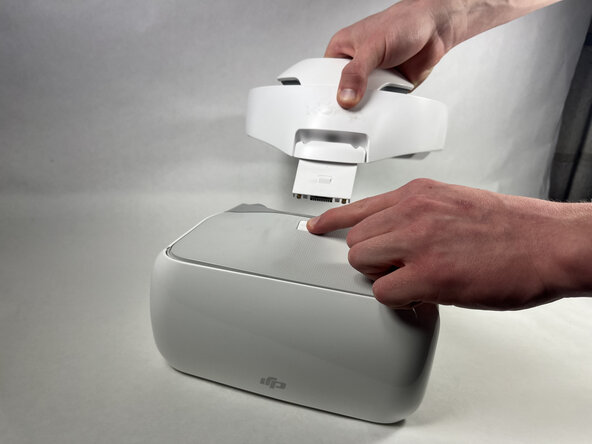
Place the headset on a stable surface.
-
Press down on the white button located at the top of the headset until you hear a click.
-
Lift the the headband.
 Ask FixBot
-
-
-
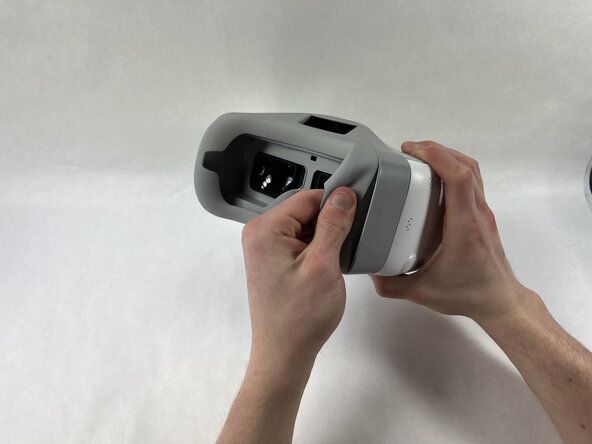
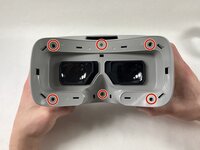
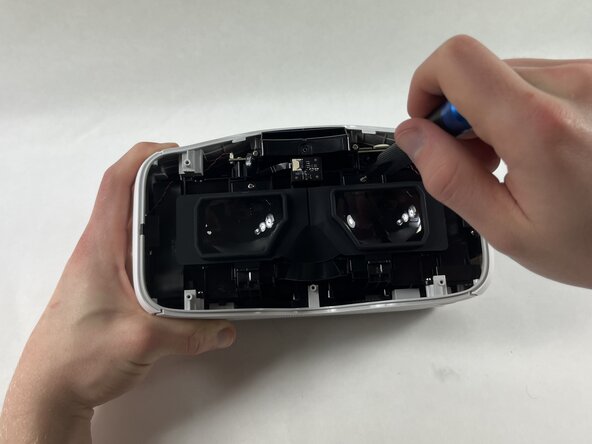
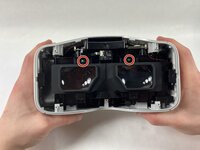
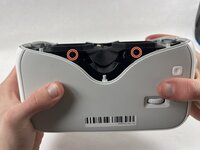
Orient the headset so that the lenses are facing you.
-
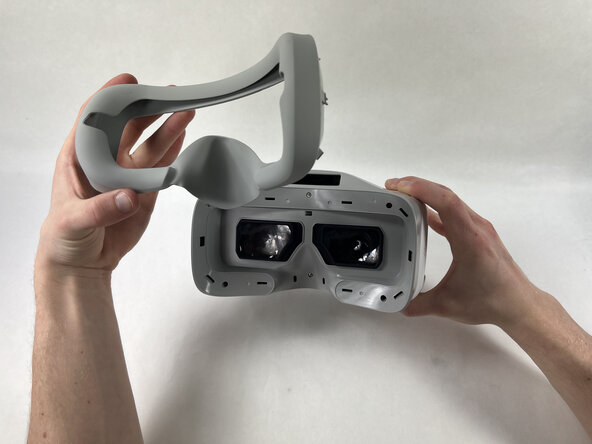
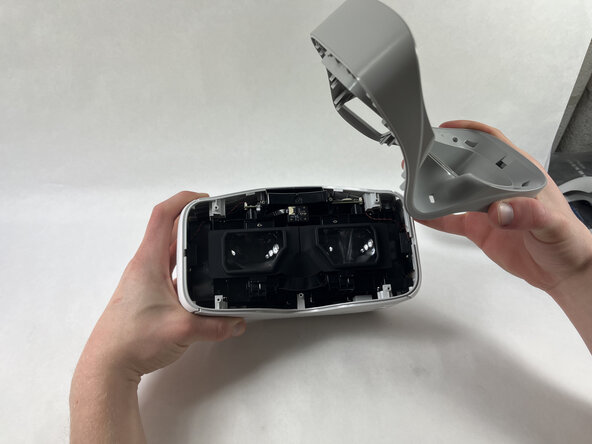
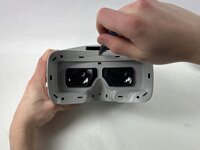
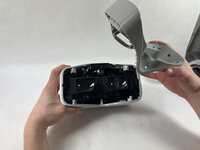
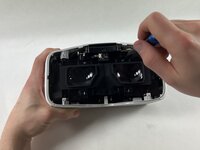
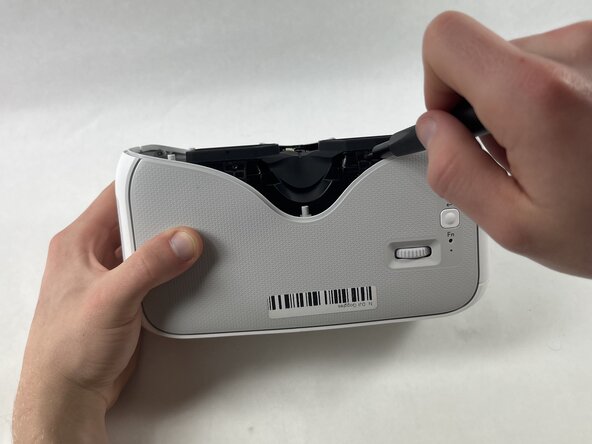
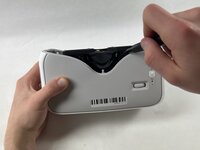
Starting at the edge of the headset, gently lift the silicon mask until you hear a click.
-
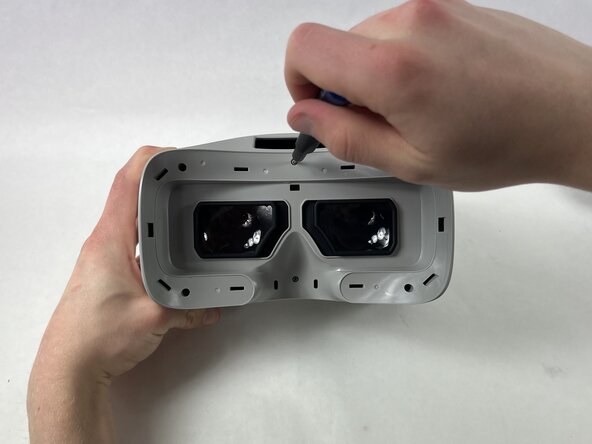
Continue this process along the edge of the mask.
-
-








To reassemble your device, follow these instructions in reverse order.
Cancel: I did not complete this guide.
2 other people completed this guide.

Team

UMass Dartmouth, Team 1-3, Rioux Spring 2025 Member of UMass Dartmouth, Team 1-3, Rioux Spring 2025
UMASSD-RIOUX-S25S1G3
4 Members
1 Guide authored
