Free Shipping on Domestic Orders $75+

DBPOWER T20 Speaker Replacement

What you need

    1. DBPOWER T20 Speaker Replacement, DBPOWER T20 Disassembly: step 1, image 1 of 1
      • Flip the device and lay flat.

      Ask FixBot
      Add Comment

    2. DBPOWER T20 Speaker Replacement: step 2, image 1 of 1
      • Remove the four (9 mm) screws with a PH2 screwdriver.

      • Remove the two (7 mm) located with a PH2 screwdriver.

      Ask FixBot
      Add Comment

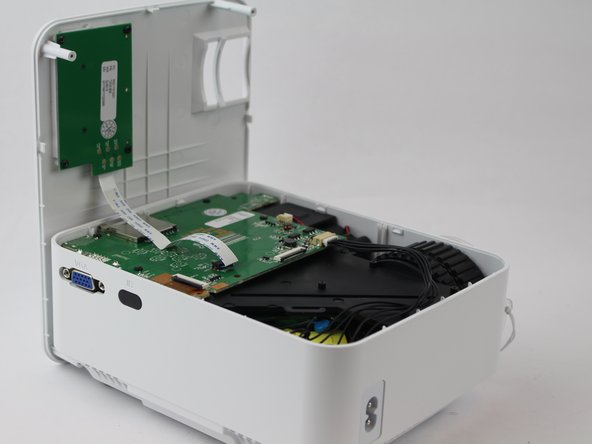
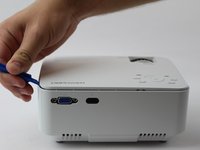
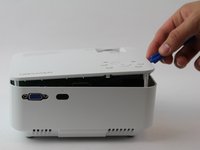
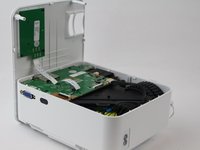
    3. DBPOWER T20 Speaker Replacement: step 3, image 1 of 3 DBPOWER T20 Speaker Replacement: step 3, image 2 of 3 DBPOWER T20 Speaker Replacement: step 3, image 3 of 3
      • Flip the device over and pry the top off with a plastic opening tool.

      Ask FixBot
      Add Comment

    4. DBPOWER T20 Speaker Replacement: step 4, image 1 of 1
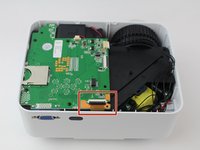
      • Remove the ribbon cable connecting the motherboard to the button control board by gently pulling it from its connector.

      Ask FixBot

      Add Comment

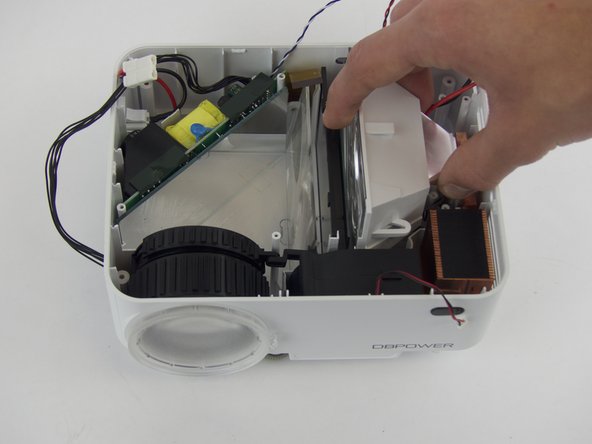
    5. DBPOWER T20 Speaker Replacement: step 5, image 1 of 2 DBPOWER T20 Speaker Replacement: step 5, image 2 of 2
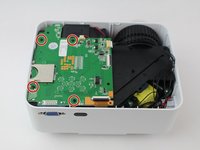
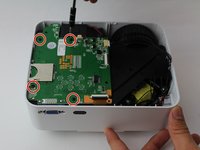
      • Remove four (6 mm) screws connecting the motherboard using a J0 screwdriver.

      Ask FixBot
      Add Comment

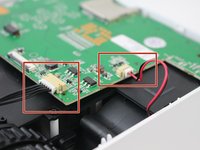
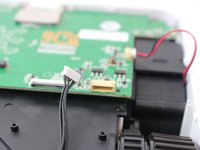
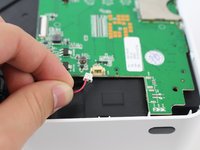
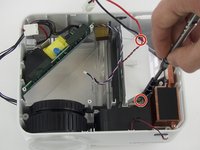
    6. DBPOWER T20 Speaker Replacement: step 6, image 1 of 3 DBPOWER T20 Speaker Replacement: step 6, image 2 of 3 DBPOWER T20 Speaker Replacement: step 6, image 3 of 3
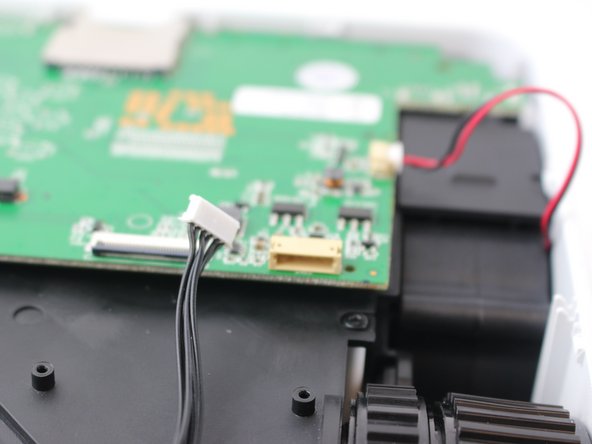
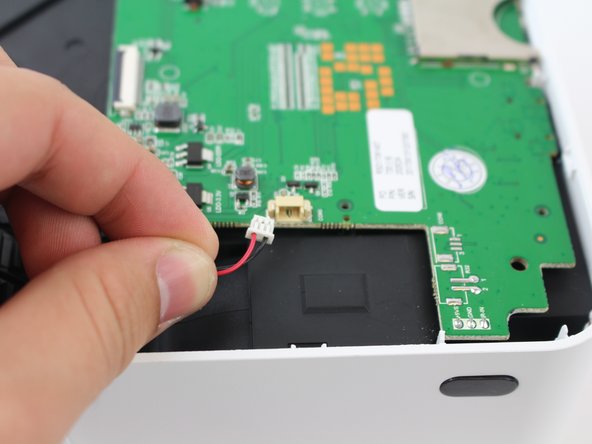
      • Remove the two cables connected to the motherboard: black power cable and the red/black fan cable.

      • the black cable requires more force to remove than the other cables.

      Ask FixBot
      Add Comment

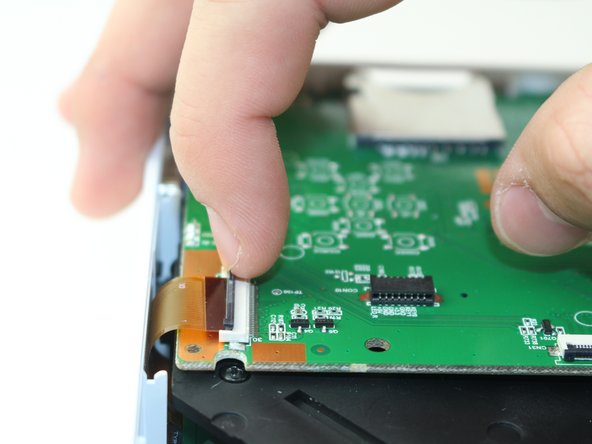
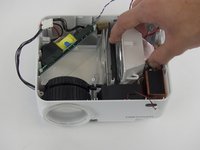
    7. DBPOWER T20 Speaker Replacement: step 7, image 1 of 2 DBPOWER T20 Speaker Replacement: step 7, image 2 of 2
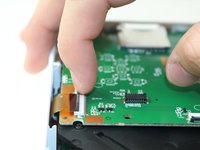
      • Lift the black latch on the ZIF connector and remove the ribbon cable that attaches the digitizer to the motherboard.

      Ask FixBot
      Add Comment

    8. DBPOWER T20 Speaker Replacement: step 8, image 1 of 1
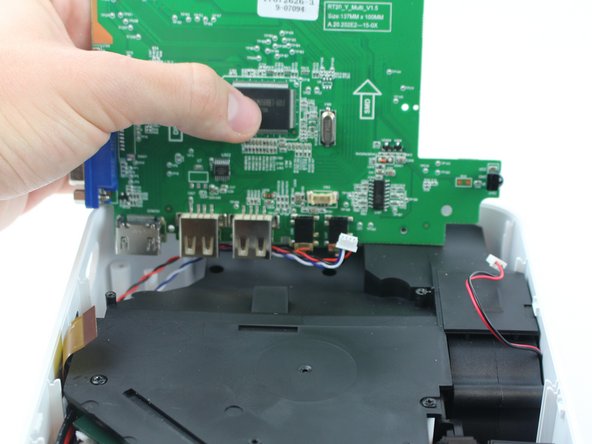
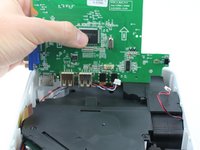
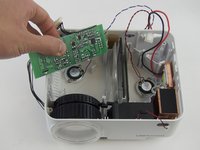
      • Raise motherboard by lifting sideways and then up to avoid the ports.

      Ask FixBot

      Add Comment

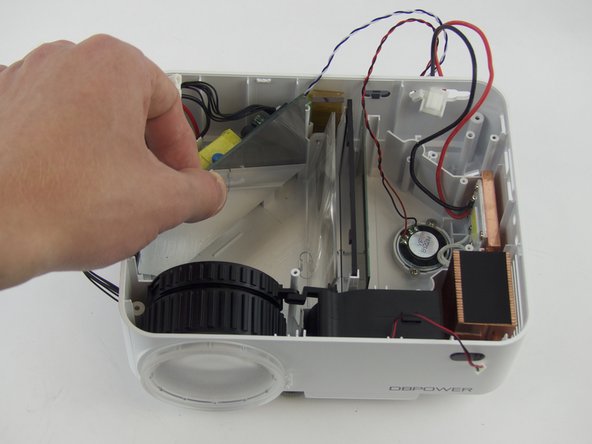
    9. DBPOWER T20 Speaker Replacement: step 9, image 1 of 2 DBPOWER T20 Speaker Replacement: step 9, image 2 of 2
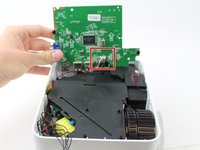
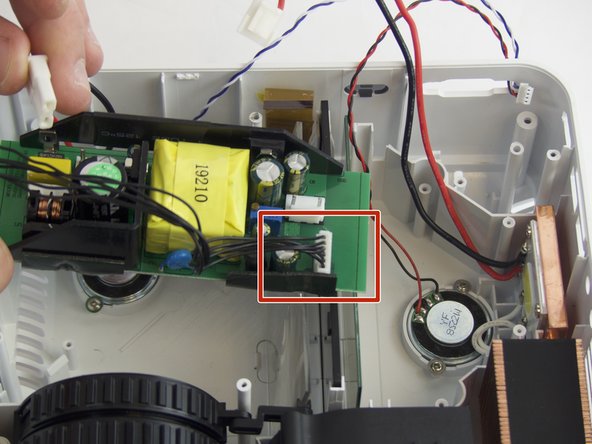
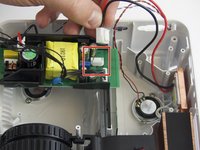
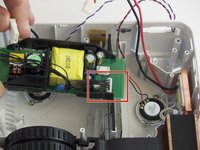
      • Remove wires attaching the piezoelectric speakers to the motherboard.

      Ask FixBot
      Add Comment

    10. DBPOWER T20 Speaker Replacement: step 10, image 1 of 2 DBPOWER T20 Speaker Replacement: step 10, image 2 of 2
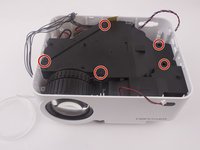
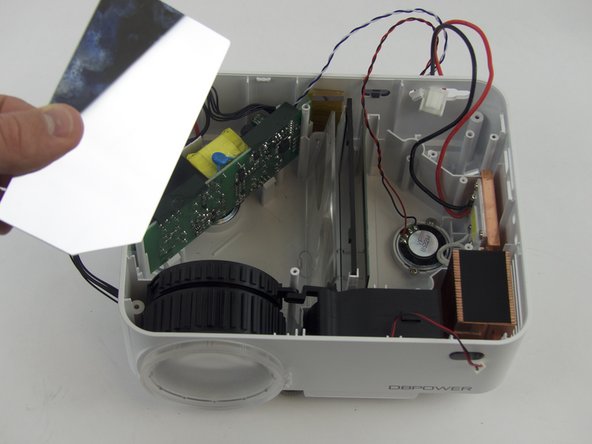
      • Remove the five screws securing the black plastic cover with a J0 screwdriver.

      • Lift up and out to remove.

      Ask FixBot
      Add Comment
    1. DBPOWER T20 Speaker Replacement, Speaker: step 11, image 1 of 2 DBPOWER T20 Speaker Replacement, Speaker: step 11, image 2 of 2
      • Remove the two (3 mm) screws connecting the bracket down and pull out the reflector, using a J0 Philips Head Screwdriver.

      Ask FixBot

      Add Comment

    2. DBPOWER T20 Speaker Replacement: step 12, image 1 of 3 DBPOWER T20 Speaker Replacement: step 12, image 2 of 3 DBPOWER T20 Speaker Replacement: step 12, image 3 of 3
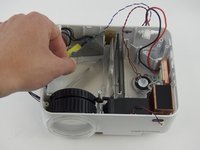
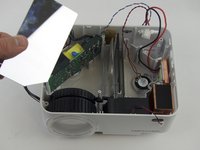
      • Slide the mirror straight up to remove.

      Ask FixBot

      Add Comment

    3. DBPOWER T20 Speaker Replacement: step 13, image 1 of 3 DBPOWER T20 Speaker Replacement: step 13, image 2 of 3 DBPOWER T20 Speaker Replacement: step 13, image 3 of 3
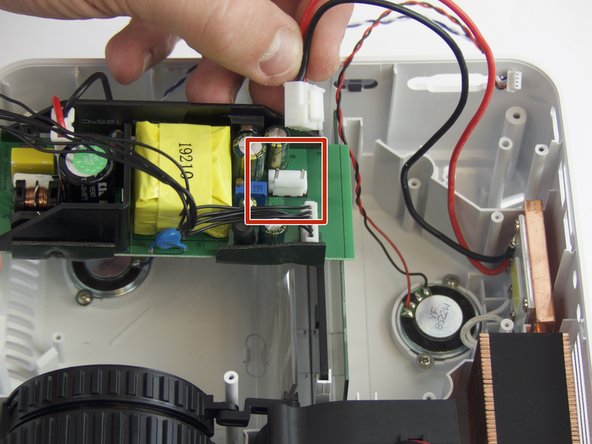
      • Slide out the power source and disconnect its cables from the power jack and the light.

      Ask FixBot

      Add Comment

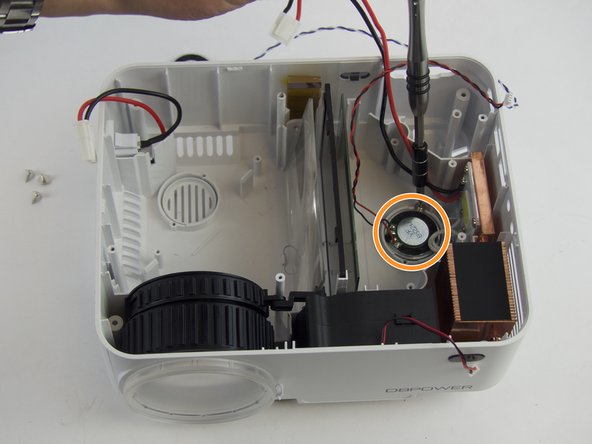
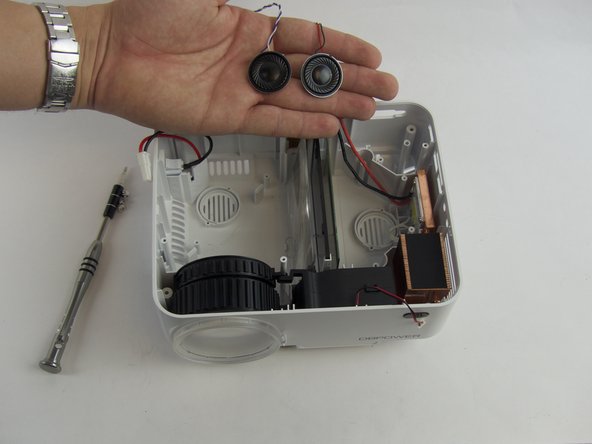
    4. DBPOWER T20 Speaker Replacement: step 14, image 1 of 3 DBPOWER T20 Speaker Replacement: step 14, image 2 of 3 DBPOWER T20 Speaker Replacement: step 14, image 3 of 3
      • Remove the screws holding down the first speaker with a J0 screwdriver.

      • Remove the screws holding down the second speaker down.

      Ask FixBot

      Add Comment

Conclusion

To reassemble your device, follow these instructions in reverse order.

Cancel: I did not complete this guide.

2 other people completed this guide.

Ryan Goldin

Member since: 02/15/18

248 Reputation

1 Guide authored

Team

USF Tampa, Team S16-G2, Boczar Spring 2018 Member of USF Tampa, Team S16-G2, Boczar Spring 2018

USFT-BOCZAR-S18S16G2

5 Members

60 Guides authored

0 Guide Comments

Add Comment

View Statistics:

Past 24 Hours: 0

Past 7 Days: 3

Past 30 Days: 27

All Time: 808