
D-Link DIR-890L Reset Button Replacement

Rachel Shaw and 5 other contributors
Last updated on Mar 7, 2024
Views: 1.5K
View statistics:
- Past 24 Hours:
- 3
- Past 7 Days:
- 20
- Past 30 Days:
- 92
- All Time:
- 1,488
Comments: 0
No one has left comments on this guide. Will you be first?
Go to guide commentsCompleted: 0 1
No one has marked this guide "completed." Will you be the first?
1 person has marked this guide "completed." It's you — great job!
Favorites: 0 1
No one has favorited (and subscribed to) this guide. Will you be the first?
1 person has favorited (and subscribed to) this guide — and that's you!
Introduction
Go to step 1 ↓The reset button is responsible for restarting the router. This can be crucial if you are having problems with your wifi connection. If you can not press the reset button, use this guide to replace it.
This guide requires desoldering, which is an advanced skill.
What you need
Tools


-
-
-
Orient the router so the narrow end of the router faces you and the ports face away from you.
-
The six, hot-glued antenna connections are in the middle and at the top right of the motherboard.
 Ask FixBot
-
-
Tool used on this step:Heavy-Duty Spudger$4.99
-
Pry off the antenna connectors using a heavy-duty spudger.
-
-
-
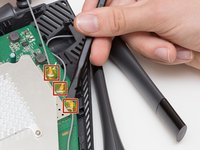
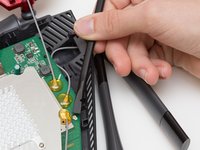
Continue to pry off the last three antenna connections on the upper right portion of the motherboard.
-
-
-
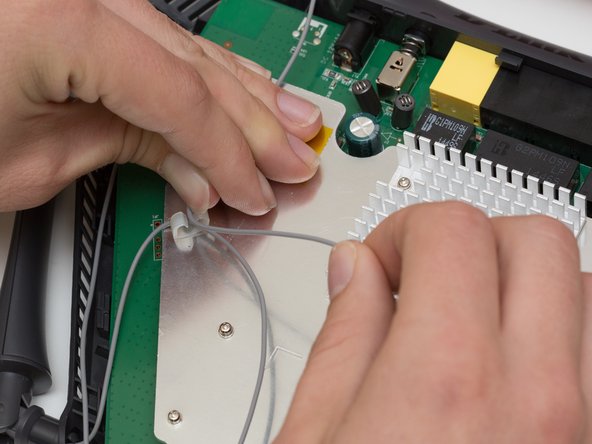
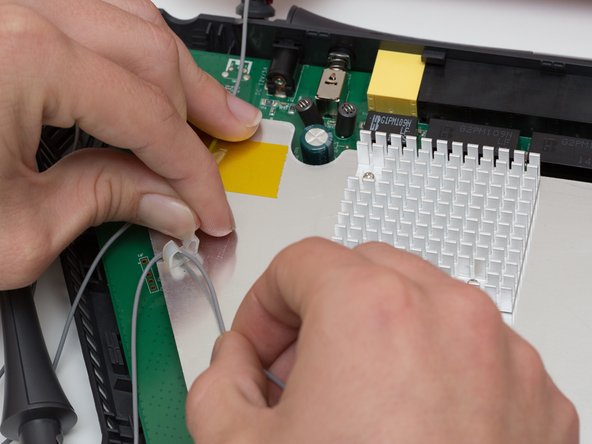
Open the plastic bracket enclosing the three antenna wires and pull the wires out with your hands.
-
-
-
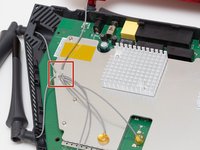
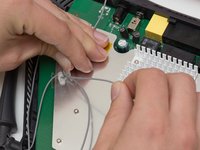
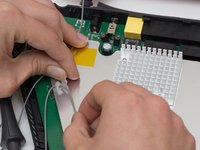
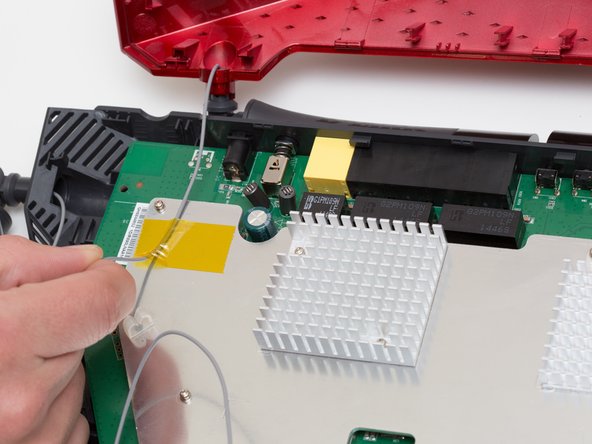
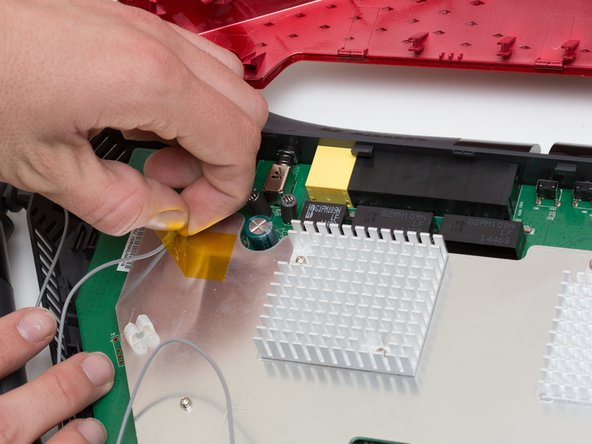
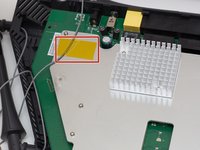
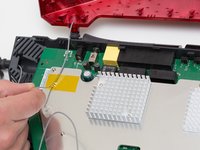
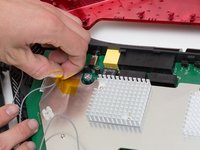
Pull the yellow tape off of the motherboard to release the final antenna wire.
-
-
-
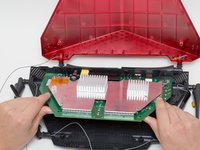
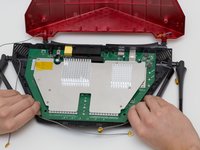
Pull the the motherboard away from the case to remove it. Start on the side closest to you, and pull up and out.
-
-
-
-
-
-
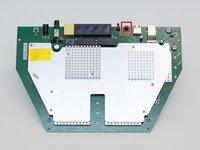
Locate the reset switch at the top of the motherboard.
-
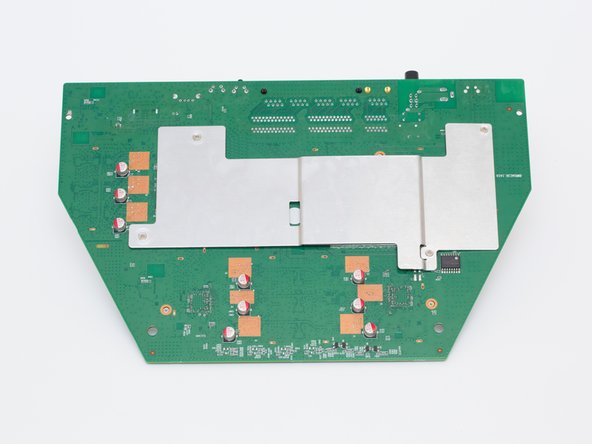
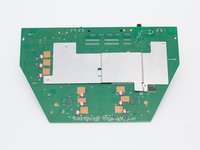
Flip the motherboard over.
-
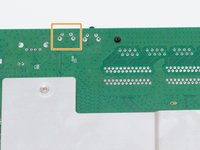
Locate the reset switch's 4 solder joints on the underside of the motherboard.
-
-
Tool used on this step:Desoldering Pump$3.99
-
Using a soldering iron and desoldering pump, desolder the reset switch from the board.
-
-









To reassemble your device, follow these instructions in reverse order.

Team

Cal Poly, Team 10-7, Livingston Fall 2016 Member of Cal Poly, Team 10-7, Livingston Fall 2016
CPSU-LIVINGSTON-F16S10G7
4 Members
72 Guides authored
